JSM vs Service Collection: What's Actually Changed?
Atlassian's Service Collection bundles JSM with CSM, Assets, and Rovo AI at the same price. Learn what's new, what's changing, and what it means for your team.

Colin Reed
IT Expert and Content Writer
Last Updated
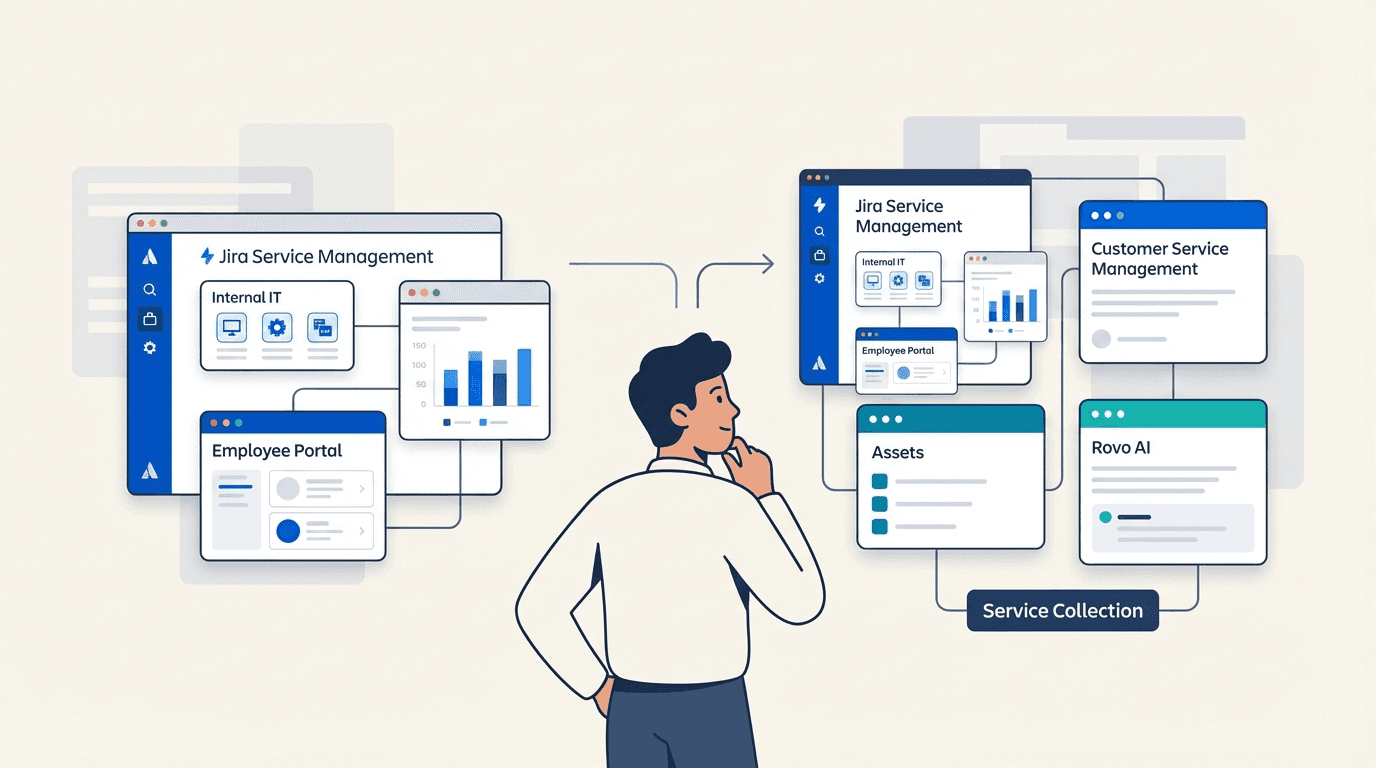
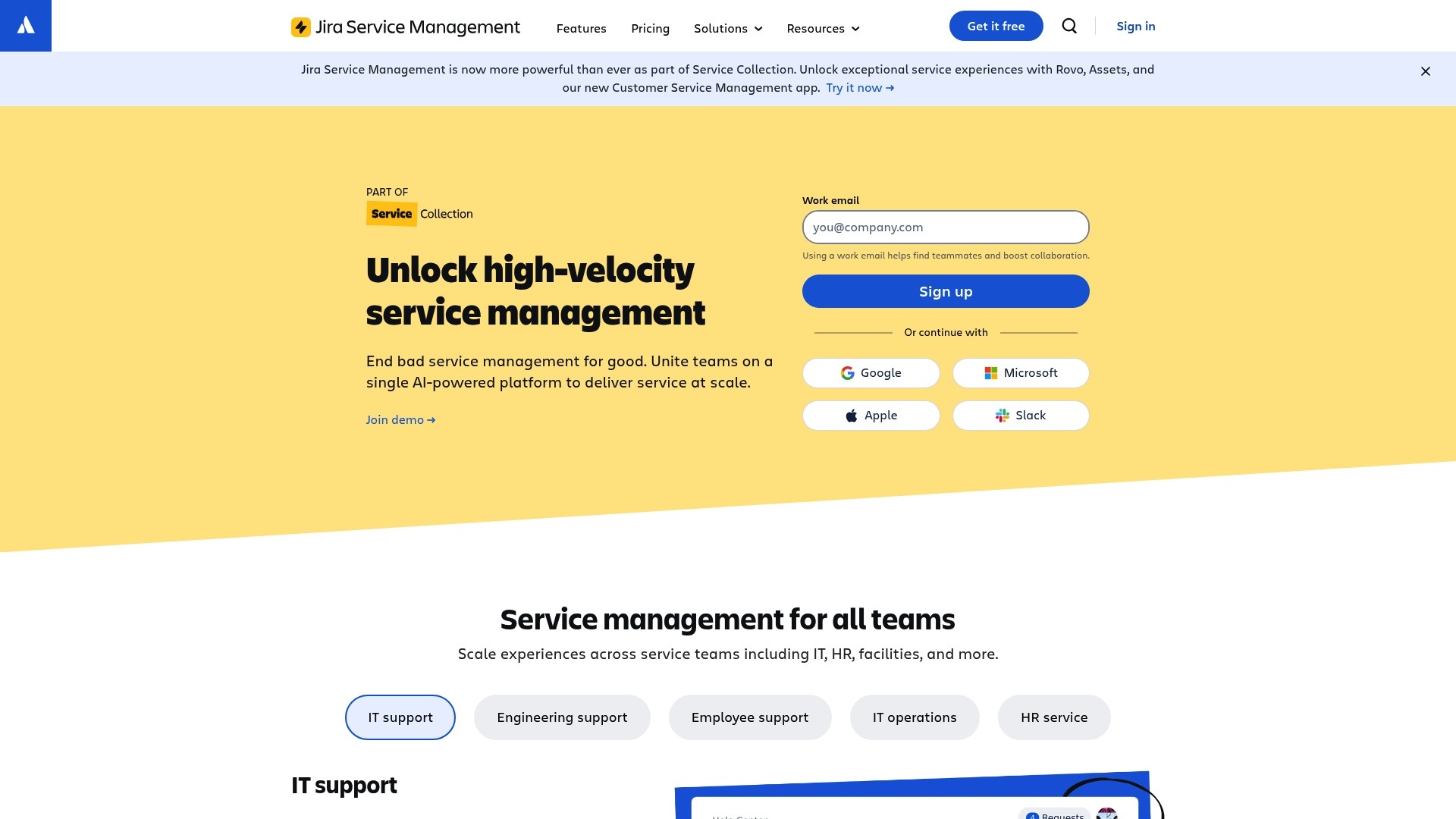
If you're researching Jira Service Management, you might have noticed something confusing. Atlassian now promotes "Service Collection" everywhere, and you can't buy JSM as a standalone product anymore. What happened? And what does this mean for your team?
Atlassian's Service Collection, launched in October 2025, bundles JSM with three other products: Customer Service Management (CSM), Assets, and Rovo AI. The price hasn't changed. You're getting more capabilities at the same per-agent cost. The consideration is that you need to understand what's in the bundle and whether you'll use the new features.
What is Jira Service Management?
Jira Service Management (JSM) is Atlassian's IT service management platform. It's designed for internal teams, IT departments, HR, facilities, and any group that handles service requests within an organization.
JSM handles the core ITSM workflows: incident management when systems go down, change management for planned updates, problem management for recurring issues, and service requests for everything from password resets to laptop provisioning. It includes a customer portal where employees submit requests, SLA tracking to ensure timely responses, and automation to route tickets to the right teams.
With 60,000 customers worldwide and 50% of the Fortune 500 using it, JSM has become a standard tool for enterprise service management. Companies like Ford, Domino's, and FanDuel rely on it to keep their internal operations running.
If you're already using JSM, nothing about your day-to-day experience changes. Your projects, workflows, and configurations remain exactly as they are. The difference is that new customers can only access JSM by purchasing the broader Service Collection.
For teams looking to extend JSM's capabilities with asset tracking, our Jira asset management guide covers how to manage hardware and software within the Atlassian ecosystem.
What is the Atlassian Service Collection?
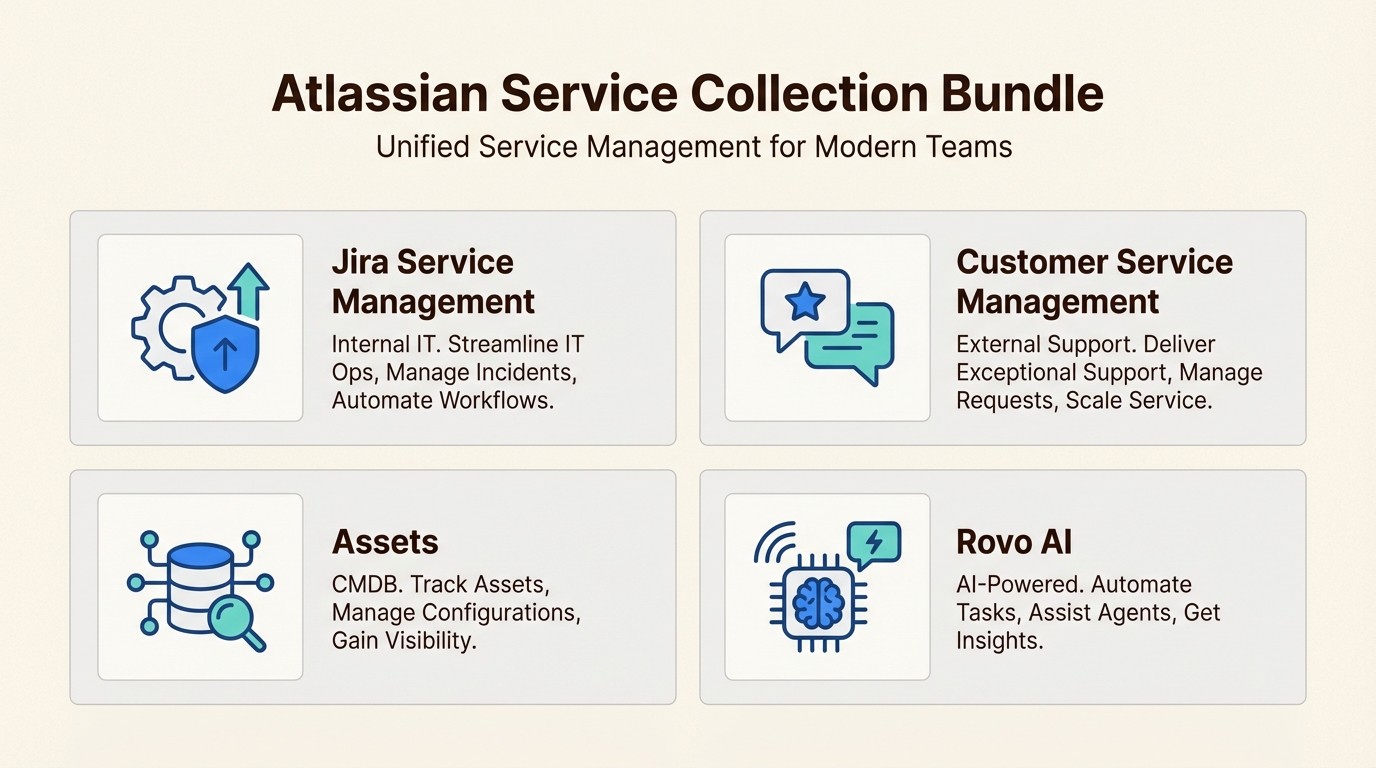
Service Collection is Atlassian's new packaging for service management tools. Instead of buying JSM alone, you now get four integrated products:
Jira Service Management - The same ITSM platform for internal support
Customer Service Management - A new app for external customer support
Assets - Configuration and asset management (CMDB)
Rovo - AI agents for automation and assistance
Service Collection works like a software bundle. Previously, you bought JSM standalone. Now you get JSM plus three additional tools at the same price point. Atlassian announced this change at Team '25 Europe in October 2025, positioning it as a way to unify internal and external service management on one platform.
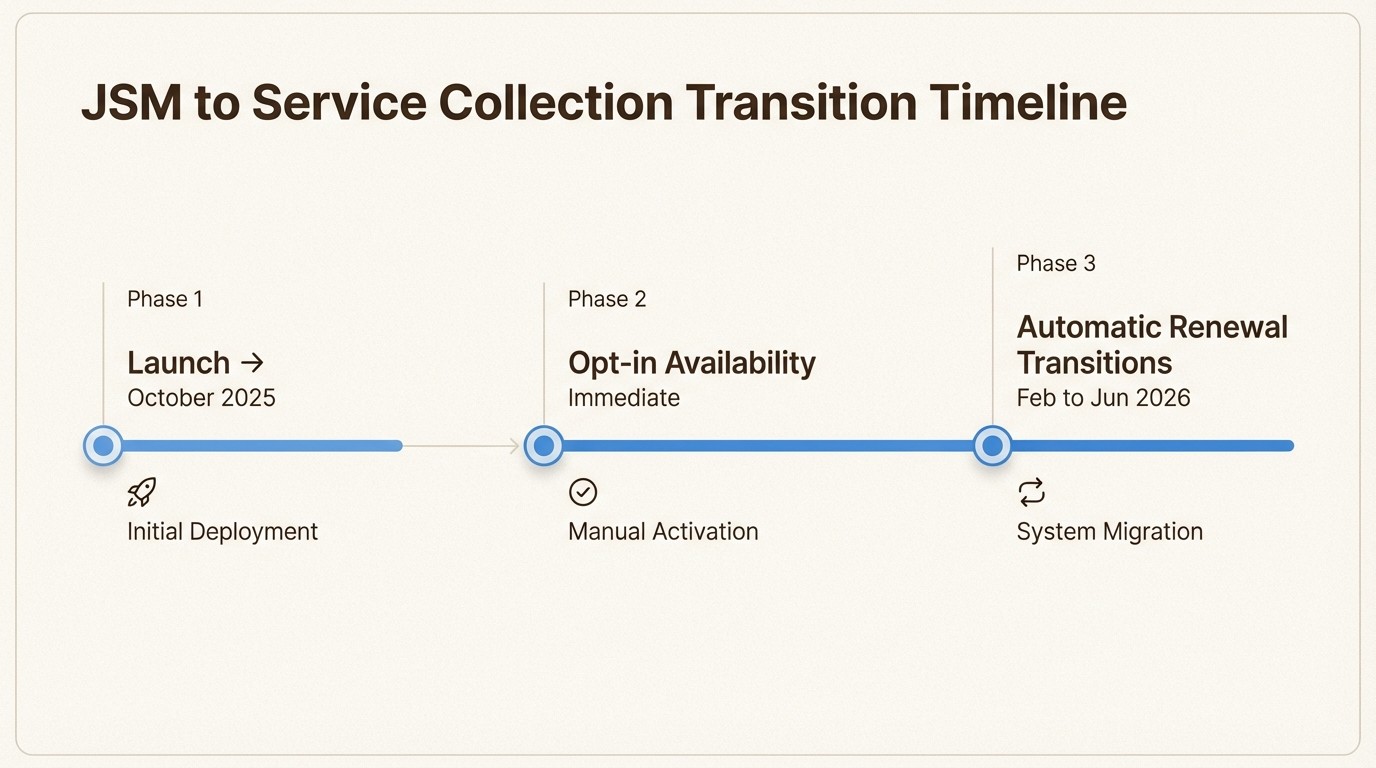
The editions remain familiar: Free (up to 3 agents), Standard, Premium, and Enterprise. Pricing is still per agent per month, with annual billing saving approximately 17%. For existing JSM customers, Atlassian is transitioning subscriptions to Service Collection during renewal windows between February and June 2026. You can also opt in early if you want immediate access to CSM and expanded features.
For a detailed breakdown of costs, see our JSM pricing guide.
JSM vs CSM: Understanding the split
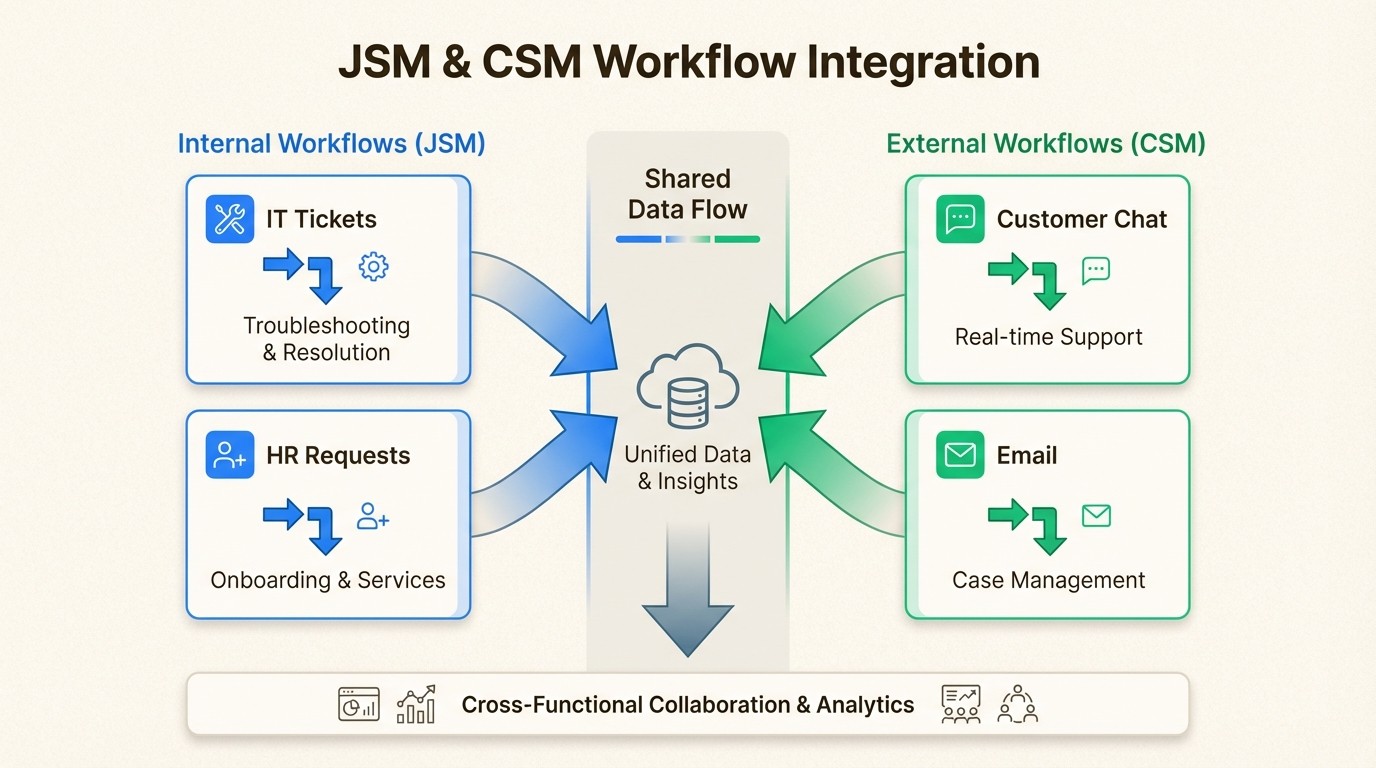
Service Collection includes two distinct service management apps: JSM for internal use and CSM for external customer support.
Jira Service Management serves your employees. IT teams use it for infrastructure incidents, HR uses it for onboarding requests, and facilities uses it for maintenance tickets. The audience is internal, the branding matches your corporate identity, and the workflows follow ITIL best practices.
Customer Service Management serves your customers. Support teams use it to handle product questions, billing issues, and technical problems from external users. It includes branded customer portals, omnichannel support (email, chat, voice via Amazon Connect), and AI-powered customer agents that can resolve routine requests without human intervention.
Feature | JSM (Internal) | CSM (External) |
|---|---|---|
Primary audience | Employees, internal teams | Customers, end users, partners |
Support channels | Portal, email, Slack/Teams | Portal, email, chat, voice, widgets |
Branding | Internal UI | Fully customizable portals |
AI agents | Virtual Service Agent (Premium+) | Customer-facing conversational agent |
Context | Internal service data | Teamwork Graph with customer-product relationships |
Key metrics | MTTR, change success | Deflection rate, CSAT, first-contact resolution |
These aren't competing products. They're complementary tools for different audiences. Many organizations will use both, routing employee issues through JSM and customer issues through CSM, with the ability to escalate between them when needed.
For a broader comparison of ITSM platforms, read our ServiceNow vs JSM comparison.
Service Collection pricing and what's included
Service Collection pricing follows the same model as the old JSM standalone pricing, which means you're getting additional tools without additional cost.
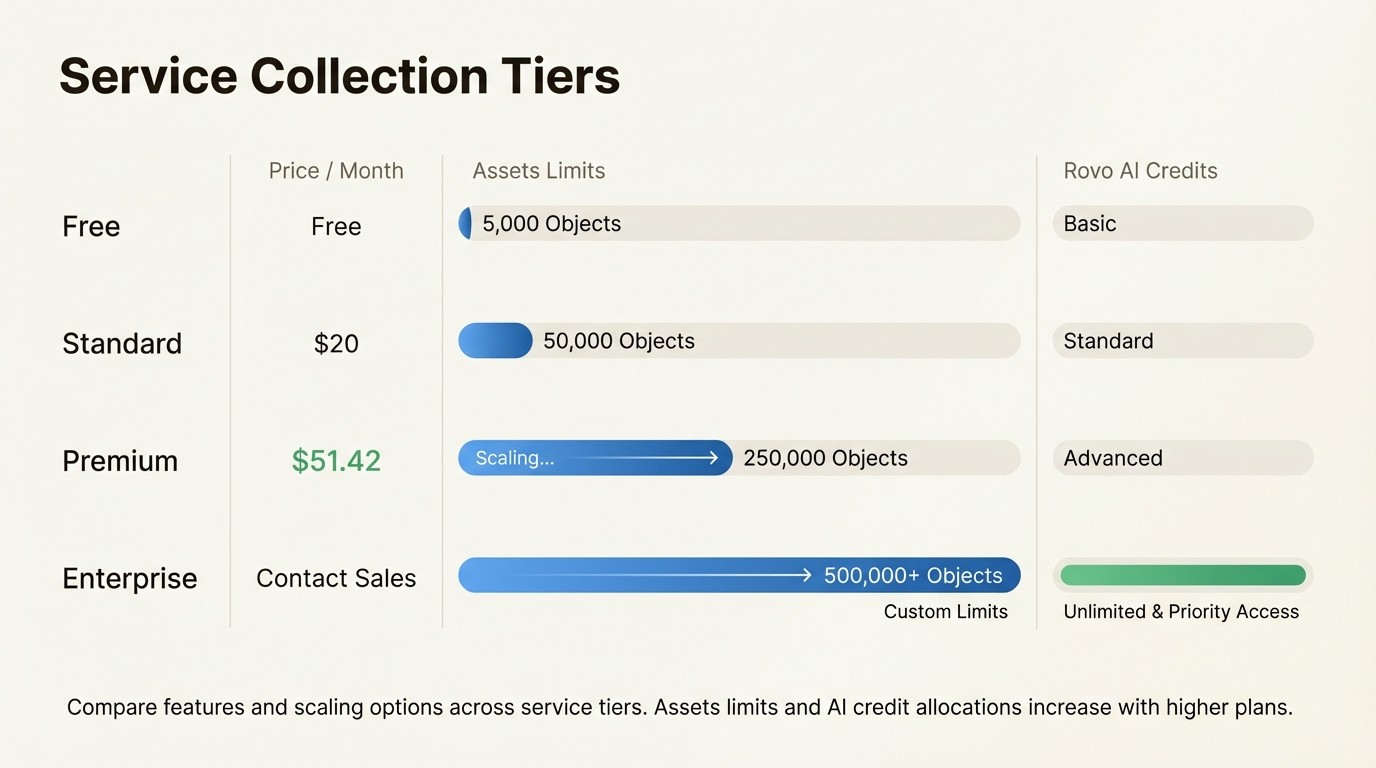
Plan | Monthly Price | Annual Price | Assets Objects | Rovo Credits/User |
|---|---|---|---|---|
Free | $0 | $0 | 0 | 0 |
Standard | $20/agent | ~$17/agent | 5,000 | 25/month |
Premium | $51.42/agent | ~$43/agent | 50,000 | 70/month |
Enterprise | Custom | Custom | 500,000 | 150/month |
What's new in the bundle:
Customer Service Management - Previously unavailable, now included at all paid tiers
Expanded Assets limits - Premium jumped from previous limits to 50,000 objects; Enterprise to 500,000
Rovo AI agents - Included in Standard and above with monthly credit allocations
Virtual Service Agent - Included in Premium and Enterprise (1,000 assisted conversations/month)
Overage costs (if you exceed limits):
Assets: $0.02 per object per month (reduced from the previous $0.05)
Virtual Service Agent: $0.30 per assisted conversation above 1,000/month
Rovo Customer Service resolutions: $1 per resolution
Annual billing saves approximately 17% across all tiers. For teams already budgeting for JSM Premium at roughly $50-57 per agent, the transition to Service Collection adds CSM access and higher Assets limits at no extra charge.
Transition timeline for existing JSM customers
If you're currently using JSM, you have options. Atlassian is handling this as an uplift rather than a forced migration, which means your existing setup continues working without disruption.
New customers (since October 7, 2025): Service Collection is the only option. You get JSM, CSM, Assets, and Rovo from day one.
Existing JSM customers:
Option 1: Opt in immediately to get CSM access now
Option 2: Wait for automatic transition during your renewal between February and June 2026
Pricing: No change to your per-agent cost
Data: All existing projects, workflows, and configurations preserved
What you should check before transitioning:
Compliance requirements - CSM is not HIPAA or FedRAMP certified at launch. If you need these certifications, stay on JSM-only workflows until certification is announced.
Agent licensing - Review how many agents you have and whether you want to expand into CSM. Remember that customers (people submitting requests) are always free and unlimited.
Assets usage - Check your current object count. The new limits (5,000 Standard, 50,000 Premium, 500,000 Enterprise) may eliminate overage charges for some teams.
AI credit planning - Rovo limits exist but aren't currently enforced. Atlassian has committed to 90 days' notice before billing begins, so you have time to understand usage patterns.
If you're using JSM Data Center (self-hosted), this change doesn't affect you. Data Center remains a separate product line with its own roadmap.
For guidance on managing equipment during team transitions, see our IT asset recovery checklist.
Do you need the full Service Collection?
Not everyone will use everything in the bundle. Here's how to think about it:
Stick with JSM-only workflows if:
You only handle internal employee requests
You don't have external customers who need support
Your current Assets usage is below the new limits
You're satisfied with your existing setup
Expand into CSM if:
You have customers who submit support requests
You want branded customer portals
Your support team needs omnichannel capabilities (chat, voice)
You want AI deflection for routine customer questions
Consider the implications:
The Service Collection represents Atlassian's bet that modern organizations need unified service management. When a customer reports an issue in CSM, your development team can track the bug in Jira Software, your IT team can check infrastructure health in JSM, and everyone stays connected through the same platform.
For asset management specifically, the expanded object limits matter if you're tracking more than just IT equipment. Companies like Nestlé use Assets to manage product engineering tools. BMG uses it as their CMDB for publishing operations. Ford could track automotive parts and VIN numbers. If your asset management needs extend beyond laptops and software licenses, the higher limits are genuinely useful.
If you're evaluating asset management solutions, our guide to choosing a Jira asset management plugin can help you compare options.
Making the most of your Service Collection
If you're transitioning to Service Collection or evaluating it as a new customer, here's a practical approach:
Phase 1: Confirm your foundation
Start by ensuring your JSM setup is solid. Review your agent counts, check your Assets usage against the new limits, and verify that your core workflows (incident, change, request management) are working well. There's no rush to adopt new features if your current setup meets your needs.
Phase 2: Evaluate CSM separately
Before rolling out CSM organization-wide, run a pilot. Pick one product line or customer segment. Set up a branded support site, configure the AI agent with your knowledge base, and measure deflection rates and customer satisfaction. Atlassian's own implementation resolved 45,000 issues in seven months with average resolution times dropping from 8 days to under 9 minutes.
Phase 3: Plan AI adoption gradually
Rovo agents can triage requests, summarize incidents, and generate knowledge articles. Start with one use case, measure the impact, and expand from there. Since credit limits aren't currently enforced, you have time to understand your usage patterns before any billing begins.
Phase 4: Optimize asset management
If you've been limiting Assets usage due to cost, the new limits (especially Premium's 50,000 objects) may let you expand your CMDB. Consider tracking more than just hardware: software licenses, cloud resources, vendor contracts, or business services. The Data Manager feature (Premium/Enterprise) can help reconcile data from multiple sources.
For teams already invested in the Atlassian ecosystem, the Service Collection strengthens the connections between tools. A customer issue in CSM can link to a bug in Jira Software, which connects to a deployment in Bitbucket, with everything visible through the Teamwork Graph.
For practical tips on tracking physical equipment, read our hardware inventory software guide.



