ServiceNow vs Jira Service Management: a 2026 Comparison
A detailed 2026 comparison of ServiceNow vs Jira Service Management. We break down features, pricing, and usability to help you choose the right ITSM tool.

Colin Reed
IT Expert and Content Writer
Last Updated
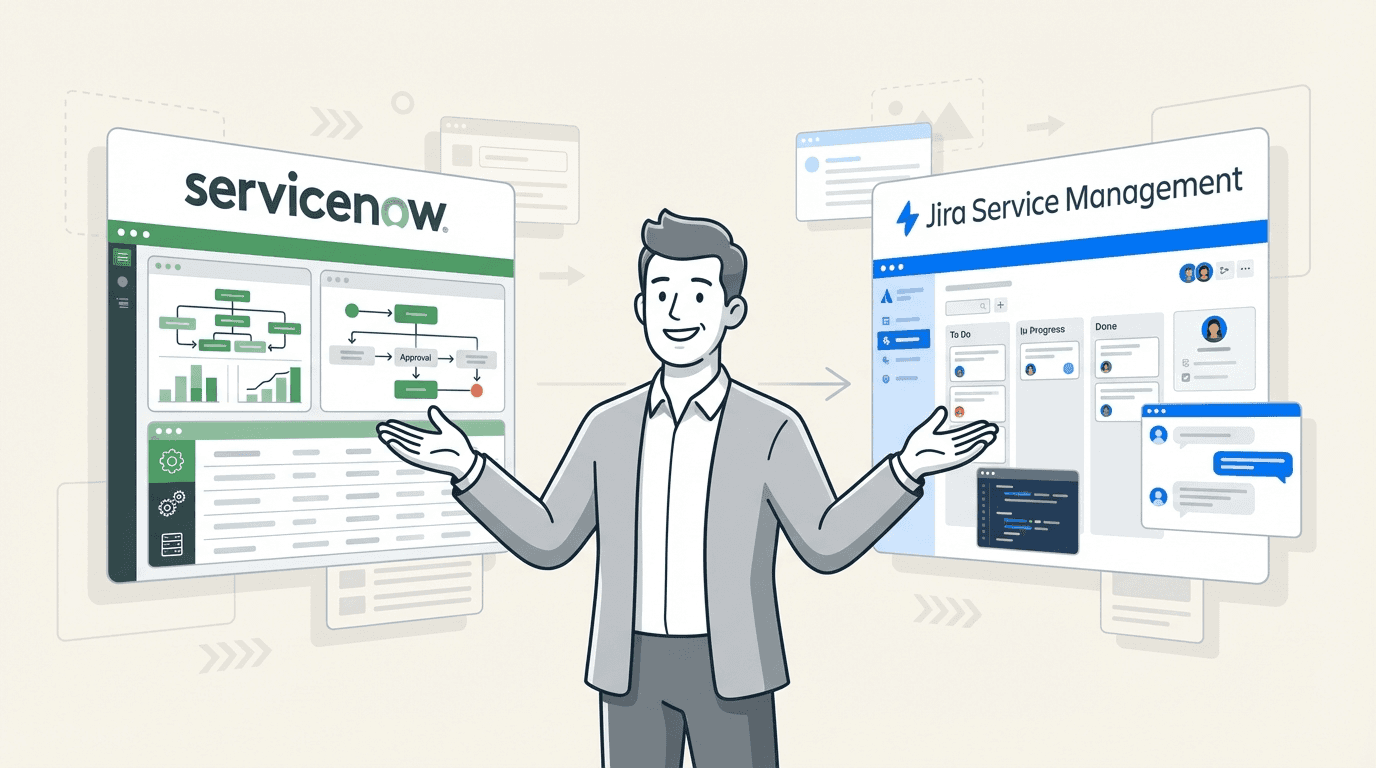
Picking an IT Service Management (ITSM) platform is a big deal. It’s basically the central nervous system for your IT operations, and getting it right can be the difference between a team that’s thriving and one that’s just putting out fires. Two of the heaviest hitters are ServiceNow and Jira Service Management (JSM), and they come at the problem from two totally different angles.
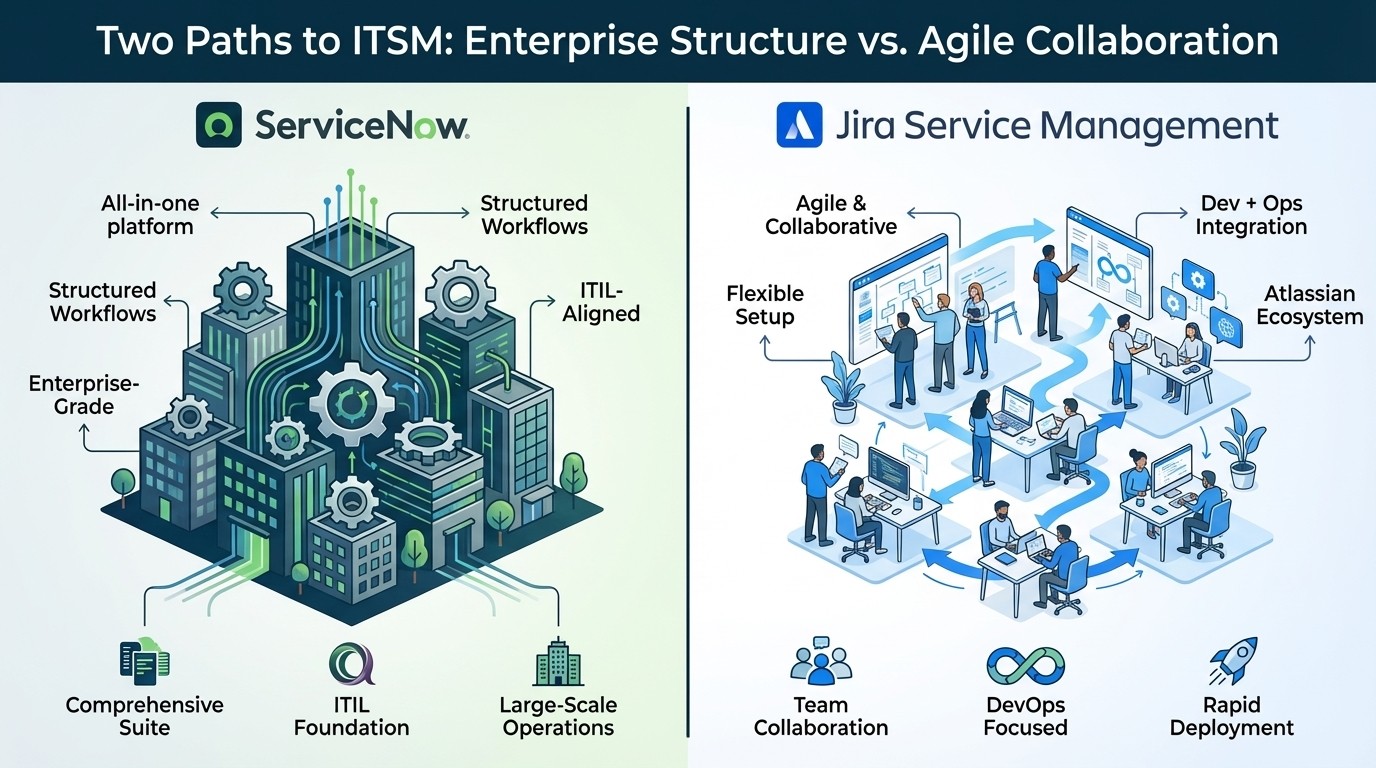
This isn't about crowning one tool as the "best," but about figuring out what’s the right fit for your team, your budget, and your company’s vibe. ServiceNow is an all-in-one, enterprise-grade suite built on ITIL principles, designed for large organizations. JSM is an agile, developer-oriented option within the Atlassian ecosystem, focused on speed and teamwork.
A key component of ITSM is asset management. You can't fix what you don't know you have, right? So, as we dig into these two, we'll also look at how each one keeps track of your hardware and software, and where you might hit a few snags.
Understanding ServiceNow
ServiceNow is often called the "platform of platforms." It's a comprehensive, cloud-based collection of tools designed to manage and automate workflows across the entire company. At its heart, it’s built around the Information Technology Infrastructure Library (ITIL), which is a set of best practices for running IT services. If your organization thrives on formal processes and structured workflows, ServiceNow will feel right at home.
But it goes way beyond just ITSM. ServiceNow’s real strength is its sheer scope. It wants to be the single system that ties together everything from IT Operations Management (ITOM) and Security Operations to HR and customer service. This makes it a robust solution for large companies that need a very structured way to manage complex, global operations and have the budget to back it up.
Understanding Jira Service Management
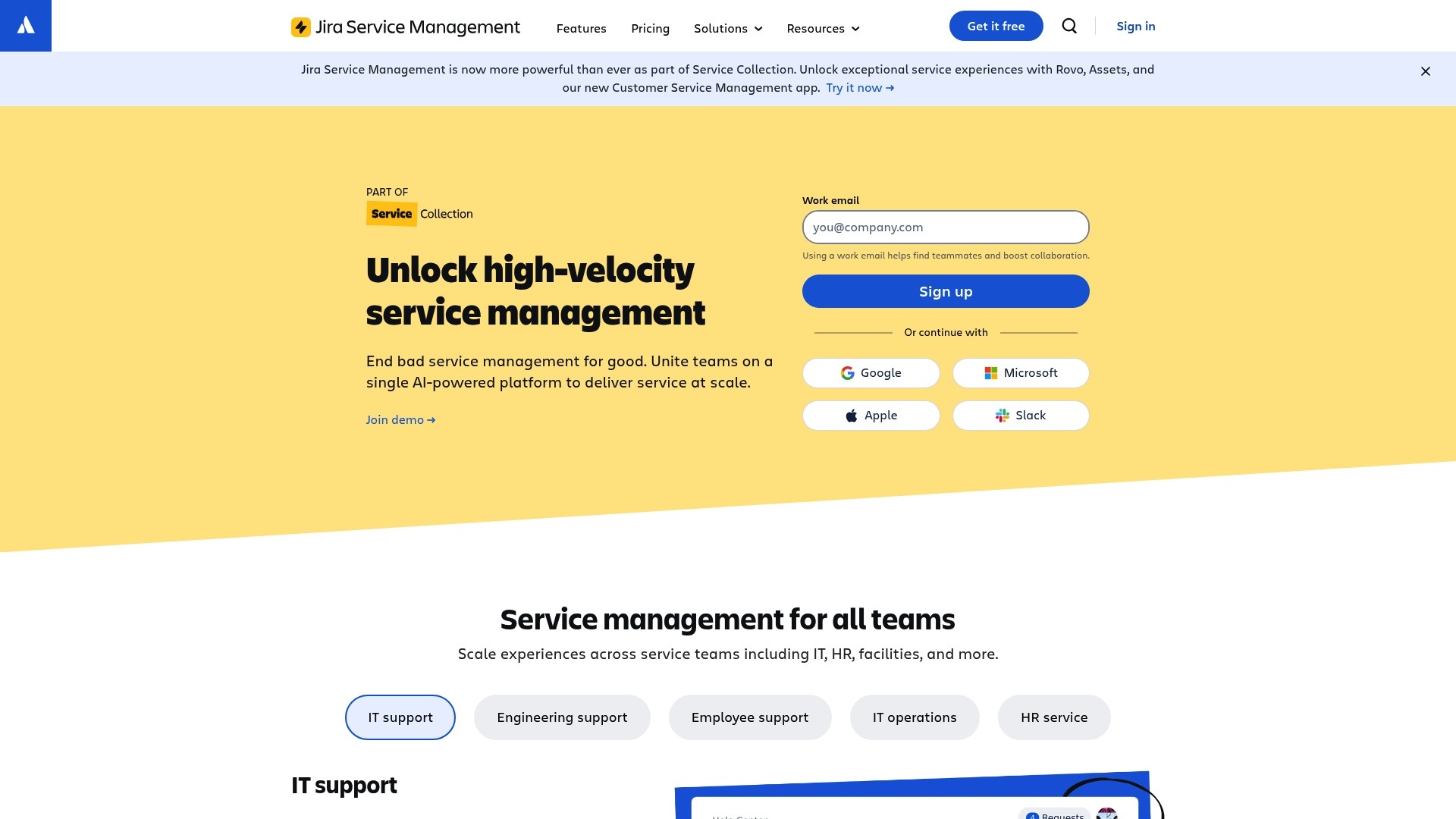
Jira Service Management (JSM) is Atlassian's take on ITSM. It’s designed to get IT, operations, and development teams on the same page so they can deliver great service, fast. Its biggest advantage is that it brings everyone together on a platform they’re likely already using. With over 60,000 customers and recognition as a leader by IDC and Forrester, it’s a major player in the space.
While ServiceNow focuses on structure, JSM is designed for agility and collaboration. It’s a perfect fit for companies already using Jira Software for development or Confluence for documentation. It can handle ITIL processes, but with a lighter, more flexible approach that’s focused on getting Dev and Ops teams talking. It's adaptable, usually easier to get started with, and well-suited for teams that prioritize rapid deployment and flexibility.
Feature comparison: ServiceNow vs Jira Service Management
Both platforms help you manage tickets and solve problems, but they take very different roads to get there. Let's see how they stack up on the important stuff.
Request, incident, and problem management
ServiceNow provides structured, ITIL-aligned workflows. If you need complicated approval chains, strict processes, and heavy-duty automation for handling incidents and problems, it has you covered. Setting up this level of automation can be complex and often requires a specialist with deep knowledge of the platform.
Jira Service Management offers workflows that are much more flexible and easier to set up. Its key feature is the seamless connection to Jira Software. A support ticket about a bug can be linked to a development backlog, giving both support and dev teams a full view of what's happening without having to jump between tools. The Premium plan also adds AI-powered features that can automatically group alerts and write up incident summaries to help you sort things out faster.
Knowledge management
ServiceNow includes a complete, built-in knowledge base. It’s woven directly into the ticketing process, suggesting relevant articles to users to help them solve their own problems and giving agents useful context when they need it most.
Jira Service Management relies on its sister product, Confluence, for its knowledge base. For teams already using Confluence, this integration is a notable advantage. Atlassian says that a Confluence-powered knowledge base can deflect up to 45% of requests. Agents can even spin a resolved ticket into a new knowledge base article with just a couple of clicks, which simplifies the process of growing documentation over time.
Asset management and CMDB
ServiceNow gives you an enterprise-level Configuration Management Database (CMDB) that’s built to be the single source of truth for your entire IT world. It uses connectors to pull data from all over your organization, which is ideal for massive companies that need to map out the tangled web of dependencies between their services and infrastructure.
Jira Service Management has its own native asset management tool called "Assets," which is now part of its Service Collection on the Premium and Enterprise plans. It works fine, but Atlassian has switched it to a consumption-based model. The Premium plan gives you 50,000 "objects" (which can be anything from a laptop to a software license), but if you go over that limit, you get billed for extra objects each month. According to their recent pricing updates, this can lead to unpredictable costs, especially for teams that are growing or have a lot of gear to track.
For teams in Jira seeking asset tracking capabilities without upgrading to JSM Premium or using consumption billing, a dedicated app can be an alternative. Asset Management for Jira offers a way to track hardware, licenses, and accessories right inside Jira. It syncs with tools like Microsoft Intune and Jamf to keep your data fresh and automatically adds full asset details to every support ticket. This can help with problem resolution without the concern of variable, consumption-based fees.
Implementation and usability
A tool is only useful if your team can actually use it. Here’s how the two compare when it comes to getting set up and integrated into your daily routine.
Implementation time and complexity
ServiceNow implementations are known to be comprehensive and can be lengthy. A smaller project might take around 300 hours, but a full-blown enterprise rollout often takes months and a team of specialized consultants to get it done right. This is a significant project.
Jira Service Management can typically be deployed more quickly. With pre-made templates and a more intuitive setup, teams can have a service desk up and running in weeks, not months. You generally don't need a developer to configure the basics, which makes it much more approachable.
Ease of use and learning curve
ServiceNow has a steeper learning curve. Its feature set is enormous, and the interface can be challenging for new users or admins who haven't been through formal training. It's incredibly powerful, but that power comes with complexity.
Jira Service Management is often considered more user-friendly, especially if your team already knows its way around Jira. The interface is cleaner and more intuitive for the day-to-day work of an agent or admin, making it easier for teams to pick it up without needing tons of training.
Customization and integrations
ServiceNow is very customizable, but making significant changes often requires expertise in JavaScript and a deep understanding of the platform's architecture. It has its own ecosystem of apps and integrations on the ServiceNow Store.
Jira Service Management’s primary advantage here is the Atlassian Marketplace, which has over 8,000+ apps that can extend its features in pretty much any way you can think of. And, of course, the built-in integration with other Atlassian tools like Jira Software, Bitbucket, and Confluence is a core feature. This is a significant benefit for organizations that prioritize close collaboration between their IT, Ops, and Dev teams.
Target audience and cost
Alright, let's get down to it. Who is each platform really built for, and what’s it going to set you back?
Target audience and scalability
ServiceNow is designed for large, global companies with mature ITIL processes that require a comprehensive platform to manage everything. It scales to support some of the biggest companies on the planet, like Adobe and Nissan, and is a good match for organizations with the budget and people to support it.
Jira Service Management is suitable for teams of all sizes, from small startups to large enterprises like Canva and Sony Music. It’s especially good for companies that prioritize agility and want to foster closer collaboration between their development and IT teams.
Pricing comparison
ServiceNow doesn't post its prices online. You have to talk to their sales team to get a custom quote, which is common for enterprise software but can make budgeting more complex. It's known for being a premium-priced solution. Users online report a minimum annual spend of around $30k-$50k, with typical contracts for small to medium businesses landing in the $160k-$200k range. This lack of public pricing and a complex licensing model can be a hurdle for some organizations.
Jira Service Management offers clear, transparent pricing that’s publicly available as part of its Service Collection.
Free: Up to 3 agents with basic service desk features.
Standard: Starts at $20 per agent/month.
Premium: Starts at $51.42 per agent/month and includes "Assets" and more advanced ITSM features.
Enterprise: Custom pricing for large-scale needs, billed annually.
This tiered model makes JSM pricing more predictable, especially for teams that need to know exactly what they'll be spending.
Feature | Jira Service Management | ServiceNow |
|---|---|---|
Primary Target | Agile teams, SMBs to Enterprise | Large Enterprises |
Implementation | Weeks to a few months | Months, often with consultants |
Pricing Model | Transparent, tiered public pricing | Custom quote, premium pricing |
Ease of Use | User-friendly, familiar Jira interface | Steeper learning curve, complex |
DevOps Integration | Native, seamless with Atlassian suite | Requires additional configuration |
Asset Management | Included in Premium/Enterprise (consumption limits apply) | Robust, built-in CMDB |
Customization | Low-code editor & 8,000+ Marketplace apps | Requires scripting (JavaScript) |
Final thoughts: Enterprise power or agile integration?
The choice between ServiceNow and Jira Service Management depends on an organization's specific needs and culture.
ServiceNow is often the preferred choice for large enterprises requiring a comprehensive, all-in-one, ITIL-driven system. If you have the budget, the resources for a long implementation, and a culture built around formal processes, it’s a platform that can run your entire business.
Jira Service Management is a suitable option for teams that prioritize speed, collaboration, and pricing transparency. Its superpower is how smoothly it integrates with the rest of the Atlassian ecosystem, making it the perfect place for IT and dev teams to work as one.
For a more detailed visual breakdown, the following video offers a side-by-side comparison of ServiceNow and Jira Service Management, highlighting key differences in their features and user experience.
A video comparing the features, pricing, and usability of Jira Service Management and ServiceNow to help teams decide on the best ITSM solution.
At the end of the day, the best tool is the one that fits your team's needs, budget, and the tools you're already using.
The role of asset management in ITSM
No matter which platform you go with, effective asset management is a foundational component of IT service. It's nearly impossible to solve tickets quickly if you don't have a clear view of what assets you have, who's using them, and what their service history is.
If your team works in Jira and requires a way to track IT assets without the consumption limits associated with JSM Premium, an option to consider is Asset Management for Jira. It creates that critical link between your assets and support tickets, helping you get issues resolved faster.



