IT Asset Recovery Offboarding Checklist & Top 5 Tools for 2026
A complete IT asset recovery offboarding checklist for 2026. Discover the 5 best tools to secure data, recover equipment, and streamline employee exits.

Colin Reed
IT Expert and Content Writer
Last Updated
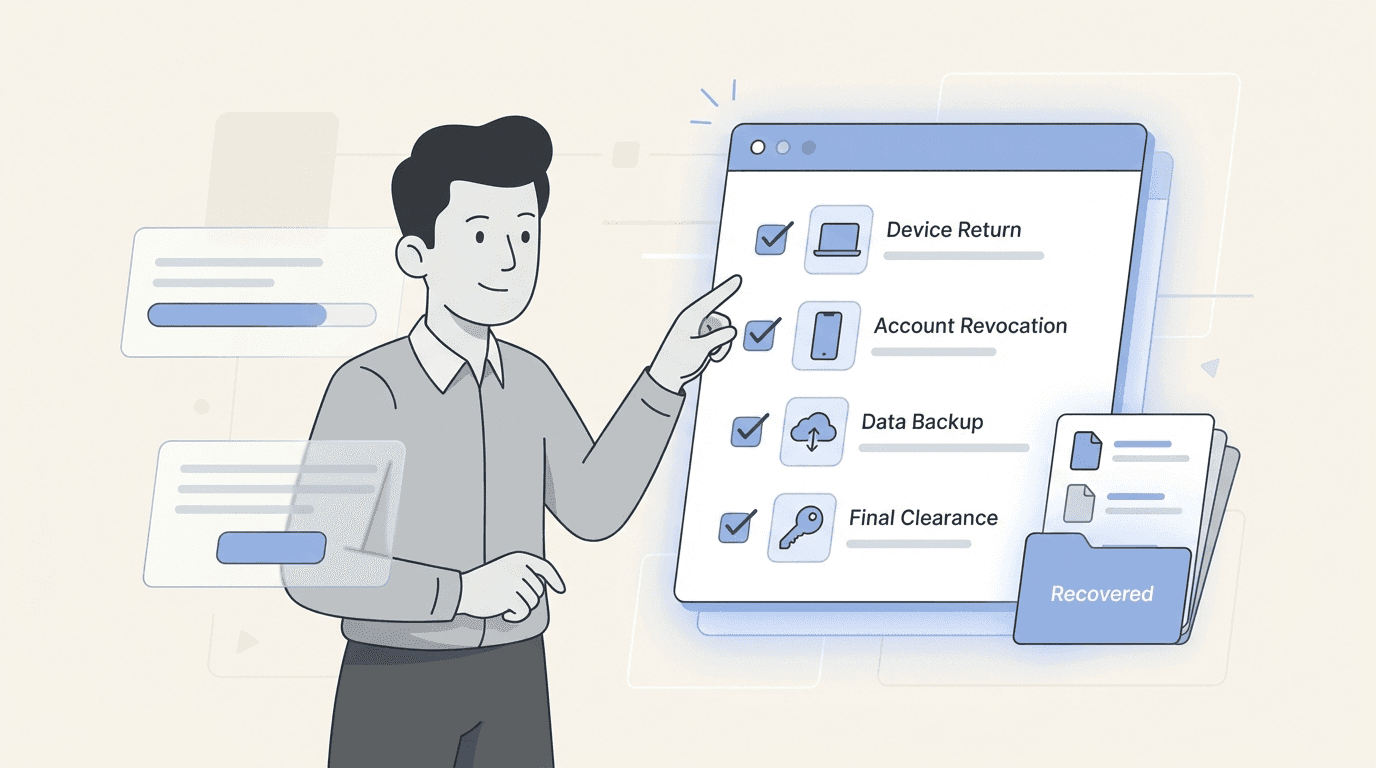
When an employee leaves, the process of recovering company assets and revoking access can be challenging. For many IT teams, this is a recurring operational difficulty.
An inconsistent offboarding process is a massive security risk. Without a proper plan, former employees may retain access to company data, which can create significant compliance and security vulnerabilities. Managing this process with spreadsheets and manual checklists can lead to errors and oversights. For example, SaaS licenses may not be terminated, leading to unnecessary costs. Company hardware might not be returned. In some cases, former employees may retain access to sensitive company information.
This process can be improved. A well-defined IT asset recovery plan and appropriate tools can transform employee offboarding into a structured and controlled process. This guide reviews tools that can help automate asset recovery, secure company data, and streamline employee departures. We'll look at the top 5 platforms for 2025.
What is an IT asset recovery offboarding checklist?
Think of an IT asset recovery offboarding checklist as a playbook for when an employee departs. It’s a step-by-step guide for securely separating an employee from the company’s digital and physical assets. It involves more than just collecting a laptop; it's about comprehensively protecting company resources.
A good checklist covers three main areas, as this graphic illustrates:
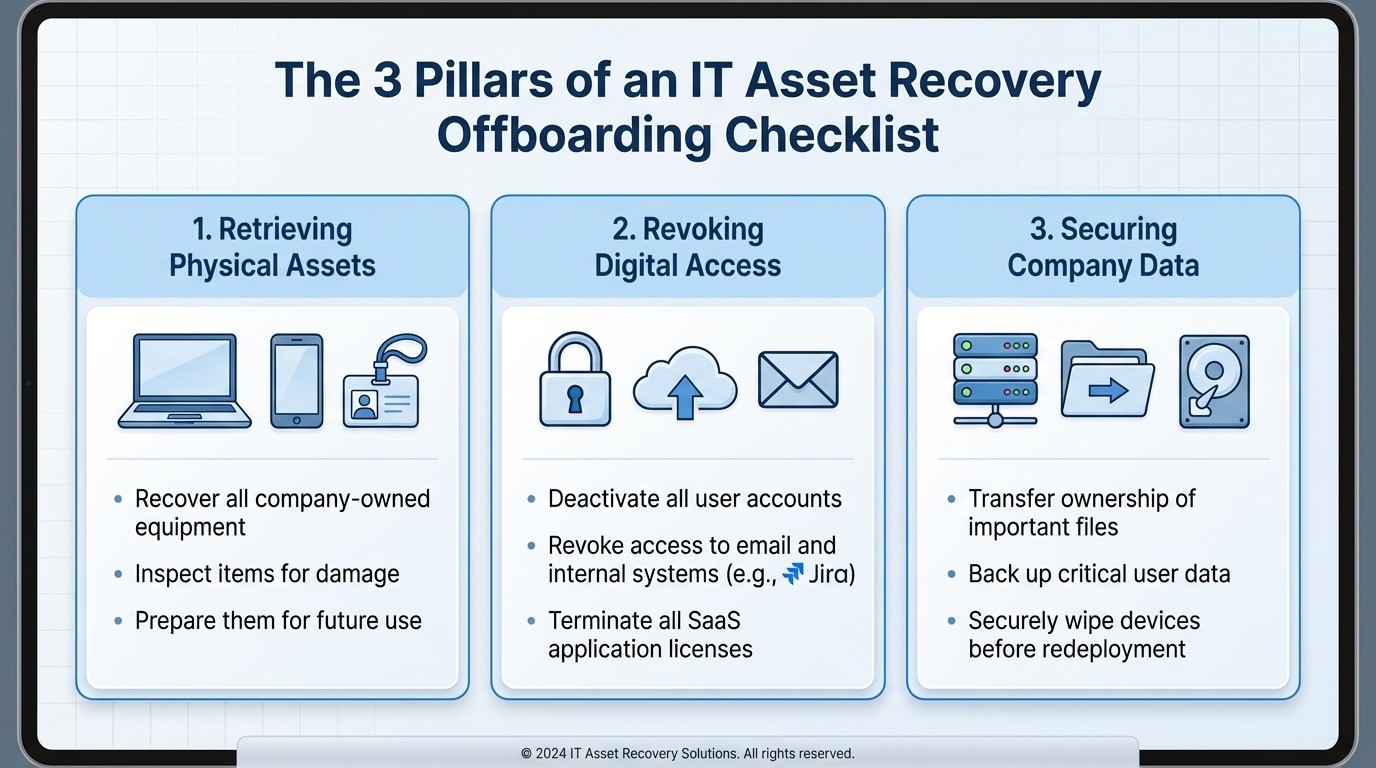
Retrieving physical assets: This includes laptops, monitors, phones, security badges, and any other company-owned equipment. The goal is to recover all items, inspect them for damage, and prepare them for future use. An asset management tool can be beneficial here, with some Asset Management for Jira users reporting a 98% recovery rate from departures.
Revoking digital access: This is a critical component. It involves deactivating all user accounts, from email and internal systems (like Jira) to every SaaS application they used.
Securing company data: This step includes transferring ownership of important files, backing up critical data, and securely wiping devices before redeployment. It ensures that corporate knowledge is retained and sensitive information is protected.
Without a formal checklist, teams may rely on memory, which can result in security gaps and financial loss.
The importance of a solid IT asset recovery offboarding checklist
An unstructured offboarding process can leave a company vulnerable. A structured IT asset recovery process is a fundamental business function that provides protection in three key ways.
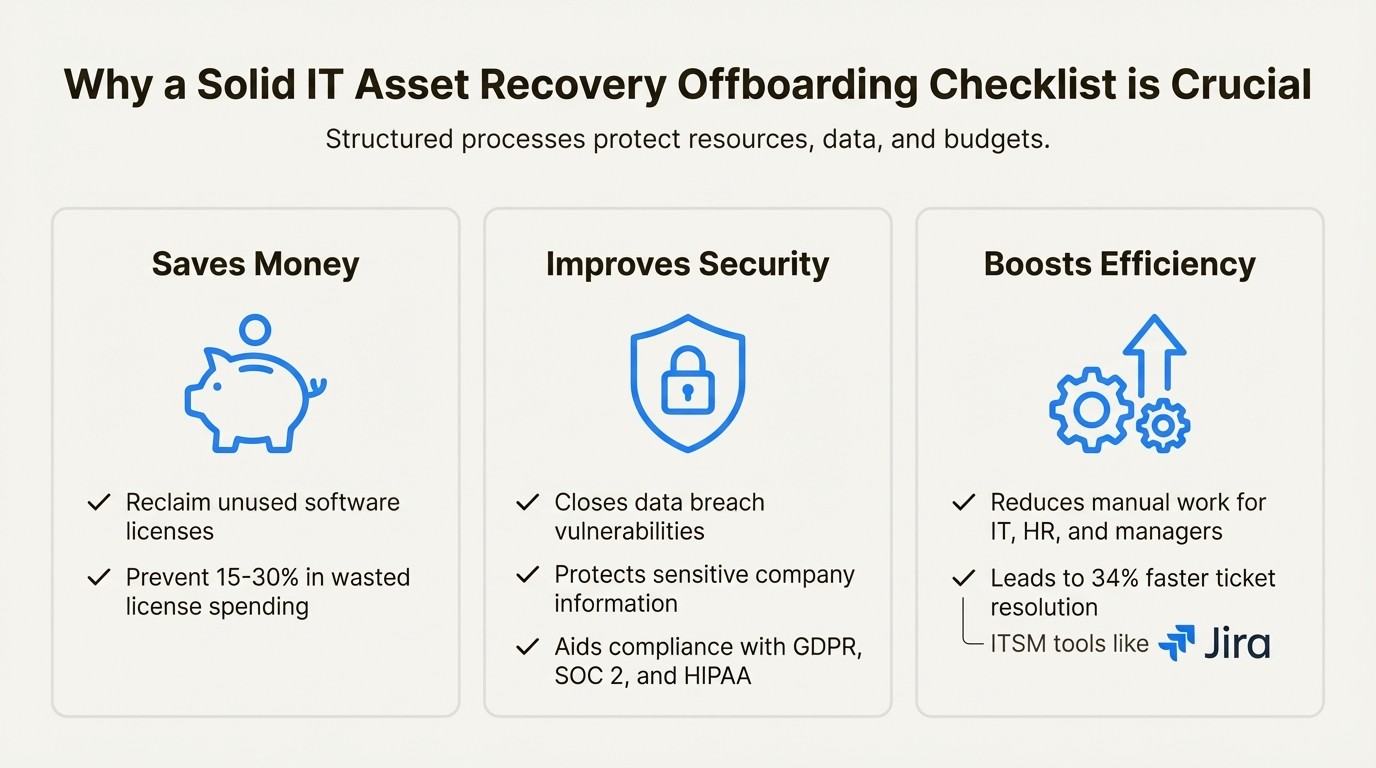
First, it saves money. This extends beyond the cost of a lost laptop. Companies may continue paying for software licenses for former employees. With a tight offboarding process, you can reclaim unused licenses promptly, which can lead to 15-30% savings on license spending. A clear process ensures expensive hardware is returned and software subscriptions are canceled when an employee departs.
Second, it significantly improves security. A non-deactivated login can become a potential vector for a data breach. This applies to former employees regardless of intent, as a compromised account poses a security risk. Standardizing how you revoke access closes these security vulnerabilities immediately, aiding compliance with regulations like GDPR, SOC 2, and HIPAA.
Finally, it improves efficiency for multiple departments. IT, HR, and managers can spend less time locating equipment and manually deactivating accounts. For teams on Jira, integrating asset data into service tickets can lead to a 34% faster ticket resolution time because all the information is in one location. It’s about building a process that’s efficient, secure, and respectful for everyone involved.
Criteria for selecting IT asset recovery tools
To identify suitable tools for IT asset recovery, the focus was on platforms that address key offboarding challenges for IT teams.
Integration with your existing systems: The best tools integrate with existing workflows. We prioritized platforms that connect with commonly used systems, especially ITSM platforms like Jira and HR systems.
Automation capabilities: Manually revoking access to numerous applications for every departing employee is not scalable. We looked for tools that can automate de-provisioning, send reminders for equipment returns, and initiate tasks based on an employee's departure date.
Centralized asset tracking: Accurate asset tracking is a prerequisite for recovery. We picked tools that provide a unified view of all hardware, software, and licenses associated with an employee.
Security and compliance: The objective is to reduce organizational risk. We chose tools with strong security features, like remote device wiping, access logs, and audit trails suitable for compliance checks.
Ease of use: User adoption is higher for tools that are easy to implement and use. We focused on platforms that are straightforward and quick to set up for faster time-to-value.
A comparison of IT asset recovery tools for 2026
Here’s a high-level look at how our top 5 tools compare.
Feature | Asset Management for Jira | Deel IT | GroWrk | AssetSonar | Zluri |
|---|---|---|---|---|---|
Primary Focus | Native Jira ITAM | Global HR & Equipment | Global Equipment Logistics | Full-Spectrum ITAM | SaaS Management & Security |
Jira Integration | Native, deep integration | Workflow integration | None listed | Basic integration | Basic integration |
Automation | Jira Automation, alerts | HR-triggered workflows | Provisioning & recovery | Alerts, some workflows | Advanced de-provisioning |
Hardware Recovery | Yes (tracking & process) | Yes (global logistics) | Yes (global logistics) | Yes (tracking & process) | No (SaaS-focused) |
SaaS Deprovisioning | No (license tracking only) | Yes (via IdP sync) | No | No (license tracking only) | Yes (advanced, automated) |
Best For | Teams using Jira for ITSM | Global teams needing HR + IT | Companies needing hardware logistics | Detailed asset lifecycle tracking | Companies focused on SaaS security |
5 tools for IT asset recovery in 2026
1. Asset Management for Jira
For teams that use Jira extensively, Asset Management for Jira is a logical option to consider. It’s built to track all your hardware, accessories, and software licenses directly within the Jira ecosystem. Instead of switching between a ticketing system and a spreadsheet, asset data is linked directly to offboarding tickets in one place.
Its main advantage is that it is native to Jira. When an offboarding ticket is created, you can immediately see every asset assigned to that employee. This context is valuable for support teams and asset managers. While it is effective at tracking assets and managing the recovery process within Jira, it does not handle global logistics for hardware returns or automated SaaS de-provisioning. It focuses on tracking and reclaiming licenses.
Pricing: Starts at $10/month for up to 10 users, with per-user pricing for larger teams (e.g., $2.85/user/month for 11-100 users).
Best for: IT managers who need to streamline their offboarding workflow, improve equipment recovery rates, and ensure all steps are completed, all within Jira. It is used by over 500+ companies worldwide.
2. Deel IT
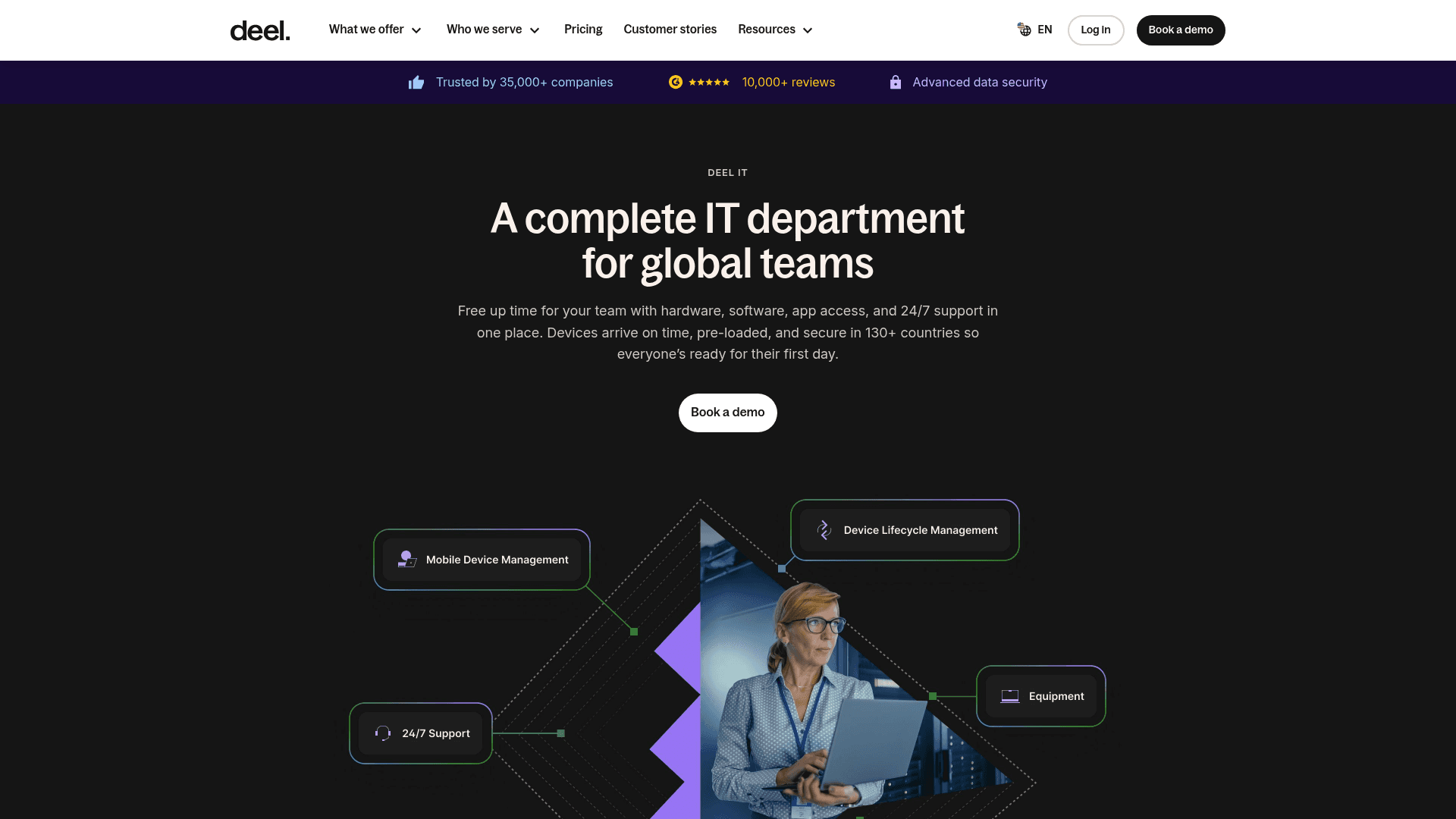
A screenshot of the Deel IT homepage, a platform that helps with the IT asset recovery offboarding checklist for global teams.
Deel IT is part of Deel's larger global HR and payroll platform. It’s designed to manage the entire device lifecycle for a distributed team across 130+ countries, from procurement to recovery.
Deel IT's main feature is its integration with the HR functions of the platform. When an employee's contract ends in Deel HR, it can automatically initiate the equipment recovery process and revoke app access through IdP integrations with Okta, Google Workspace, and others. The platform handles shipping labels and tracking. It is most effective for companies already integrated into the Deel HR ecosystem, as its value is maximized when used as part of that platform.
Pricing: Deel IT has a free Default Plan for basic procurement and tracking. The full-featured Paid Plan is priced per seat and requires a contract.
Best for: Global companies that already use or are considering Deel for HR and want a single platform for HR and IT lifecycle management.
3. GroWrk
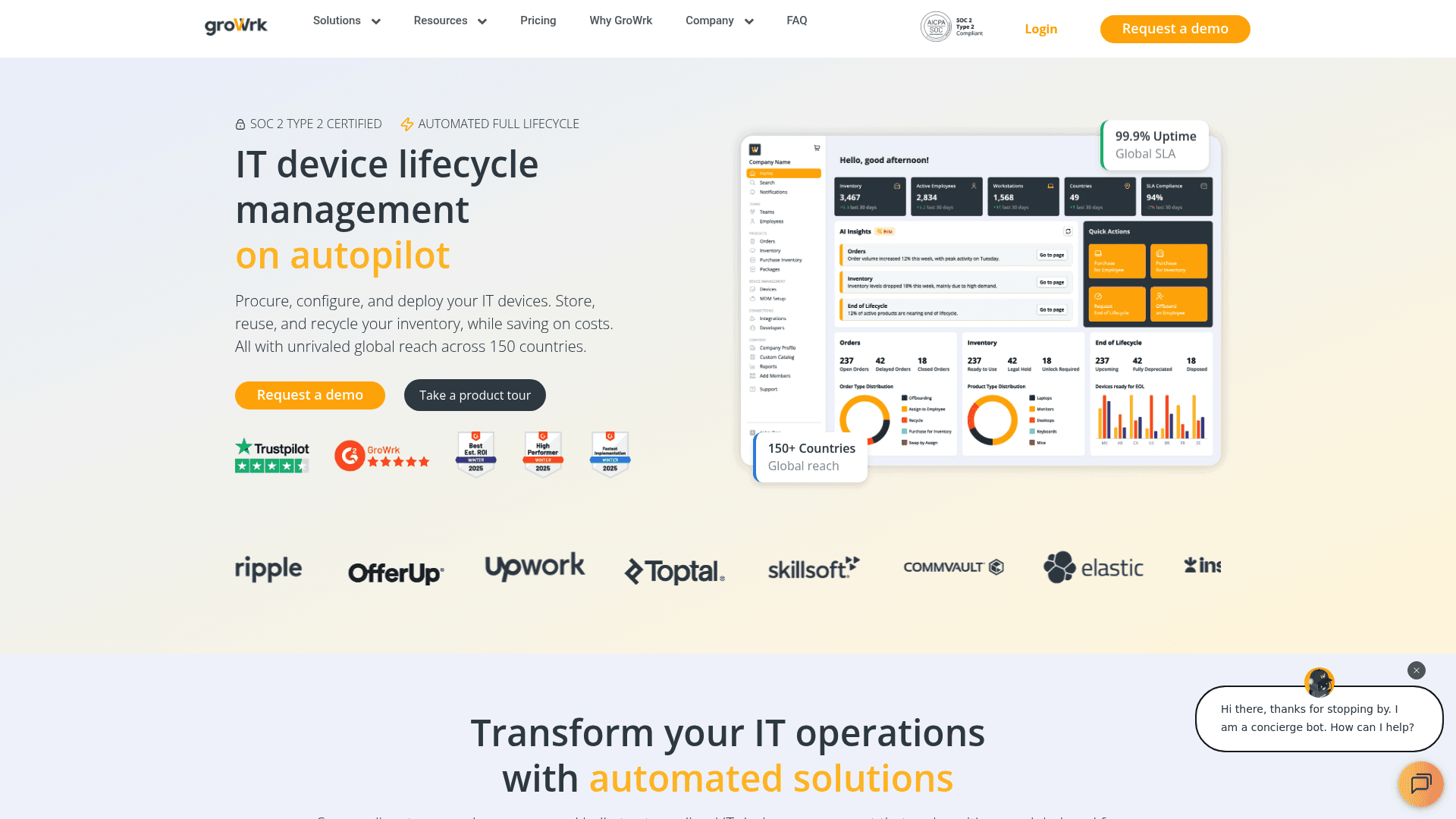
A screenshot of the GroWrk homepage, a service for managing the physical logistics of an IT asset recovery offboarding checklist.
GroWrk focuses on global IT equipment logistics. It helps companies ship, manage, and retrieve hardware for remote teams in over 150 countries.
GroWrk’s strength is its logistics-as-a-service model. For offboarding, they manage the physical recovery process: sending a box, scheduling a pickup, securely wiping the data, and storing the device for future use. This can save IT teams significant time. However, GroWrk is not a full ITAM tool; it does not track software licenses or offer deep integrations with service desks.
Pricing: GroWrk has three models: a pay-as-you-go A La Carte plan, a "Flex" plan, and an "All-in" plan with SaaS fees, so you only pay for what you use.
Best for: Companies with many remote workers whose primary offboarding challenge is the physical retrieval of laptops and other equipment from employees worldwide.
4. AssetSonar
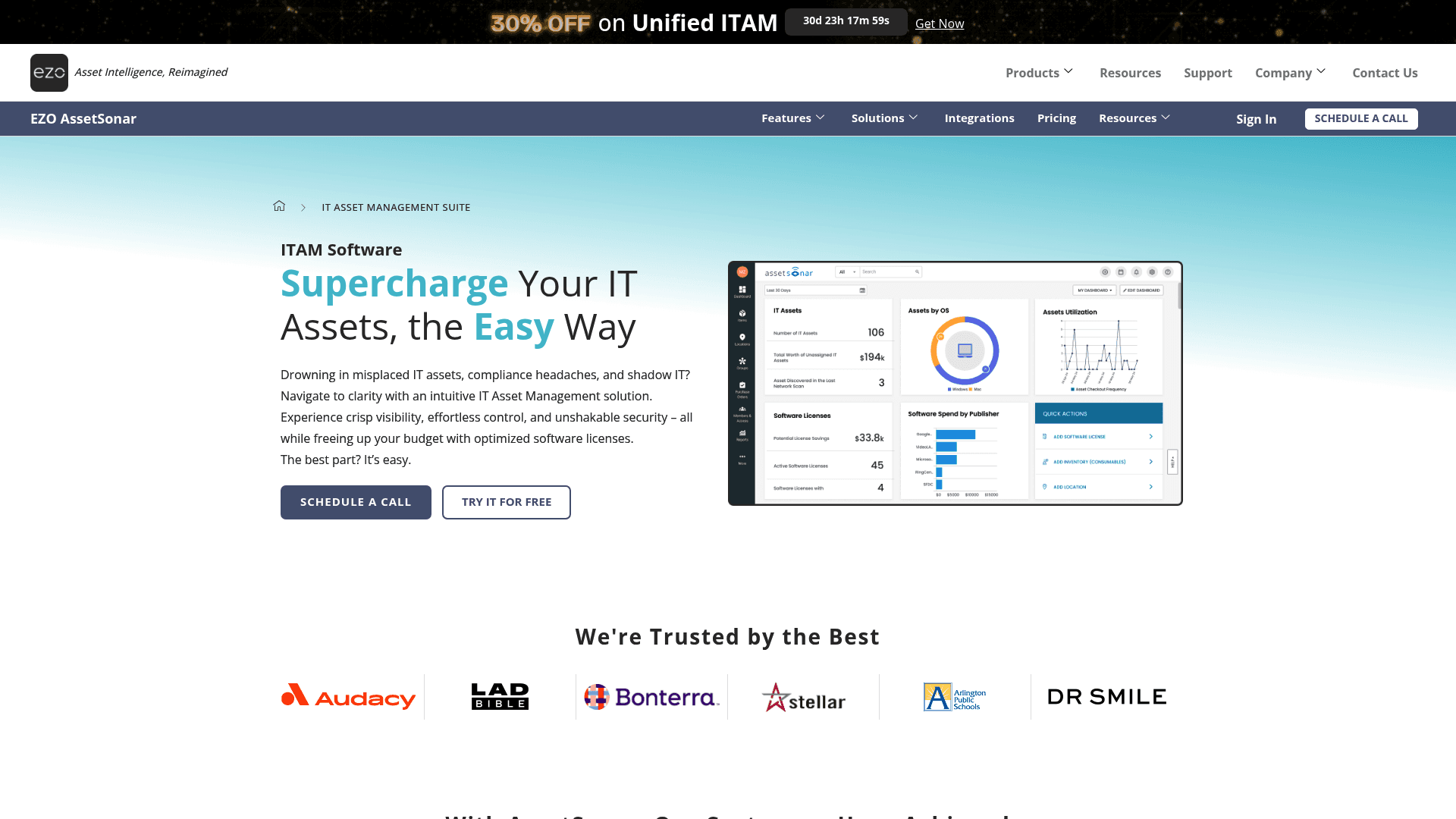
A screenshot of the AssetSonar homepage, a dedicated ITAM tool for managing an IT asset recovery offboarding checklist.
AssetSonar is a comprehensive, dedicated IT asset management (ITAM) tool that provides a complete view of your entire IT environment. It offers detailed tracking of the asset lifecycle, from purchase to retirement.
AssetSonar's strengths include its detailed tracking and reporting for both hardware and software. You can set up alerts for offboarding dates and view every asset a user has. It also connects with ITSM tools like Jira and Zendesk. The integrations may require more configuration than a native tool, and the comprehensive interface can involve a more detailed setup process.
Pricing: AssetSonar pricing is available via quote, with different plans for Hardware Asset Management (HAM), Software Asset Management (SAM), or a complete ITAM suite.
Best for: Organizations that need a powerful, standalone ITAM solution to manage a large and complex inventory.
5. Zluri
A screenshot of the Zluri homepage, a platform focused on SaaS security for the IT asset recovery offboarding checklist.
Zluri approaches offboarding from the perspective of SaaS management and security. Zluri’s primary function is to discover all the cloud applications your team is using and provide secure access management from onboarding to offboarding.
Zluri's standout feature is its powerful, no-code automation for de-provisioning SaaS accounts. It identifies every application an employee uses (including those not officially sanctioned by IT) and automates access revocation from a single dashboard. This provides significant benefits for security and cost management. While it is excellent for SaaS, it is more focused on SaaS management than the less hardware-focused features of dedicated ITAM tools.
Pricing: Zluri's pricing is available upon request.
Best for: Security-focused companies where the primary offboarding risk is SaaS sprawl and the need to revoke all digital access instantly and completely.
Best practices for an effective IT asset recovery offboarding checklist
Selecting the right tool is an important part of the process. A successful offboarding process also depends on your strategy.
Start on day one. A good offboarding process begins during onboarding. Ensure new hires sign a clear policy that states they're responsible for returning all company property.
Involve HR and managers. IT cannot handle this process alone. The process should be initiated automatically as soon as HR logs a departure date. Managers should be responsible for ensuring their team members understand how to return their assets.
Communicate clearly with the employee. Send simple, clear instructions on how to return their equipment. Include deadlines, shipping labels, and a point of contact for questions.
Automate everything you can. Manual steps are prone to error. Use your tools to automate reminders, create checklists, and trigger access removal. A tool that integrates with your service desk, like Asset Management for Jira, can use Jira's native automation to link offboarding tickets directly to asset lists, making the process more efficient.
Visualizing how these automated workflows function can provide additional clarity. The following video demonstrates how a modern IT asset management platform can automate the logistics and recovery process, ensuring that no step is missed when an employee departs.
Streamline your offboarding and protect your assets
An inefficient offboarding process can impact your budget and data security. By implementing a clear IT asset recovery offboarding checklist and using appropriate tools, you can transform this process into a structured, controlled operation.
Whether the primary challenge is global hardware retrieval or managing numerous SaaS applications, there are specialized tools available. For teams integrated into the Jira ecosystem, a native solution can be a straightforward choice. Integrating asset data directly into ticketing and offboarding workflows can reduce manual effort and prevent errors.
For teams using Jira, Asset Management for Jira offers a free trial to explore how a native solution can help build a secure, automated offboarding process.
Frequently asked questions
Q1: What are the essential first steps in creating an IT asset recovery offboarding checklist?
A1: Start by making a complete inventory of all physical and digital assets an employee might have. Then, talk to HR and department managers to understand the current process, even if it's informal. This gives you a solid baseline to build your formal checklist.
Q2: How can an IT asset recovery offboarding checklist improve company security?
A2: Its main security benefit is ensuring no digital access points are left open for former employees. By systematically revoking access to all systems, SaaS apps, and internal networks, you close major security holes and protect sensitive company and customer data.
Q3: What role does automation play in an effective IT asset recovery offboarding checklist?
A3: Automation is crucial. It can automatically create tasks when an employee's departure is logged by HR, send reminders for equipment returns, and de-provision software access without manual intervention. This reduces human error and frees up the IT team's time.
Q4: Why is it important to integrate an IT asset recovery offboarding checklist with a system like Jira?
A4: Integrating your checklist with Jira centralizes the entire process. You can link assets directly to offboarding tickets, giving the IT support team all the information they need in one place. This speeds up resolution times and makes sure nothing gets missed.
Q5: Who is responsible for managing the IT asset recovery offboarding checklist?
A5: It’s a team effort. The IT department typically owns the technical process, but it requires close collaboration with HR (to initiate the process on time) and department managers (to confirm all team-specific assets and access rights are accounted for).
Q6: How often should we review and update our IT asset recovery offboarding checklist?
A6: A good rule of thumb is to review it at least once a year. You should also update it anytime you introduce new types of company assets (like new hardware) or major software systems. This keeps your checklist relevant and effective as your company grows.



