A Practical Guide to Hardware Inventory Software
A complete guide to hardware inventory software. Learn why it's crucial for security, support, and cost savings, and what features to look for.

Colin Reed
IT Expert and Content Writer
Last Updated

IT teams are juggling more devices than ever. With remote and hybrid work as the new standard, your company’s hardware isn't just in the office anymore—it’s spread across kitchen tables, home offices, and maybe a few coffee shops. This has massively expanded the digital attack surface, making it a real challenge to keep track of everything.
For years, the go-to method for tracking hardware was the trusty (or rusty) spreadsheet. But that system is broken. It’s full of outdated information, haunted by "ghost assets" that exist on paper but are nowhere to be found, and leaves you open to all sorts of security risks.
This is where hardware inventory software steps in. It’s the modern way to get a grip on your IT estate and create a single source of truth. In this guide, we'll walk through what this software is, why it's a must-have for modern teams, the key features you should look for, and how you can get started without the usual headaches.
What is hardware inventory software?
At its core, hardware inventory software is a central system for tracking and managing all of your company's physical IT assets throughout their entire lifecycle, from purchase to recycling.
But it’s much more than just a list. Think of it as a dynamic database that tells you what you have, where it is, who's using it, how it's performing, and what it's costing you. It turns raw data about your devices into information you can actually use to make smarter decisions.
The difference between wrestling with a spreadsheet and using a dedicated tool is night and day.
Feature | Manual Tracking (Spreadsheets) | Hardware Inventory Software |
|---|---|---|
Data Accuracy | Prone to human error, often outdated | High, with automated syncing and validation |
Efficiency | Time-consuming manual updates | Automated discovery and bulk imports |
Integration | Isolated data silo, difficult to connect | Deeply integrates with ITSM/service desk tools |
Security | Poor visibility into unmanaged devices | Provides a complete inventory to secure |
Lifecycle Tracking | Difficult to manage warranties & refresh cycles | Automated alerts and full history logs |
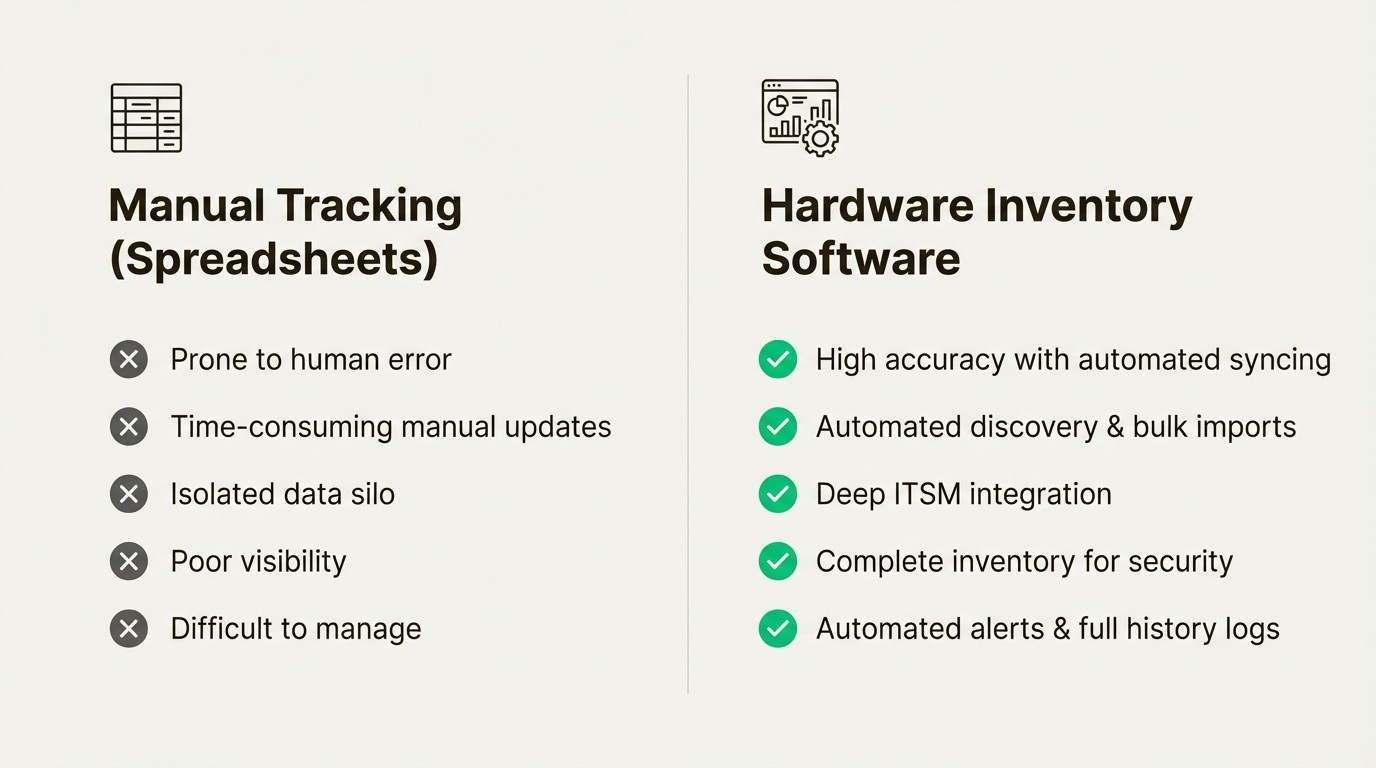
Manual tracking requires you to hunt for information, while dedicated software centralizes it. It’s about replacing tedious, error-prone tasks with automation and building a single source of truth your entire team can trust.
Why hardware inventory software is essential for modern IT teams
Proper hardware management isn't just an IT chore anymore; it’s a business function that affects your budget, security, and efficiency. If you’re not actively managing your hardware, you’re likely wasting money and leaving your company vulnerable to security threats.
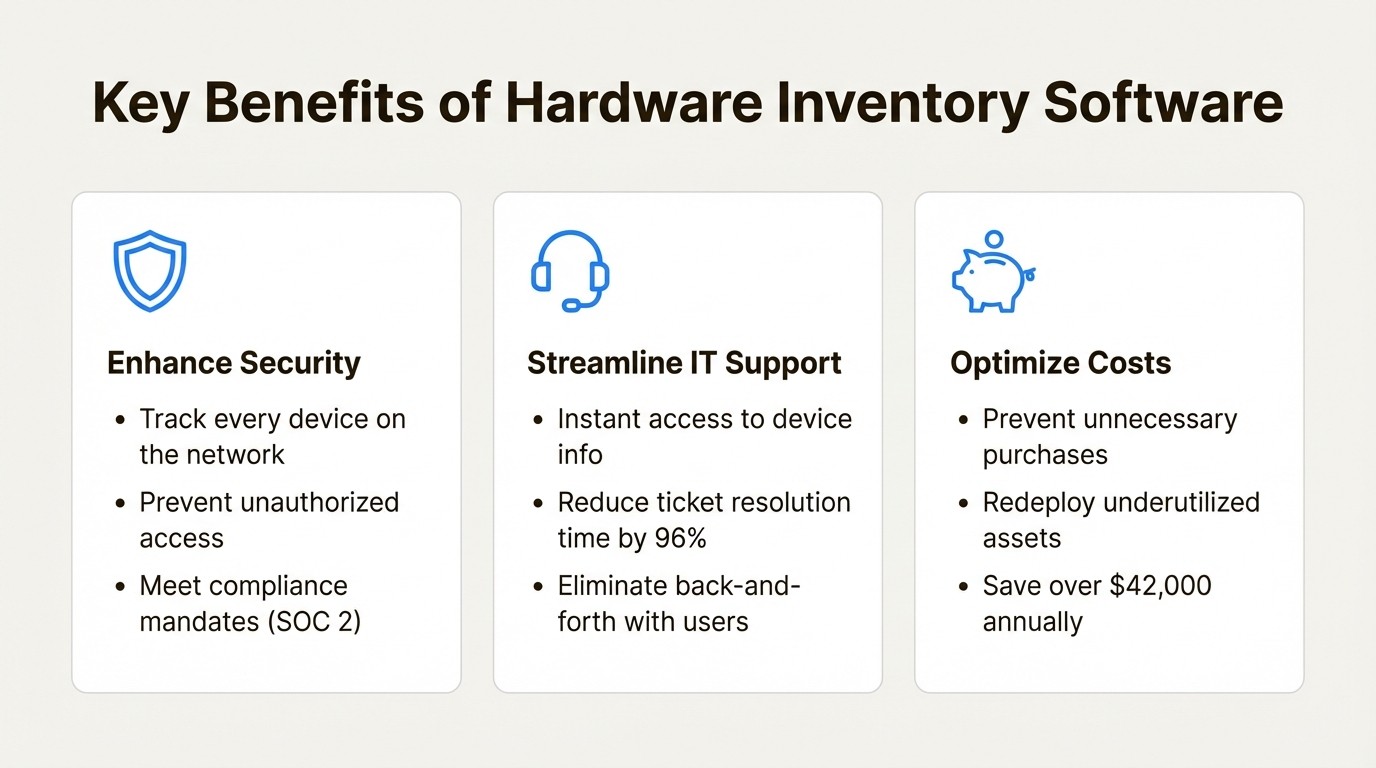
Enhance security and meet compliance mandates
You can't secure what you don't know you have. It's a simple truth that gets more complicated every time a new laptop or phone connects to your network. Every unmanaged device is a potential backdoor for security threats. Knowing every single device on your network is the first step to securing it.
This isn't just a good idea, it's a requirement for many compliance frameworks. For instance, SOC 2 explicitly requires rigorous inventory controls to prove you're protecting customer data. Showing up to an audit with a messy spreadsheet just isn't going to work. A proper tool ensures every device is accounted for, patched on time, and running the right security software.
Streamline IT support and resolve tickets faster
Think about the typical IT support ticket. It often starts with a 15-minute game of twenty questions where the tech tries to get basic device info from a frustrated user. "What's the serial number?" "How much RAM does it have?" "When did you get this laptop?" It’s a huge time-waster for everyone.
When your asset data is integrated with your service desk, that whole back-and-forth disappears. Technicians get instant context the second a ticket is created. Research shows this simple change can reduce ticket resolution time and cut the time spent just gathering information by a staggering 96%.
For teams working in Jira, a native tool like Asset Management for Jira can streamline this process. When a user creates a ticket, their hardware can be automatically attached, giving the support team immediate access to specs, repair history, and warranty information without ever leaving the ticket.
Optimize procurement and reduce costs
One of the biggest hidden costs in IT is buying things you don't need. Companies constantly buy new hardware simply because they can't find what they already own. That dusty storage closet full of forgotten laptops? That’s money just sitting there. Some organizations have found they can save over $42,000 annually.
A clear inventory shows you exactly what’s available in storage or what’s being underutilized. This lets you redeploy existing assets before spending a dime on new ones. Over time, you also gather useful data on which models are reliable and which are always in for repairs, helping you make smarter purchasing decisions and negotiate better deals with vendors.
Key features to look for in hardware inventory software
Not all tools are created equal. The best choice for you will depend on your team's existing workflows, especially the platforms they already use every day. Here are the must-have features you should look for.
Automated discovery and data syncing
The days of manually typing serial numbers into a spreadsheet are over. A modern inventory tool should automate data collection to save time and prevent human error. This can be done through network discovery or, more effectively, through direct integrations with your device management platforms.
Look for a tool that syncs with the Mobile Device Management (MDM) solutions you already use. For example, a platform like Asset Management for Jira integrates directly with Microsoft Intune, Jamf, and Kandji. This lets you import your entire fleet of devices in minutes and keeps the information updated automatically.
Deep ITSM platform integration
A standalone inventory tool is just another data silo. It forces your team to jump between systems, which kills efficiency. As industry research points out, integrating ITAM and ITSM is essential for modern IT operations.
While many platforms can connect and push data, a tool built for a specific ecosystem like Jira can offer a more seamless experience. This allows asset fields to be used in filters, queues, and automation rules without workarounds. For instance, Asset Management for Jira is designed to be a natural part of the Jira interface.
Customizable reporting and smart alerts
Your inventory data is only useful if you can turn it into helpful information. Different people in your organization need different views of the data. Your finance team might need a depreciation report, while your IT team needs to know which warranties are expiring next month. The right tool should offer flexible, customizable reporting to meet everyone's needs.
Beyond reports, look for smart alerts that can be triggered based on custom criteria. You shouldn't have to remember to check for important events. The system should tell you when:
Warranties or leases are about to expire.
Your stock of peripherals like keyboards or mice is running low.
A loaner laptop is due to be returned.
A fully searchable audit log
From a security and compliance standpoint, this is a must-have. A good tool should track the complete history of every asset: who it was assigned to, when it was assigned, what repairs were done, and any other changes made to its record.
This isn't just about accountability; it’s about having an unchangeable record for security investigations and audits. When a compliance auditor asks for the history of a specific device, you need to be able to pull it up instantly. A fully searchable audit log is a key feature that proves you have control over your asset lifecycle and helps you meet the strict requirements of frameworks like SOC 2.
Best practices for implementing hardware inventory software
Moving away from spreadsheets can feel like a huge project, but it doesn't have to be. With the right approach, you can set up a reliable system quickly and start seeing the benefits almost immediately.
Centralize your asset data
Your first step is to get everything in one place. If you have data scattered across multiple spreadsheets and systems, your initial goal is to bring it all together.
Look for a tool that makes this process as painless as possible. A flexible CSV importer with instant validation and error correction can save you hours of cleanup and frustration during the initial setup.
Standardize check-in and check-out workflows
To keep your data accurate, you need a clear, repeatable process for when hardware is assigned or returned. This is especially important for loaner equipment, which has a tendency to disappear without a formal system in place.
An asset checkout system with automated reminders is a huge help for ensuring equipment comes back on time. For teams using Jira, a native tool like Asset Management for Jira can help formalize this process by linking assets to users and tracking assignment dates directly within the service desk tickets you're already using.
Use QR codes and regular audits to maintain accuracy
Physical tags like QR codes or barcodes are the perfect way to bridge the gap between your digital record and the actual physical asset. Sticking a unique QR code on every laptop, monitor, and server makes tracking much simpler.
Encourage your team to perform periodic spot-checks. With a mobile app, they can quickly scan an asset's QR code to verify its location, user, and status. This is way faster and more accurate than trying to reconcile a spreadsheet with what's actually in the office. Some tools even provide helpful guides on how to print QR code labels efficiently.
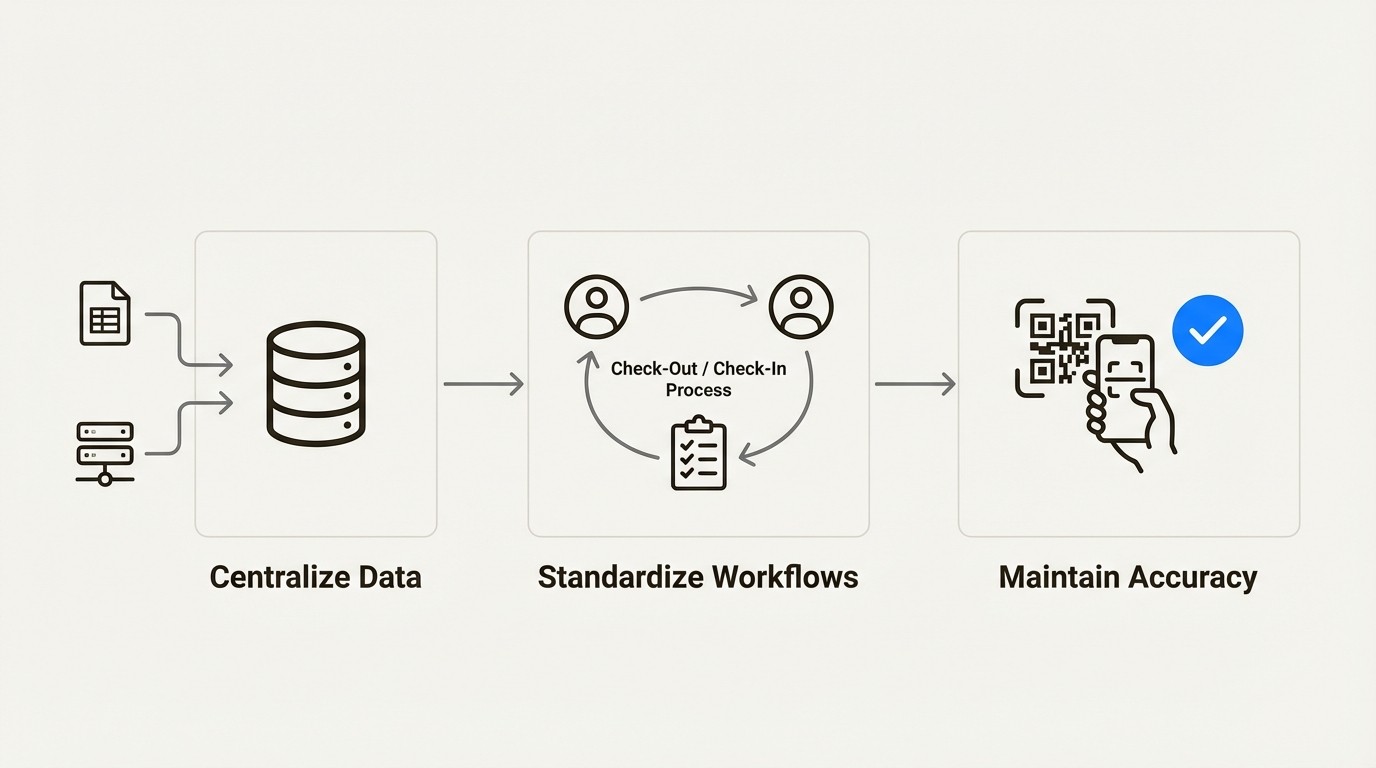
A workflow diagram showing the three best practices for hardware inventory software: centralizing data, standardizing workflows, and maintaining accuracy with QR codes and audits.
For a more detailed look at how to inventory your assets, this video provides a helpful overview of the core concepts.
This video explains how to use hardware inventory software to keep a meticulous record of a company's digital and physical assets.
Taking control of your assets
Let's wrap this up. Moving from spreadsheets to dedicated hardware inventory software isn't just a small operational tweak. It’s a strategic move that’s necessary for modern security, efficiency, and cost control.
By making the switch, you get better security and compliance, empower your IT support team to resolve issues faster, unlock real cost savings, and get ahead of problems with proactive lifecycle management.
The key is to find a tool that fits into your team's existing workflows. For teams that use Jira, a native tool can be a direct path to better hardware management. An example is Asset Management for Jira, which provides a solution for tracking hardware within the service desk.



