Jira Automation for Asset Management: Recipes & Examples
This guide provides practical recipes and workflow examples to help you get started with Jira automation for asset management in 2026.

Colin Reed
IT Expert and Content Writer
Last Updated

Automating your IT asset management (ITAM) workflows in Jira can save your team hours of manual work. Instead of manually updating spreadsheets or checking for expiring licenses, you can let the Jira engine do the heavy lifting.
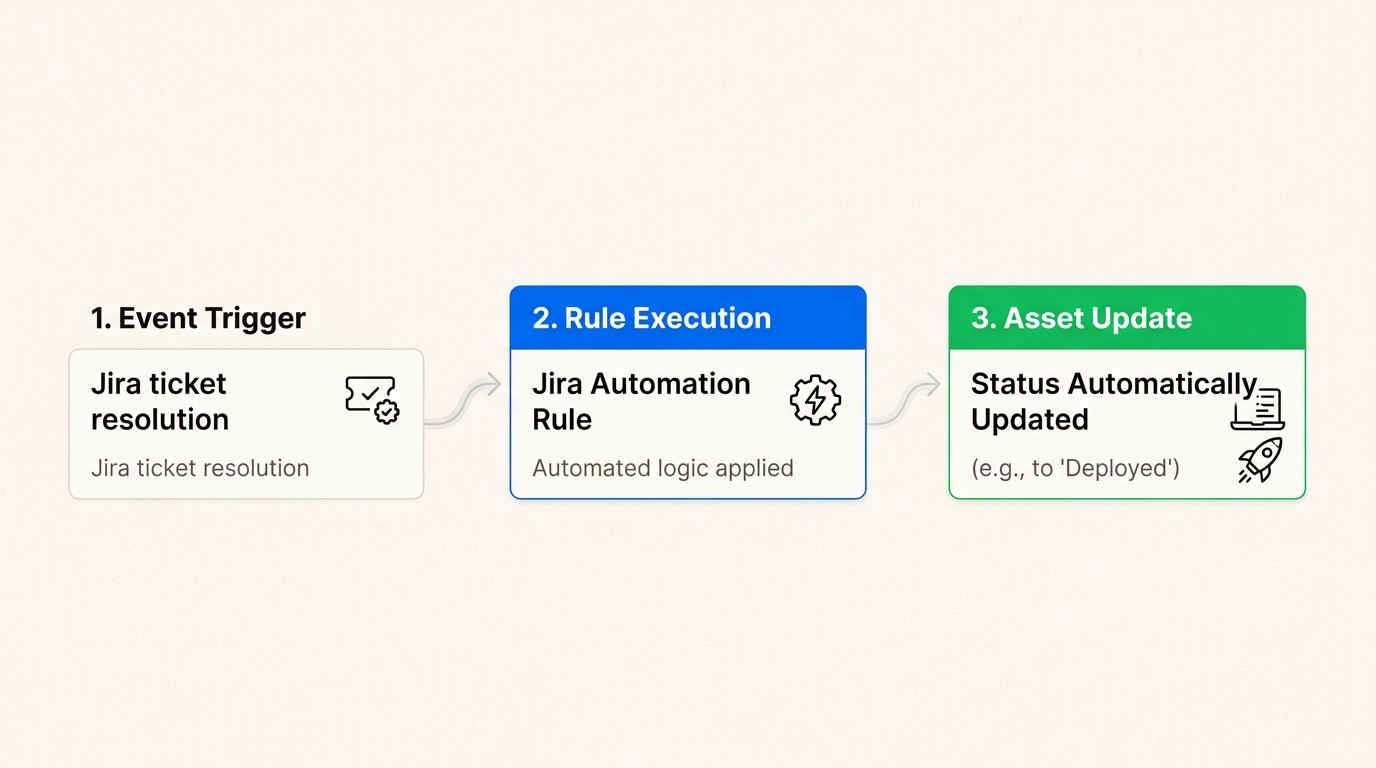
What is Jira automation for asset management?
At its heart, Jira automation is a no-code, "if this then that" engine. It allows you to build rules that react to changes in your environment without writing a single line of code. When applied to ITAM, this means your assets can "talk" to your support tickets and vice versa.
For teams using Jira Service Management (JSM), this is specifically managed through the Assets module. This module provides a flexible database where you can track hardware, software, and configuration items (CIs). By linking these objects to Jira work items, you create a single source of truth for your IT processes.
Why bother with native automation? Spreadsheets are static. They don't know when a laptop is assigned to a new hire or when a license is retired. Jira asset management brings accuracy and speed by eliminating context switching. Everything lives where your team already works. To find and filter these objects effectively, you will use Assets Query Language (AQL), which is the specialized syntax for searching your asset database.
How Jira automation components work for ITAM
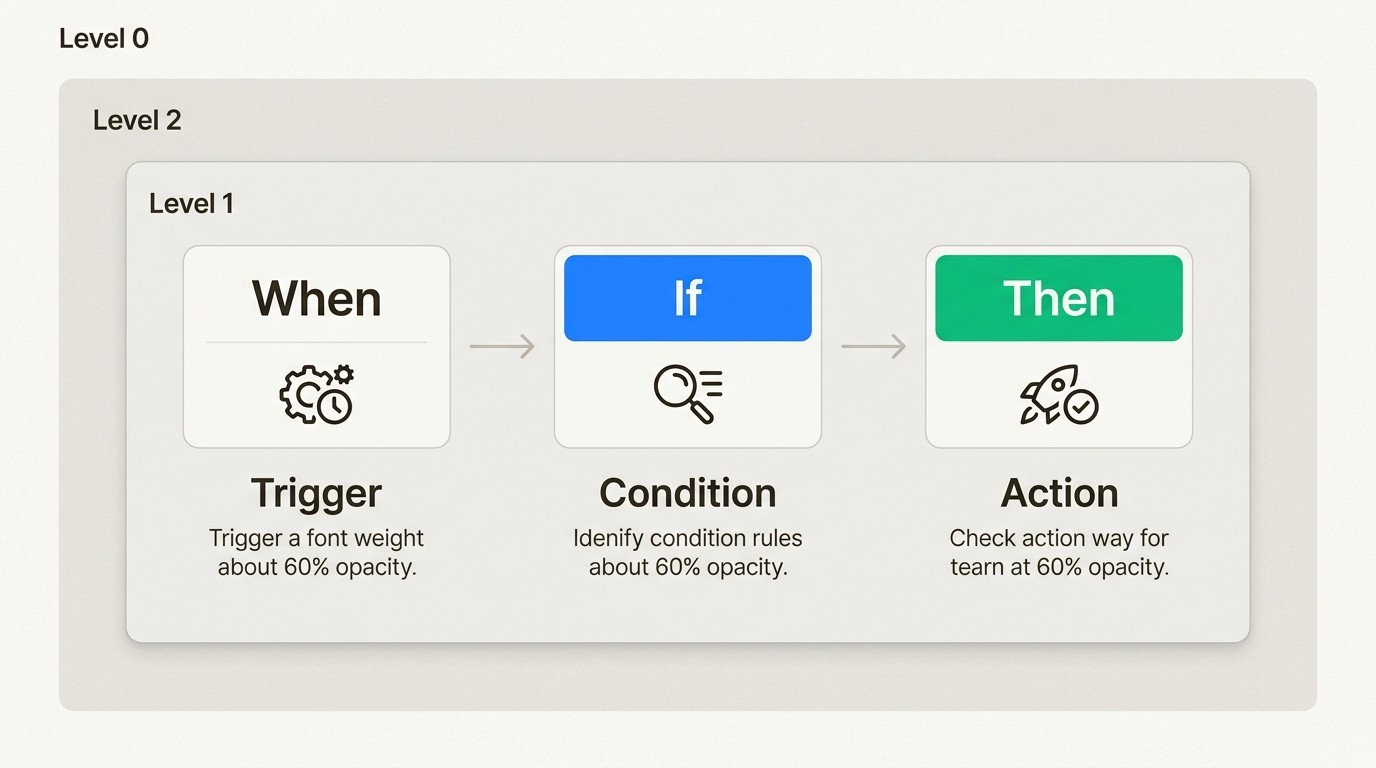
Before building recipes, you need to understand the building blocks of a rule. Every automation rule in Jira consists of three primary components.
Triggers: These are the events that start the rule. Common triggers include "Object created," "Issue transitioned" (e.g., a ticket moving from "Open" to "Resolved"), or a "Scheduled" trigger that runs on a regular cadence using CRON expressions. Configuring Assets automation rules requires selecting the right trigger to ensure the rule fires at the correct moment.
Conditions: These act as filters. They ensure the rule only proceeds if certain criteria are met. You might use JQL to filter Jira issues or AQL to filter objects. For example, you might only want a rule to run if an asset's "Status" is "In Storage."
Actions: These are the tasks the system performs. Jira automation actions can update asset attributes, send email notifications, or even create new Jira issues automatically.
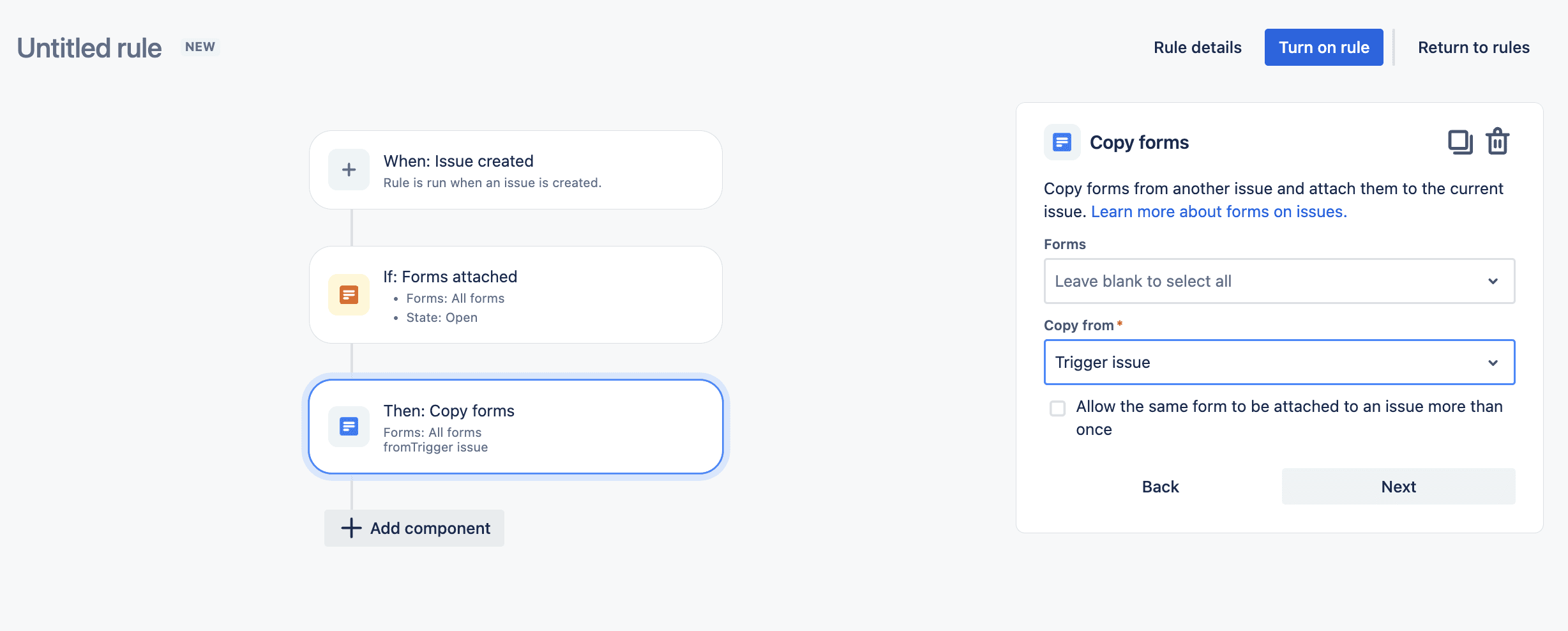
To make rules truly dynamic, we use Smart Values. These are Mustache-based placeholders like {{object.Name}} or {{issue.Asset}} that inject real-time data into your actions. Asset smart values allow you to personalize emails or pull specific hardware specs into a ticket description without manual entry.
5 essential Jira automation recipes for asset management
Let's break down five practical recipes you can implement today to streamline your IT operations.
1. Automated employee onboarding
Manual onboarding is a recipe for forgotten equipment. You can automate this by linking your HR records to your IT inventory.
Trigger: A new "People" object is created in your HR schema.
Action: Automatically create an "Onboarding" Jira issue and link standard-issue equipment like a laptop and monitor to that user.
This ensures that every new hire has their hardware ready on day one. For a deeper look at the process, check out our IT asset recovery and onboarding checklist.
2. Proactive license expiration alerts
Missing a software renewal can lead to service outages or compliance penalties. A scheduled rule can keep you ahead of the curve.
Trigger: A scheduled rule running every Monday at 9:00 AM.
Condition: An AQL query that finds objects where
objectType = License AND "Expiry Date" < 30d.Action: Send a summary email to the Procurement team containing a table of all expiring licenses.
This proactive approach moves you from reactive fire-fighting to strategic planning. For more on managing your subscriptions, see our practical guide to SaaS license management.
3. Asset status sync with Jira tickets
The most common cause of a messy CMDB is technicians forgetting to update the asset record after resolving a ticket. Automation fixes this by syncing the two.
Trigger: A Jira issue is transitioned to a status like "In Repair" or "Deployed."
Action: Automatically update the "Status" attribute of the Asset object linked to that ticket.
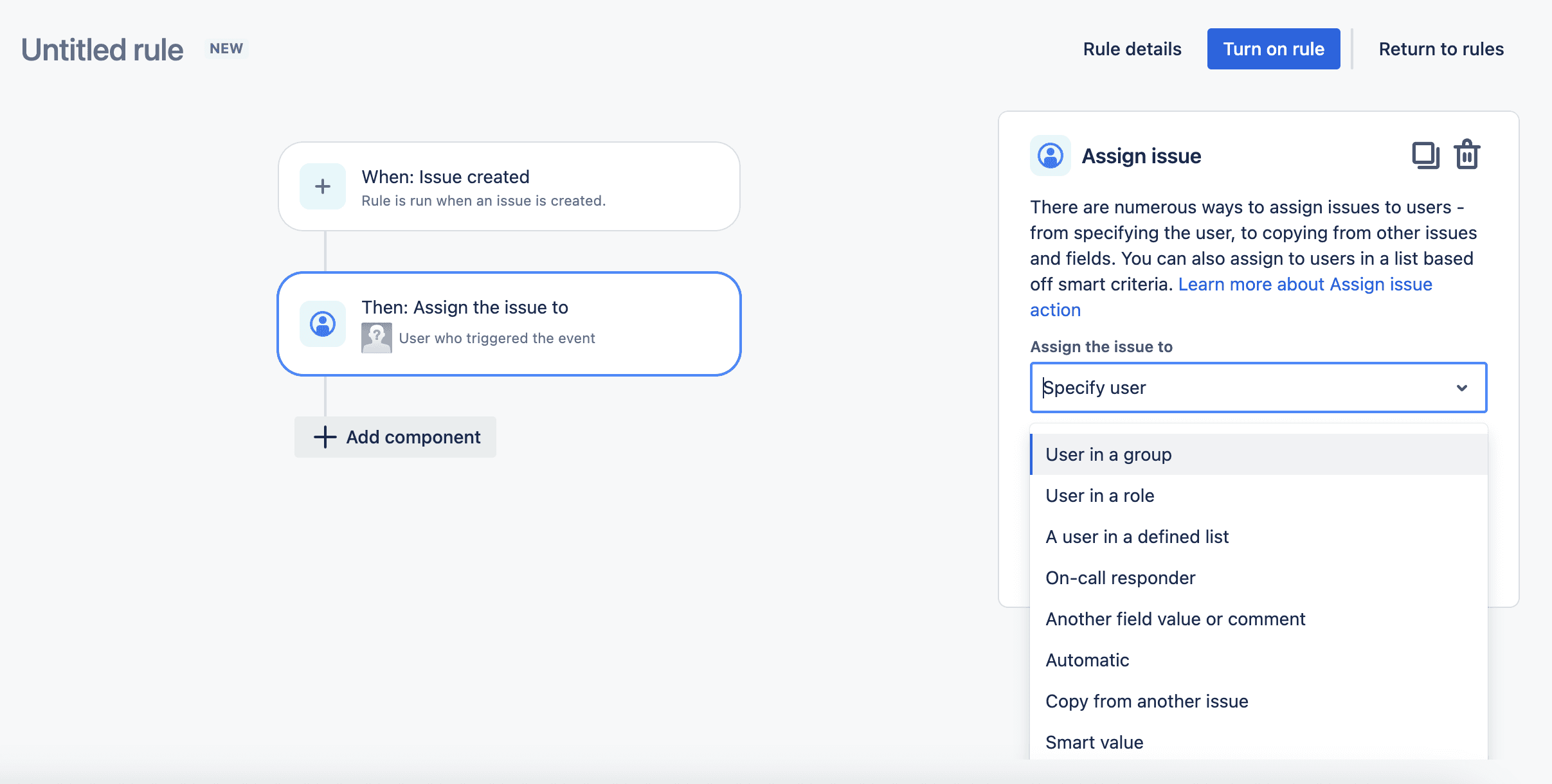
This keeps your inventory current without any extra effort from your support team. It's a simple way to maintain data integrity across your hardware inventory software.
4. Automatic approver population based on asset data
Don't waste time figuring out who needs to approve a software request. Pull that data directly from the asset record.
Trigger: A service request is created with a specific "Business Service" asset selected.
Action: Set the Jira "Approvers" field to the attribute value of the "Service Owner" or "Department Head" listed on that asset.
This eliminates manual routing and speeds up approval times significantly.
5. Self-service loaner equipment requests
If you manage a pool of loaner laptops or projectors, you can automate the entire checkout process.
Trigger: A "Loaner Request" is submitted via the JSM Portal.
Action: Use a "Lookup objects" action to find an available asset where
Status = "In Storage". Then, temporarily assign that asset to the reporter and set a due date for return.
This creates a seamless self-service experience for your employees while maintaining strict accountability.
Troubleshooting common Jira automation hurdles
Even the best-designed rules can run into issues. Let's break down the most common hurdles you might face.
The most frequent frustration is the "Looping" problem. When you use the "Lookup objects" action, it returns a list of results. If you try to send an email based on those results, Jira often sends a single email with all the results joined together (e.g., "Asset-1, Asset-2, Asset-3"). If you want individual actions for each result, you need to use the advanced branching logic in the rule builder.
Another common issue is AQL syntax errors. AQL is powerful, but it's picky. Always ensure your attribute names match your schema exactly and that you use quotations around values containing spaces. It's often helpful to validate your AQL query in the Assets search interface before pasting it into an automation rule.
Finally, check your permissions. The "Automation for Jira" system user must have the correct Assets permissions for the schema you're targeting. If the user doesn't have "View" or "Edit" rights, the rule will fail silently or return an error.
Comparing JSM Assets vs. Asset Management for Jira (AMFJ) automation
While Atlassian provides a native Assets module, it's not the only way to automate your ITAM. Many teams find that the JSM Assets pricing can be quite steep, as it's often locked behind Premium or Enterprise tiers.
At Asset Management for Jira (AMFJ), we take a "simply powerful" approach. We've built our app to provide truly native Jira automation without the overhead of an enterprise CMDB. We focus on getting you up and running quickly with MDM sync for Intune, Jamf, and Kandji, ensuring your data is always current.
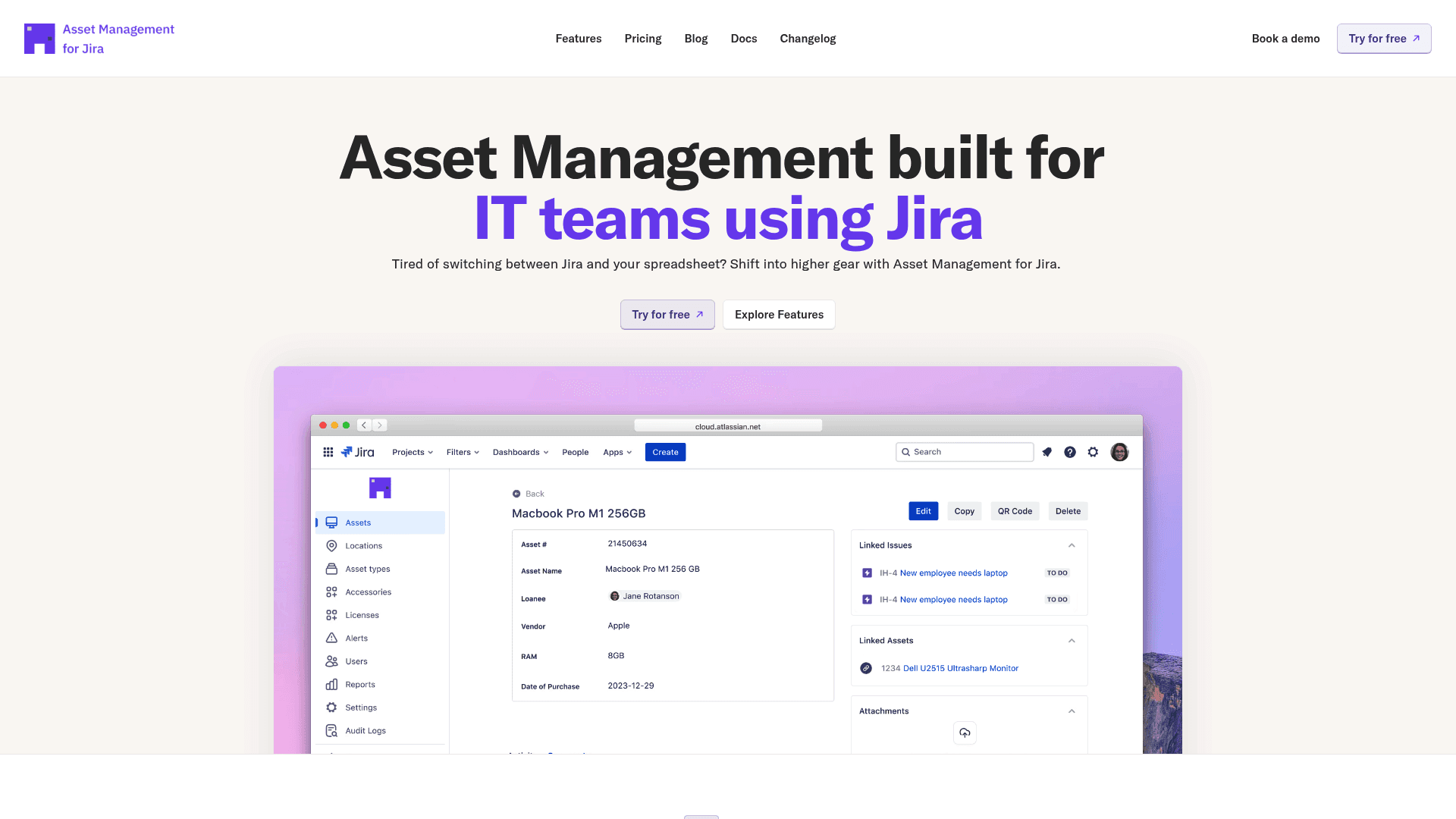
Here's how the two options compare in terms of automation and cost:
Feature | JSM Assets (Premium) | Asset Management for Jira (AMFJ) |
|---|---|---|
License Requirement | ||
Asset Limit | 50,000 objects included (then $0.02/ea) | |
Automation | Full Jira Automation | Truly Native Jira Automation |
Setup Speed | Steeper learning curve | Designed for quick implementation |
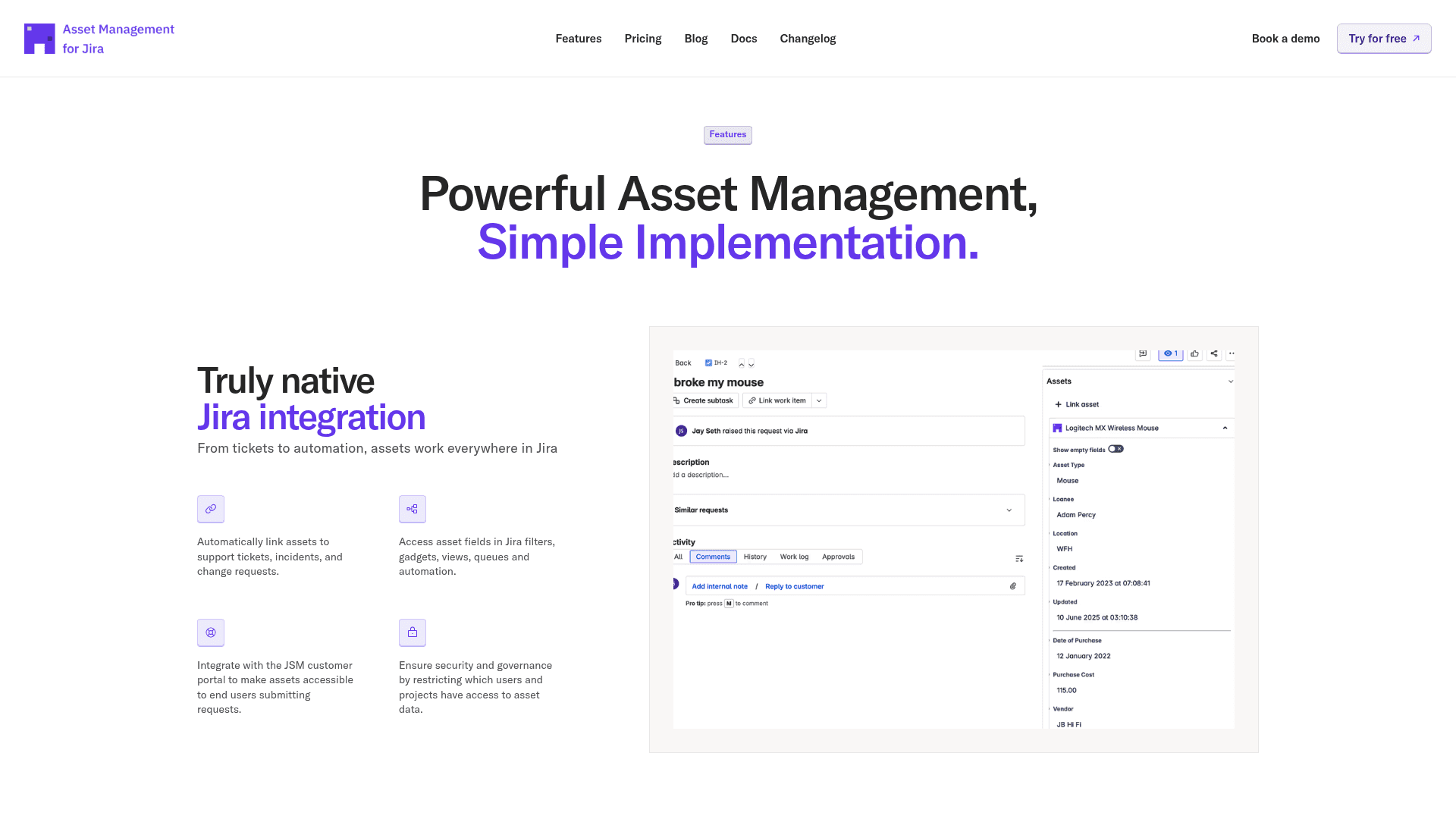
Bottom line? JSM Assets is a powerhouse for massive enterprises with complex CI dependencies. But for many modern IT teams, we offer a more predictable and streamlined way to achieve the same IT asset management outcomes. We provide simple, transparent pricing that doesn't penalize you for growing your inventory.
Start building smarter Jira asset workflows today
Jira automation for asset management isn't just about saving time. It's about reducing risk, improving data accuracy, and creating a better experience for your support team and end users. By starting small with one or two recipes, you can drive significant ROI for your IT department. Our research shows that teams using automated asset tracking can resolve support tickets up to 34% faster.
If you're tired of manual updates and unpredictable costs, we're here to help. Our Asset Management for Jira app gives you all the automation power you need with none of the complexity. Explore our features or start a free trial today to see how we can transform your ITAM workflows.
Frequently Asked Questions
What are the benefits of using Jira automation for asset management: Recipes and workflow examples?
Jira automation for asset management reduces manual effort, improves data consistency, and enhances efficiency by automating repetitive tasks like status updates and notifications.
Can I use Jira automation for asset management: Recipes and workflow examples with any Jira plan?
Native JSM Assets require a Premium or Enterprise plan. However, you can use apps like Asset Management for Jira to achieve Jira automation for asset management on Standard Jira plans.
What is AQL and how does it relate to Jira automation for asset management: Recipes and workflow examples?
AQL stands for Assets Query Language. It's used within Jira automation to filter and find specific objects based on their attributes or relationships.
Is it possible to automate software license renewals with Jira automation for asset management: Recipes and workflow examples?
Yes, you can use a scheduled trigger in Jira automation to find licenses nearing their expiration date and notify the relevant teams automatically.
How does Jira automation for asset management: Recipes and workflow examples improve support ticket resolution times?
Jira automation places asset details directly within tickets and automates status updates, allowing technicians to resolve issues up to 34% faster.



