Freshservice vs Jira Service Management: Which is right for you?
In this guide, we’ll break down the core differences, the pricing models, and, most importantly, the "Goldilocks" solution for teams who want JSM’s power without the enterprise-grade price tag for asset management.

Colin Reed
IT Expert and Content Writer
Last Updated

Picking the wrong ITSM platform isn't just a minor inconvenience, it can cost your team months of productivity and thousands in wasted licensing fees. Freshservice and Jira Service Management (JSM) are the two names that consistently land on every IT manager's shortlist, but they represent two very different philosophies of service management.
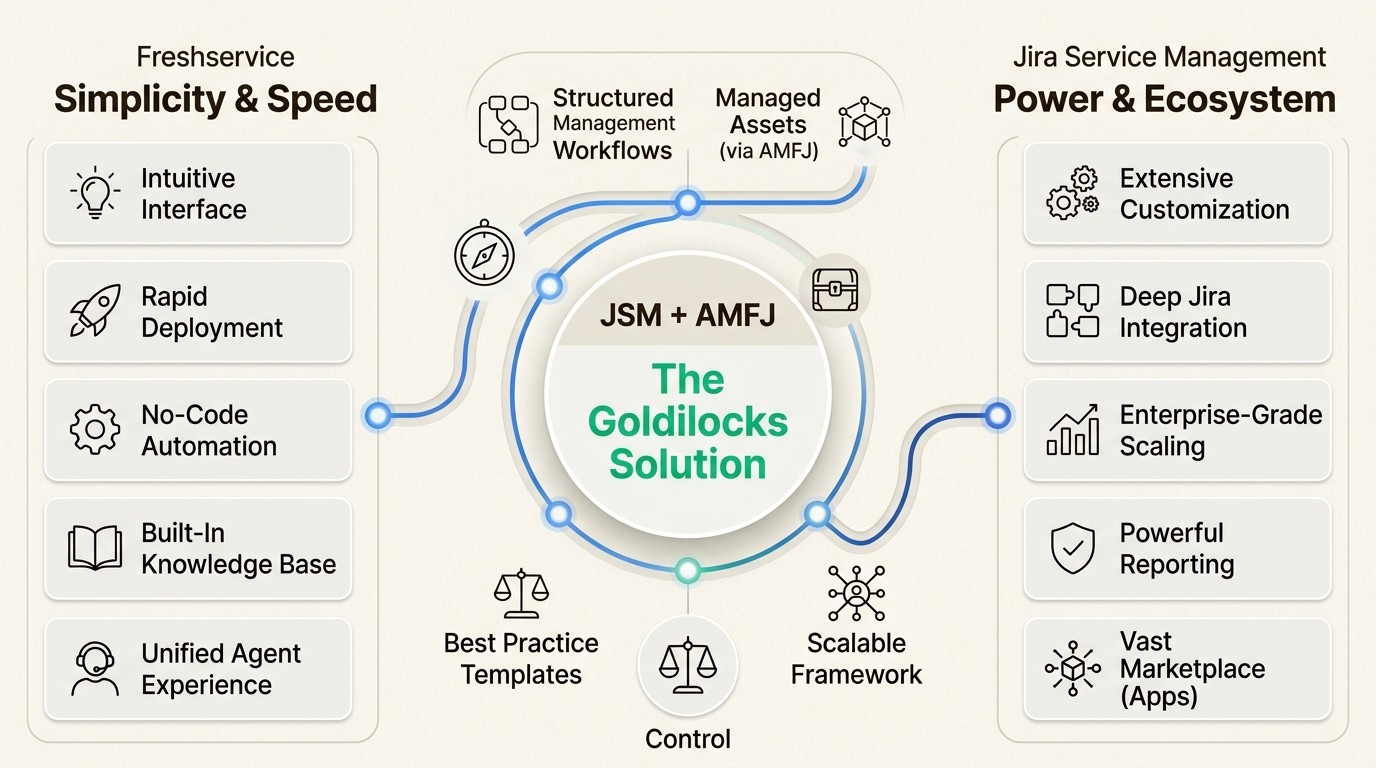
On one hand, you have Freshservice: a modern, "no-code" platform designed for rapid deployment and an intuitive user experience. On the other, you have Jira Service Management: a powerhouse of customization that integrates natively with the Atlassian ecosystem and developer workflows.
What is Freshservice?
Freshservice is a cloud-based ITSM solution from Freshworks designed to be "simply powerful." It’s built for teams that want a standalone platform that works right out of the box with minimal administrative overhead. We found in our research that it's a popular choice for mid-market teams that need to get a service desk up and running quickly.
Key Freshservice highlights:
Modern UI/UX: A clean, consumer-grade interface that reduces the learning curve for agents and end-users.
Rapid deployment: Most teams can get up and running in days or weeks rather than months.
Unified platform: Built-in modules for asset management, incident management, and project management in a single interface.
Freddy AI: A robust AI engine that handles ticket deflection, response suggestions, and anomaly detection.
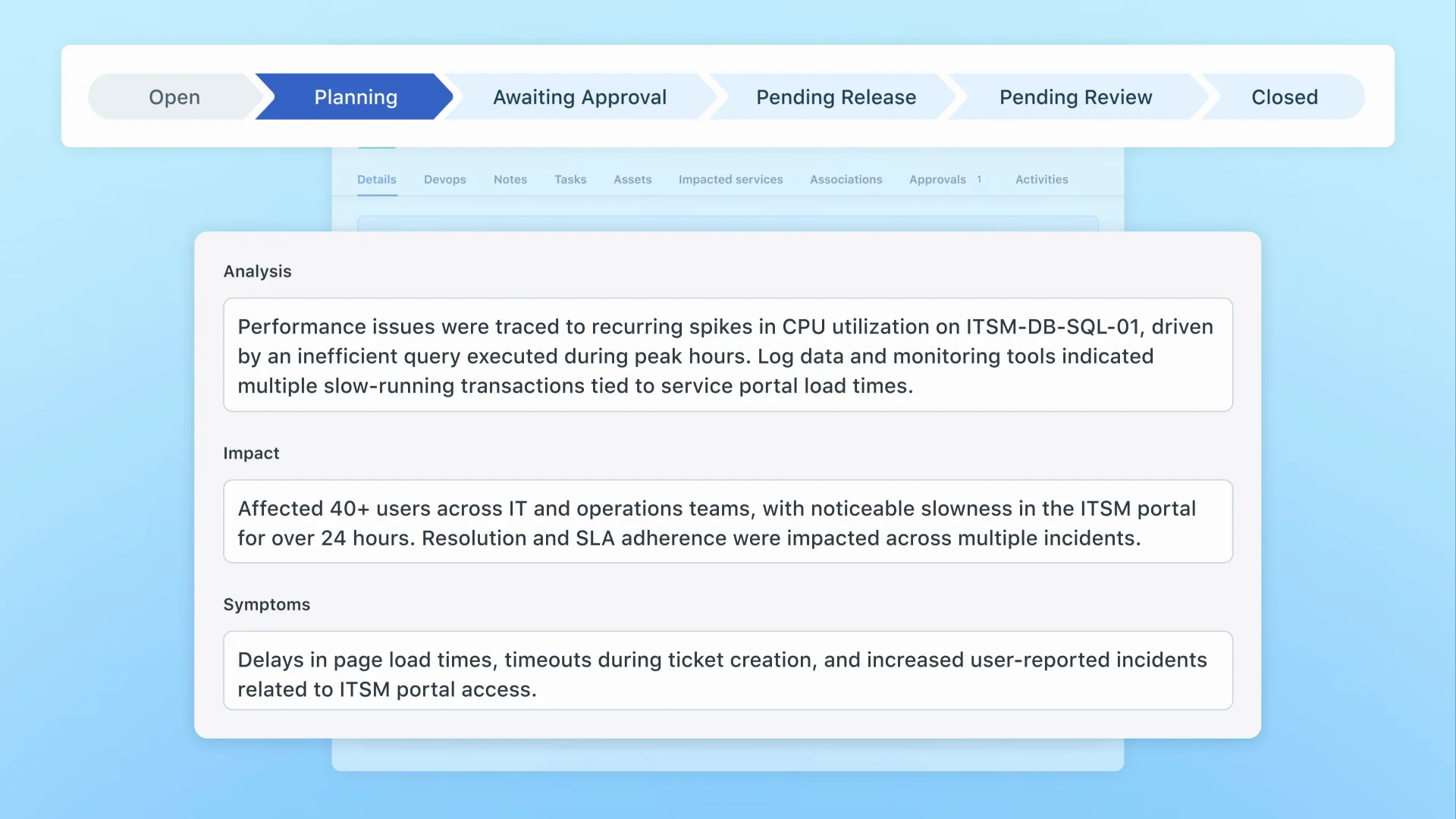
What is Jira Service Management?
Jira Service Management is Atlassian’s answer to the evolving needs of IT and DevOps teams. It isn’t just a ticketing system, it’s a functional extension of the Jira platform that 83% of Fortune 500 companies already use to manage work.
Key JSM highlights:
Atlassian ecosystem integration: Seamless connections with Jira Software, Confluence, and Bitbucket.
DevOps alignment: Unique ability to link support tickets directly to code commits and deployment pipelines.
Extreme customization: Highly configurable workflows that can be tailored to any business process, from ITIL to HR.
Atlassian Intelligence: Generative AI features that summarize issues and automate responses using your internal knowledge base.
How we conducted this Freshservice vs Jira Service Management comparison
To make this useful, we evaluated both platforms using a consistent set of criteria based on the daily needs of modern IT teams. Here is what we looked for:
Ease of use: How quickly can a team get started? Is the interface intuitive for non-technical users?
Incident management: How does the tool handle critical outages and team collaboration?
Asset management: What are the limits and costs associated with tracking your hardware and software?
AI capabilities: Does the AI provide meaningful assistance or just surface-level features?
Value for money: Which pricing model makes the most sense for growing teams?
Feature comparison: Freshservice vs Jira Service Management
To decide between these two, we need to look past the marketing and see how they handle daily IT operations. Let's break it down.
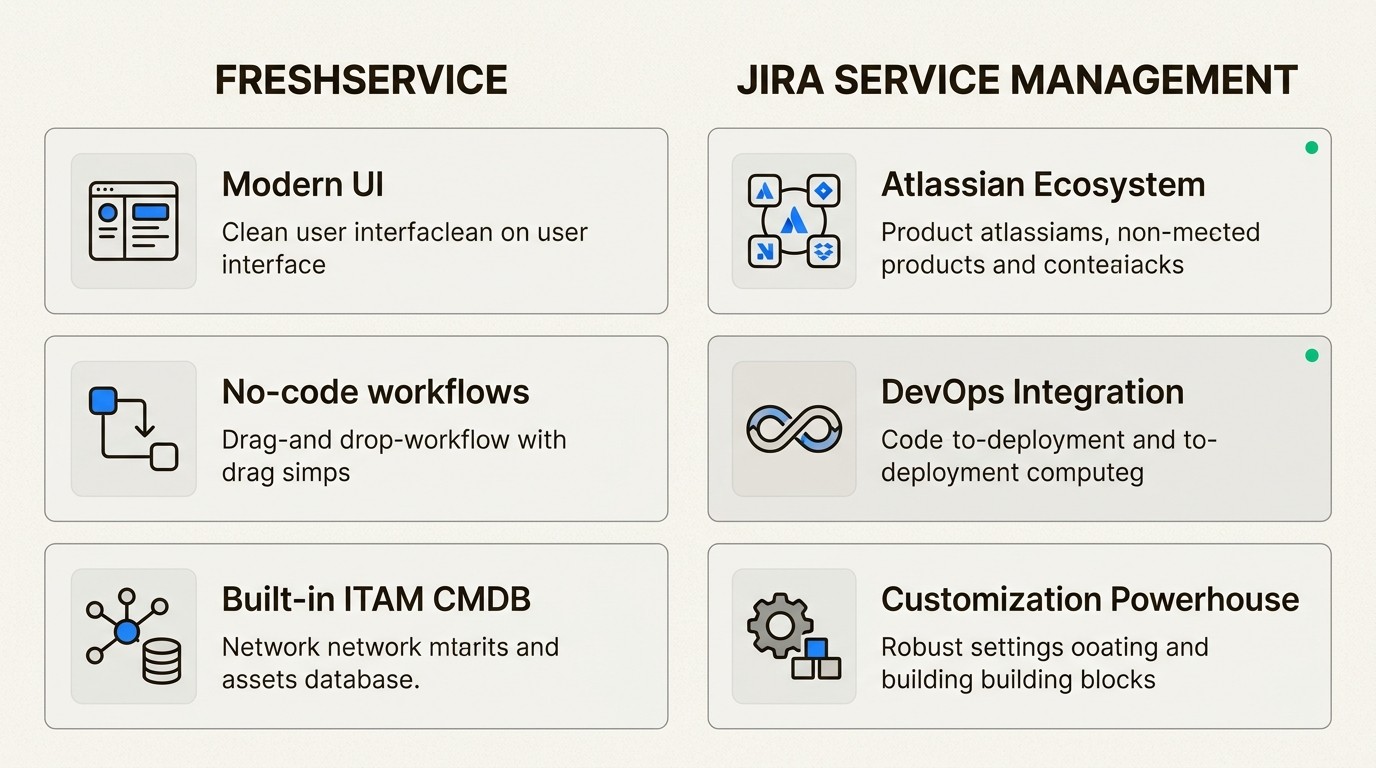
UI/UX and ease of use
Freshservice wins on immediate accessibility. Its drag-and-drop workflow builders and clean dashboard make it easy for non-technical teams like HR or Finance to adopt ESM (Enterprise Service Management).
Jira Service Management, while powerful, has a steeper learning curve and a more "technical" interface that can feel overwhelming at first. However, if your team already lives in Jira, the familiarity is a massive plus. Atlassian has also made significant strides in simplifying its UI in recent years, but it still requires more "admin muscle" than Freshservice.
Incident and problem management
Both tools are ITIL-certified and excel at core incident management. However, JSM has a clear advantage for teams that need to bridge the gap between IT Ops and Dev. Its ability to trigger incident alerts via Opsgenie (included in Premium) and link them to root causes in developer backlogs is unmatched.
Freshservice focuses more on the speed of the agent experience. It provides instant alerts and automated escalations that keep things moving smoothly for standard ITIL processes without needing deep technical configuration.
AI and automation
Freshservice’s Freddy AI is generally considered more "out of the box" for ticket deflection. It’s deeply integrated and can handle conversational self-service in Slack and Teams with very little setup.
Atlassian Intelligence is catching up fast. It focuses on helping agents work faster by summarizing long ticket threads and drafting knowledge base articles based on past resolutions. Both platforms are moving toward a future where "AI teammates" handle the bulk of L1 support.
The asset management divide: Freshservice vs Jira Service Management
One of the biggest differentiators between Freshservice and JSM is how they handle IT Asset Management (ITAM).
Freshservice includes a built-in CMDB and asset discovery tools even in its lower tiers, though full license management and advanced features require the "Pro" plan at $95 per agent per month.
In contrast, while JSM Standard recently added support for up to 5,000 asset objects, the full power of their native asset management (Insight) is primarily designed for the Premium tier, which starts at $51.42 per agent per month. For teams that want to stay in the Jira ecosystem but have more than 5,000 objects (or want to avoid the steep price jump), this creates a major gap.
The "Goldilocks" solution: JSM + Asset Management for Jira (AMFJ)
Many teams find themselves stuck: they love the Jira ecosystem but can't justify the jump to the JSM Premium tier just for asset tracking. This is where Asset Management for Jira (AMFJ) creates a third path. It's often the better choice for those who need more than basic tracking but want to avoid Freshservice vs Jira Service Management for asset management debates that end in a standalone tool migration.
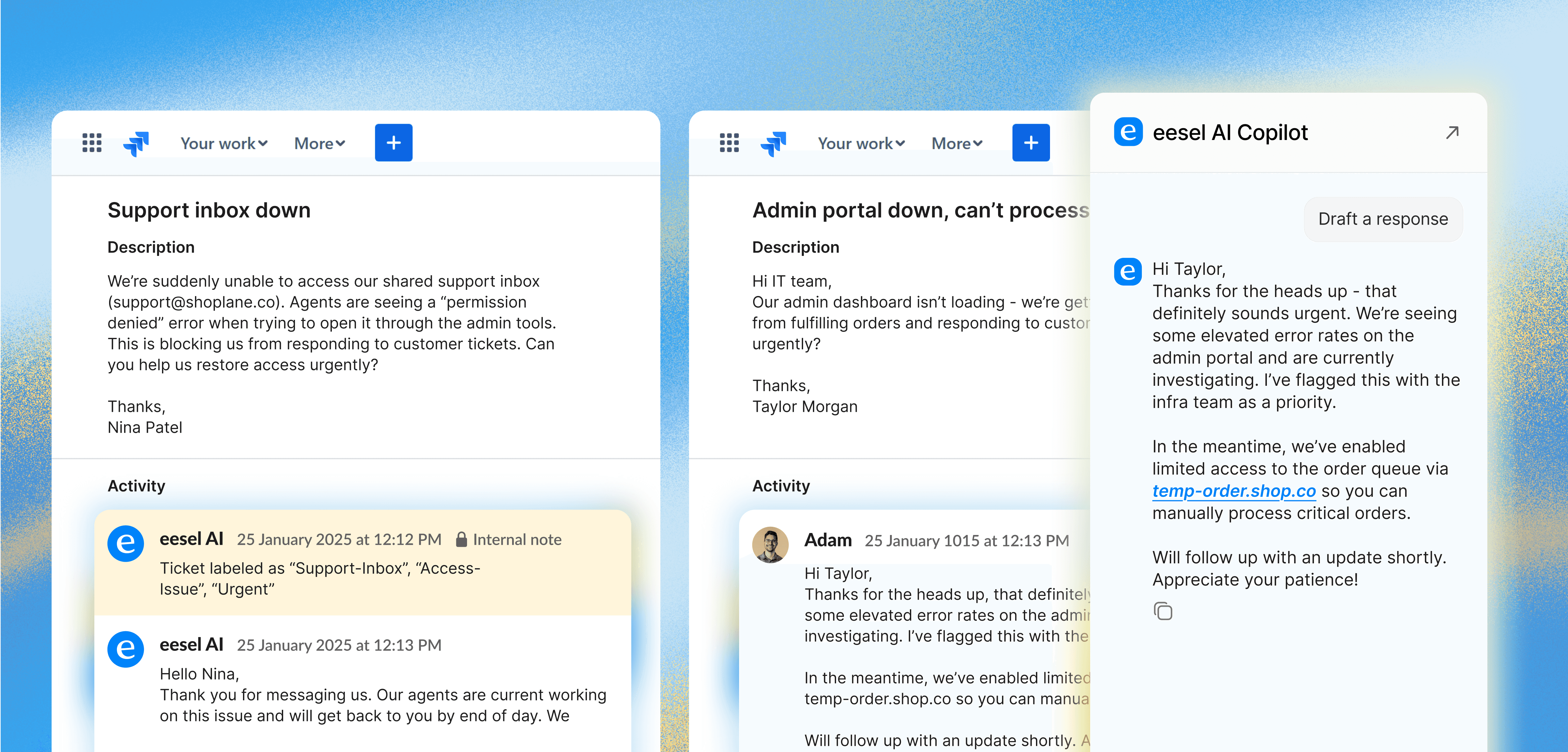
Our Asset Management for Jira app allows JSM Standard users to:
Keep everything in Jira: You can manage your hardware, software, and licenses natively within your existing Jira instance. No more context switching to a standalone tool like Freshservice.
Enterprise-grade tracking: We support unlimited assets, which means you aren't limited by the object caps found in JSM Standard.
Avoid the "Premium Tax": You get powerful asset discovery and ticket-linking without the $50+ per agent price tag of JSM Premium.
Contextual support: Our users resolve tickets 34% faster by having device history, warranty info, and linked tickets directly on the Jira ticket.
A Director of IT at Applied Systems recently shared: "With our prior tool, procurement requests would get stuck with manager approval. With Jira Service Management, the biggest win is transparency. People know where their issue is and when it's being resolved."
For a deeper look at how to set this up, see our ultimate guide to choosing a Jira asset management plugin.
Pricing breakdown: Freshservice vs Jira Service Management costs
The pricing structures of Freshservice and JSM are fundamentally different, which makes direct comparison tricky. Freshservice uses a traditional per-agent model, while Atlassian has a more flexible tiered model based on user counts.
Freshservice pricing (Billed annually)
Plan | Price (per agent/month) | Key ITAM Feature |
|---|---|---|
Starter | $19 | Basic asset tracking |
Growth | $49 | Asset discovery (limited) |
Pro | $95 | Full CMDB & license management |
Enterprise | Custom | AI-powered asset health |
[Source: https://www.freshworks.com/freshservice/pricing/]
Jira Service Management pricing (Estimated)
Plan | Price (per agent/month) | ITAM Feature |
|---|---|---|
Free | $0 | None |
Standard | ~$20 | 5,000 objects included |
Premium | ~$51 | 50,000 objects included |
[Source: https://www.atlassian.com/software/jira/service-management/pricing]
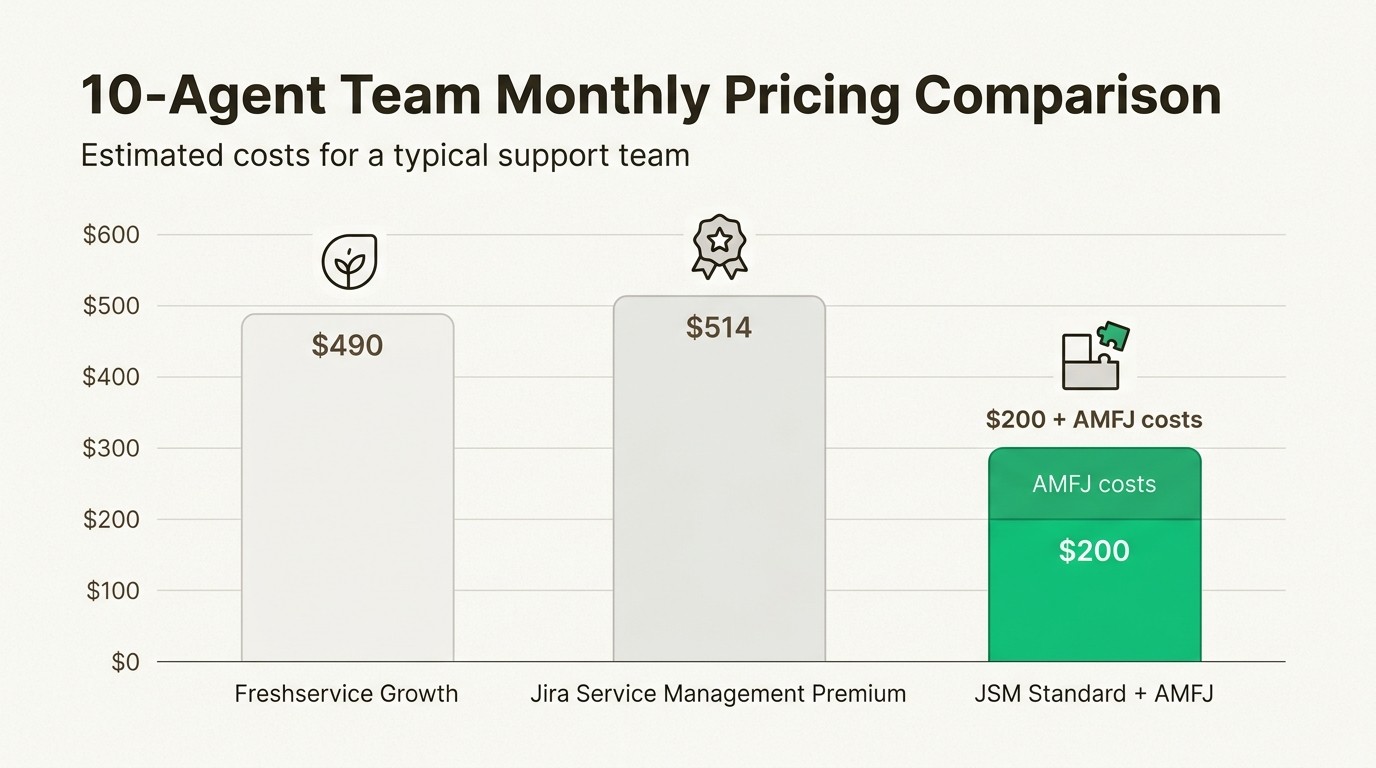
Bottom line? If you are a team of 10 agents, JSM Premium will cost you over $500 per month. JSM Standard combined with Asset Management for Jira typically costs significantly less, while providing a more native and user-friendly experience than the complex Insight engine. For more details, check out our guide on Jira asset management pricing.
Freshservice vs Jira Service Management: Which is right for your team?
The choice between Freshservice and Jira Service Management often comes down to your current "gravity."
Choose Freshservice if:
You are starting from scratch and want a tool that "just works" out of the box.
Your primary goal is onboarding non-IT teams (HR, Finance) with zero technical configuration.
You prefer a modern, standalone UI and don't need deep ties to a developer ecosystem or Jira Software.
Choose Jira Service Management if:
Your team already uses Jira Software or Confluence for project management.
You need deep traceability between IT support and software development (DevOps).
You want the single source of truth for your IT processes that only native integration provides.
You value a massive marketplace of apps to customize your service desk exactly how you need it.
Make Jira the single source of truth with AMFJ
If you've decided on Jira Service Management but are dreading the cost and complexity of JSM Premium for your asset tracking, there is a better way.
By adding our Asset Management for Jira app to your JSM Standard instance, you get the simplicity of Freshservice with the power and integration of the Atlassian ecosystem. You can eliminate "SaaS sprawl," resolve tickets significantly faster, and maintain 95%+ inventory accuracy, all without leaving the tool your team already lives in.
Ready to see how "simply powerful" Jira-native asset management can be? You can explore our features or get a custom estimate for your team today.
Frequently Asked Questions
What are the main differences in the Freshservice vs Jira Service Management comparison?
The main differences lie in their platform philosophy. Freshservice is a standalone, no-code platform designed for simplicity and rapid deployment. Jira Service Management is built on the Jira platform and offers deep integration with developer workflows and high levels of customization.
Which tool is more cost-effective when looking at Freshservice vs Jira Service Management?
It depends on your team size and specific needs. Freshservice starts at $19 per agent, while JSM Standard is about $20 per agent. However, JSM Standard + Asset Management for Jira is often more cost-effective than JSM Premium or higher Freshservice tiers for teams that need enterprise-grade asset tracking.
How does asset management compare in Freshservice vs Jira Service Management?
Freshservice includes a built-in CMDB in its Growth tier and above. Jira Service Management includes limited object tracking in Standard and full functionality in Premium. Many teams choose JSM Standard + Asset Management for Jira as a powerful, native middle ground.
Is AI better in Freshservice vs Jira Service Management?
Freshservice's Freddy AI is often considered more 'ready to use' for employee self-service. Atlassian Intelligence focuses more on agent productivity, such as thread summaries and knowledge base drafting, but is rapidly expanding its conversational capabilities.
Can non-IT teams use both Freshservice vs Jira Service Management?
Yes, both platforms support Enterprise Service Management (ESM). Freshservice is known for being easier for HR and Finance teams to set up without technical help, while JSM is the natural choice for business teams already using Atlassian tools.
Should I choose Freshservice vs Jira Service Management if I already use Jira Software?
If your team is already using Jira Software, Jira Service Management is usually the best choice. It provides native traceability between development tasks and support tickets that a standalone tool like Freshservice cannot match.



