The best Asset Panda alternatives for asset tracking in 2026
Searching for Asset Panda alternatives? We review the top 6 asset tracking tools for 2026, comparing features, pricing, and integrations to help you switch.

Colin Reed
IT Expert and Content Writer
Last Updated

Spreadsheets used for tracking company assets can become difficult to manage over time, leading many to adopt a dedicated asset tracking tool like Asset Panda. However, a single tool may not be the right fit for every team's workflow.
If you are exploring other options, this guide reviews several Asset Panda alternatives available in 2026. The goal is to help you find a tool that aligns with your workflow, budget, and integration requirements.
We will cover what asset tracking software is, common reasons for seeking an alternative, and then provide a detailed list of six options.
What is asset tracking software?
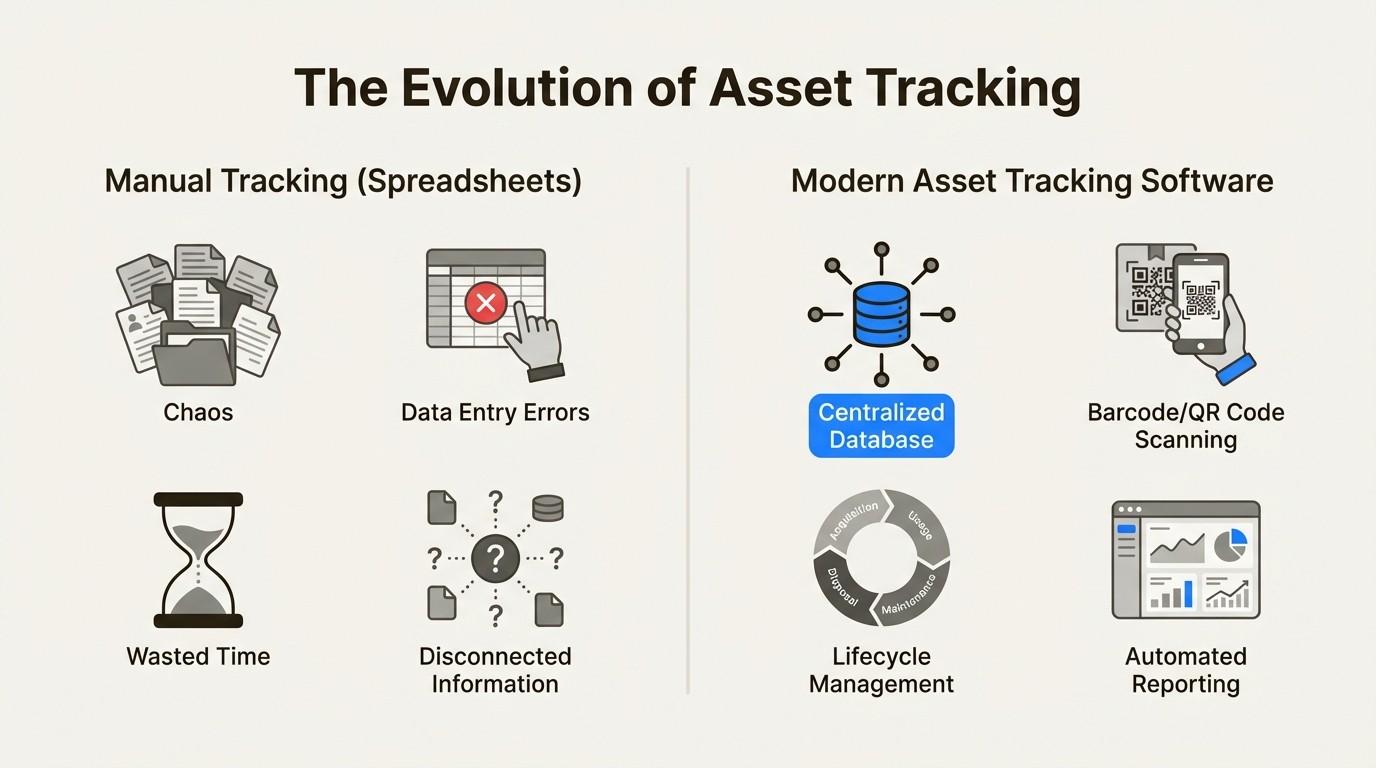
Asset tracking software is a central system for monitoring a company's physical and digital assets throughout their lifecycle, from acquisition to disposal. It serves as a replacement for manual spreadsheets, providing a single source of truth for what you own, its location, user, and condition. This can cover a wide range of items, from computers to contracts.
Instead of static spreadsheets, these systems offer dynamic features like barcode and QR code scanning for quick updates, lifecycle management, maintenance scheduling, and reporting. The objective is to turn a passive list of items into an active, manageable inventory.
Why look for Asset Panda alternatives?
Asset Panda has strengths, including its flexibility and customizability, which makes it a good option for many industries, from education and healthcare to construction. However, teams may look for alternatives for several reasons.
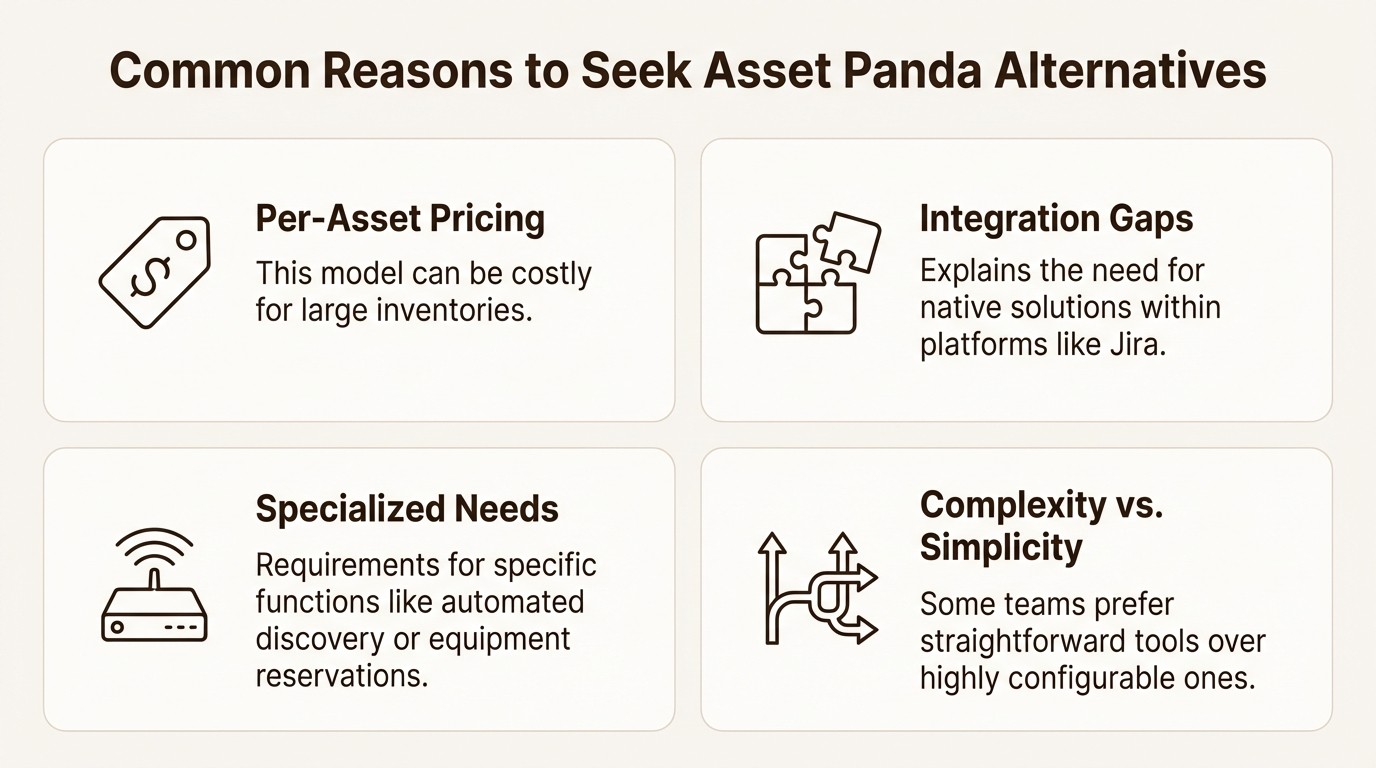
Per-asset pricing model: Asset Panda prices by the number of assets tracked. For organizations with a large volume of equipment, this model can lead to higher costs. This may also lead teams to selectively track assets rather than maintaining a complete inventory. Tools that charge per user or per administrator can offer more predictable and scalable pricing.
Native integration gaps: For teams heavily reliant on platforms like Jira, a more deeply integrated solution may be necessary. Using a separate tool requires users to switch between applications, which can interrupt workflows. A native solution like Asset Management for Jira integrates asset information directly into service tickets, providing necessary context within the primary work environment.
Specialized needs: Some teams require tools built for a specific function. An IT team might need the automated network discovery offered by a tool like Lansweeper. These specialized tools offer functionality tailored to specific workflows that a more general platform may not fully address.
Complexity vs. simplicity: While Asset Panda is highly configurable, some teams may find the configuration process extensive. Others may be looking for a simple, intuitive tool for straightforward inventory management. They might prefer the visual-first approach of an app like Sortly over a platform with numerous customization options.
Criteria for selecting Asset Panda alternatives
To create a useful comparison, we evaluated each tool based on several important factors to ensure they are all legitimate contenders.
Core asset management features: The tool must provide robust core functionality. We looked for solid tracking, easy check-in/check-out, detailed audit trails, and good reporting.
Ease of use: The user interface should be intuitive for both administrators and daily users to encourage adoption with minimal training.
Integration capabilities: Modern teams use a variety of tools. We looked for platforms that integrate with other systems, offering a strong API or deep integrations with key business software like Jira, Zendesk, SAP, or Oracle.
Transparent pricing: We prioritized tools with clear, public pricing or those known for predictable models that don't include unexpected costs.
Comparison of the top Asset Panda alternatives
Here’s a quick table to give you an at-a-glance look at the top alternatives we reviewed. It highlights who each tool is best for and what makes it stand out.
Tool | Best For | Pricing Model | Native Jira Integration | Key Differentiator |
|---|---|---|---|---|
Asset Management for Jira | IT & support teams working in Jira | Per Jira User | ✅ Yes (Native App) | Deeply embeds asset data into Jira issues and workflows. |
Asset Infinity | Teams needing a flexible, direct competitor | Per Asset / Per User (Quote-based) | ❌ No | Highly flexible platform with strong native ERP/ITSM integrations. |
Lansweeper | IT teams needing automated network discovery | Per Asset | ❌ No (via Marketplace App) | Automatically discovers and scans all IT, OT, and IoT assets on the network. |
Cheqroom | Teams managing shared, high-value equipment | Per Administrator (Unlimited Users) | ❌ No | Powerful reservation and check-out system for shared gear. |
LLumin | Industrial and manufacturing operations | Per User | ❌ No | Advanced CMMS+ features for preventive and predictive maintenance. |
Sortly | Small businesses needing simple visual inventory | Per User (Tiered) | ❌ No | Extremely simple, visual-first interface for basic tracking. |
A review of 6 Asset Panda alternatives
Now, let's get into the details of each tool.
1. Asset Management for Jira
Asset Management for Jira is an app that integrates directly within the Jira environment. As a Gold Marketplace Partner, it’s built specifically for IT and support teams who use Jira Service Management. It allows you to track hardware, software licenses, and accessories, and then link them directly to support tickets. This gives your team instant context, helping them resolve issues faster.
Who it's for: This tool is well-suited for any team that wants to bridge the gap between their IT service desk and their asset database. If your team is frequently switching between Jira and a spreadsheet, this app provides a unified solution.
Pros: Its primary advantage is the native Jira integration. Asset information appears directly inside issue views, can be used in JQL queries, and works with Jira Automation. It also syncs devices and users from tools like Intune, Jamf, and Kandji. The pricing is tied to your Jira user count, not the number of assets you have.
Cons: Since it operates exclusively within Jira, it’s not for teams outside the Atlassian ecosystem. Its features are focused on IT asset management and do not include the advanced maintenance tools found in a dedicated CMMS.
Pricing:
Starts at $10/month for up to 10 users.
It uses a tiered per-user pricing model, such as $2.85/user/month for up to 100 users in the Standard Edition.
An Advanced Edition is also available with features like Role-Based Access Control and API access.
2. Asset Infinity
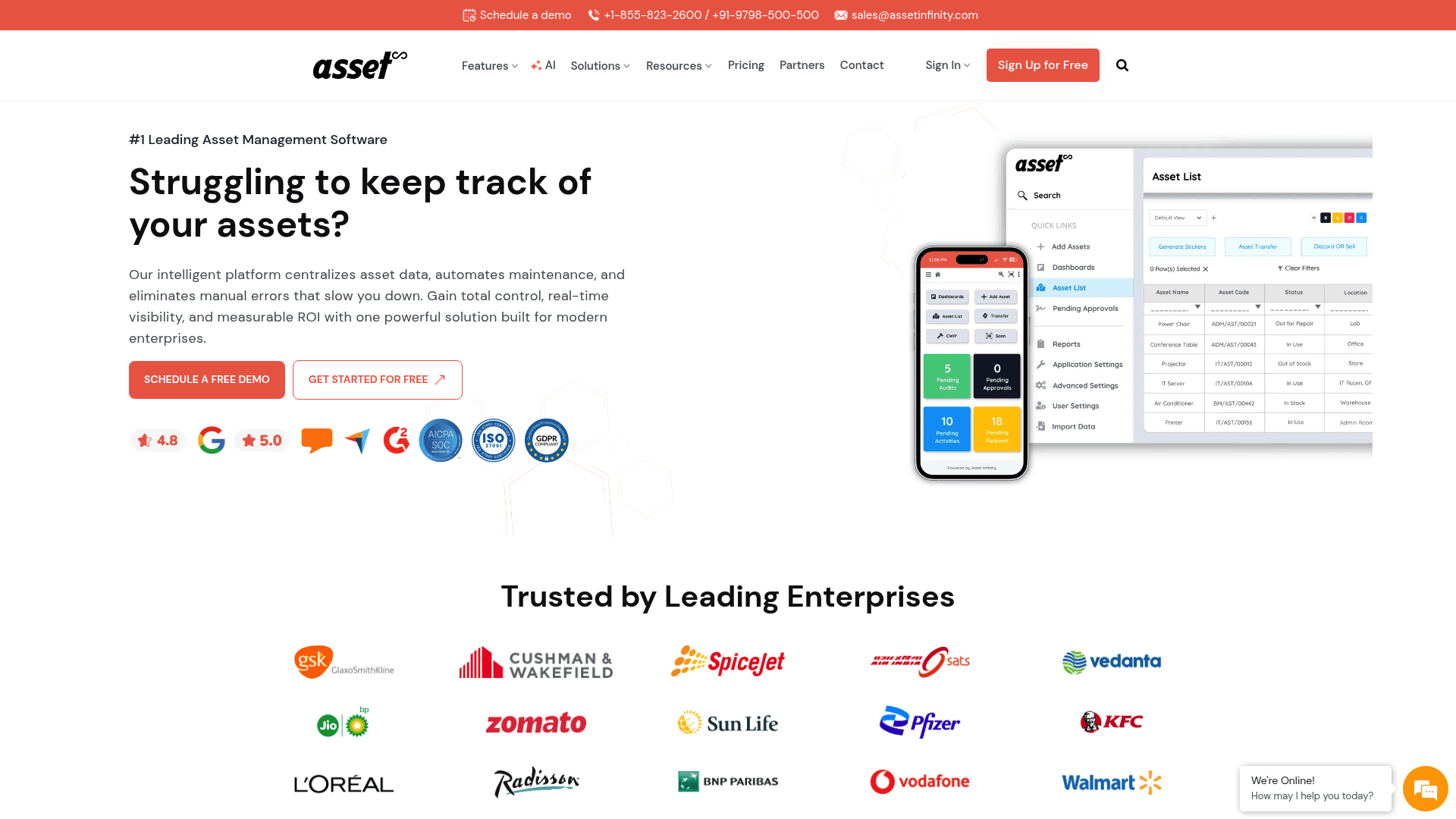
Asset Infinity is a flexible asset tracking platform and a notable Asset Panda alternative. It offers a wide range of features, including asset tracking, maintenance management (CMMS), and inventory control, all managed through a web dashboard and mobile apps.
Who it's for: Businesses looking for a capable, all-in-one system that is focused on quick implementation. It is a suitable choice for teams that have considered Asset Panda but are looking for different pricing or feature sets.
Pros: The platform has a set of native integrations with ERP and ITSM systems like SAP, Oracle, and Zendesk. Its mobile app supports geo-tagging and scanning for RFID, QR codes, and barcodes. It is also ISO 27001 certified and hosted on Microsoft Azure, which supports security requirements.
Cons: While it integrates with many ITSM tools, it does not offer the same level of native integration within a platform like Jira that Asset Management for Jira does. For teams centered on Jira, this means managing assets in a separate system.
Pricing: Asset Infinity offers plans based on the number of assets and the modules you need. Their pricing isn't public, so you'll have to contact their sales team for a quote. They do offer a 14-day free trial.
3. Lansweeper
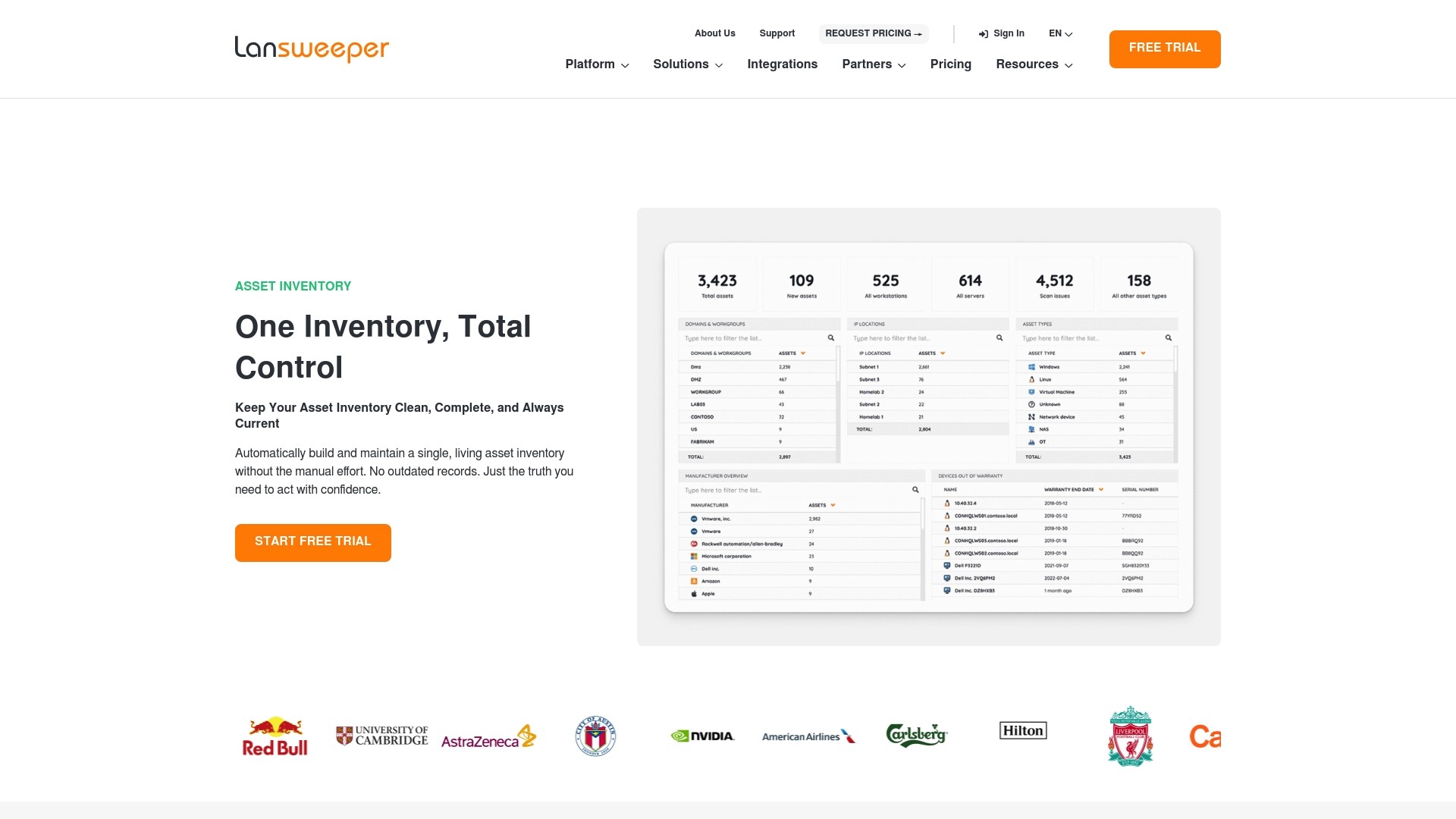
Lansweeper approaches asset management by focusing on automated network discovery. It automatically scans your entire network to find and identify every IT, OT, and IoT asset. This creates a complete and always-current IT inventory with minimal manual input.
Who it's for: IT managers and system admins who need a complete, accurate inventory of all network-connected hardware and software, especially for discovery and audits.
Pros: The agentless scanning provides extensive visibility with minimal setup. It gathers detailed information on everything from hardware specs to installed software, which is valuable for security and compliance. It also offers over 35 integrations, including with Jira and ServiceNow.
Cons: Lansweeper is primarily an IT discovery and inventory tool. Its features for day-to-day asset lifecycle management, such as check-in/check-out or maintenance scheduling, are not as robust as those in a dedicated asset management platform.
Pricing:
There's a free plan for up to 100 assets.
The Starter plan begins at $199/month (billed annually) for 2,000 assets.
4. Cheqroom

Cheqroom is an equipment management tool designed for tracking shared, high-value assets. It is particularly effective for managing gear that is frequently checked out and returned, like AV equipment, cameras, or a pool of IT loaner devices. Its main strength is its reservation and scheduling system.
Who it's for: Media production houses, universities, and IT departments that manage loaner equipment. For teams whose primary challenge is preventing double-bookings and tracking shared equipment, Cheqroom is a relevant option.
Pros: The pricing model includes unlimited users and items, which means anyone in your organization can make reservations without increasing the cost. The booking calendar is designed to be user-friendly and prevents scheduling conflicts, helping you maximize the use of your equipment.
Cons: Cheqroom's pricing is based on administrative licenses, which may represent a larger upfront investment. It is also highly specialized for equipment booking and might be more than what is needed for tracking simple one-to-one asset assignments.
Pricing: Pricing starts at $184 per admin/month for the Core plan (billed annually, and minimum administrator counts apply).
5. LLumin
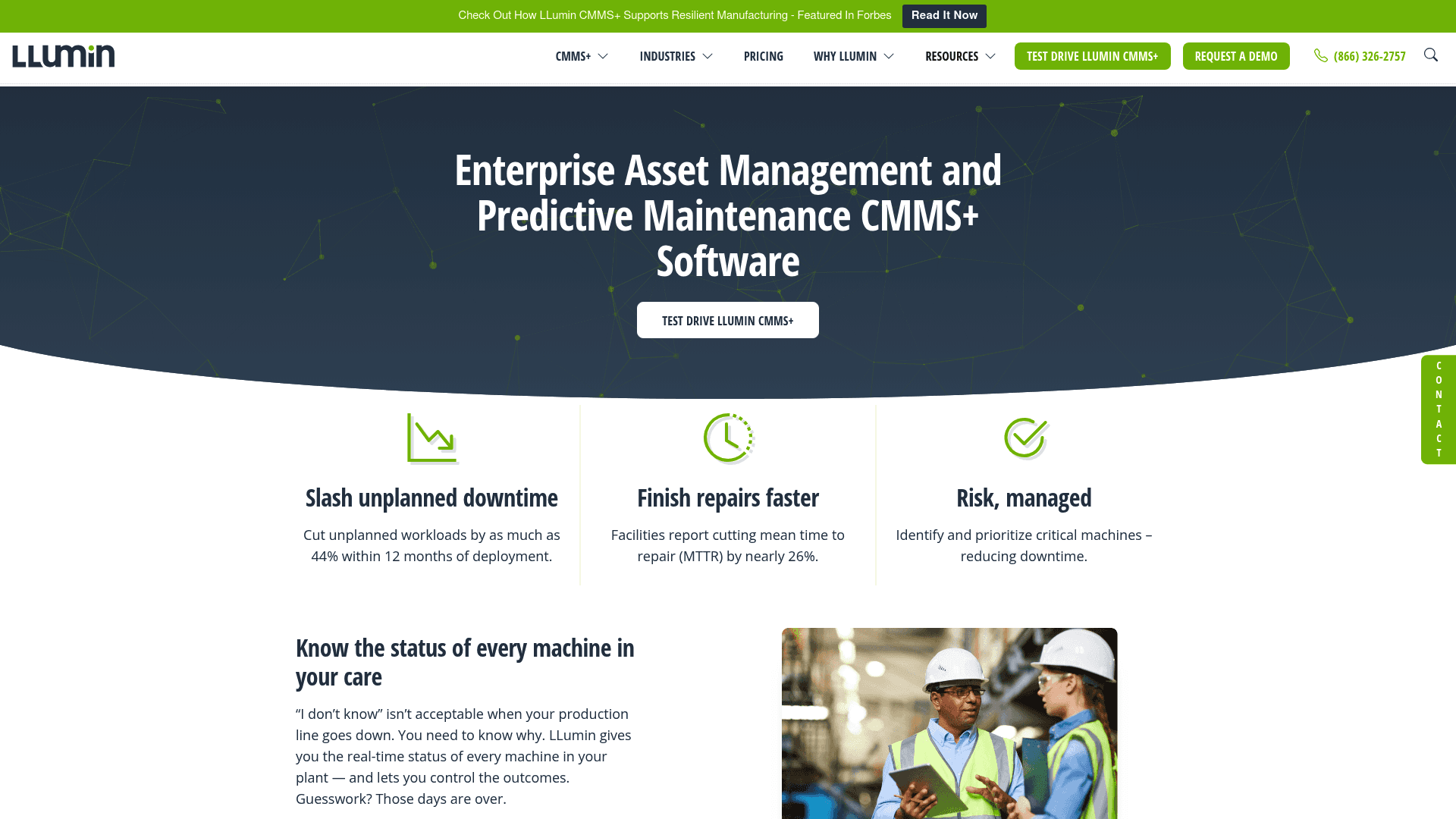
LLumin is a Computerized Maintenance Management System (CMMS+) that goes beyond basic asset tracking. It's built for industrial environments where equipment uptime is critical. It combines asset tracking with advanced preventive and predictive maintenance, work order management, and IIoT sensor integration.
Who it's for: Manufacturing plants, utility companies, and large facilities management teams. This tool is suitable when the main focus is ensuring an asset is operating correctly, not just knowing its location.
Pros: LLumin's primary strength is its deep maintenance functionality. It can trigger work orders based on runtime hours or real-time sensor data, helping teams move from reactive to proactive maintenance. It’s also built for strict regulatory compliance, with detailed audit trails for standards like OSHA, EPA, and FDA.
Cons: As an enterprise solution, its feature set is more extensive than what is typically required for tracking standard IT assets like laptops, which is reflected in its positioning. The implementation is also more involved than a simple plug-and-play tool.
Pricing: The Professional plan starts at $45 per user per month.
6. Sortly
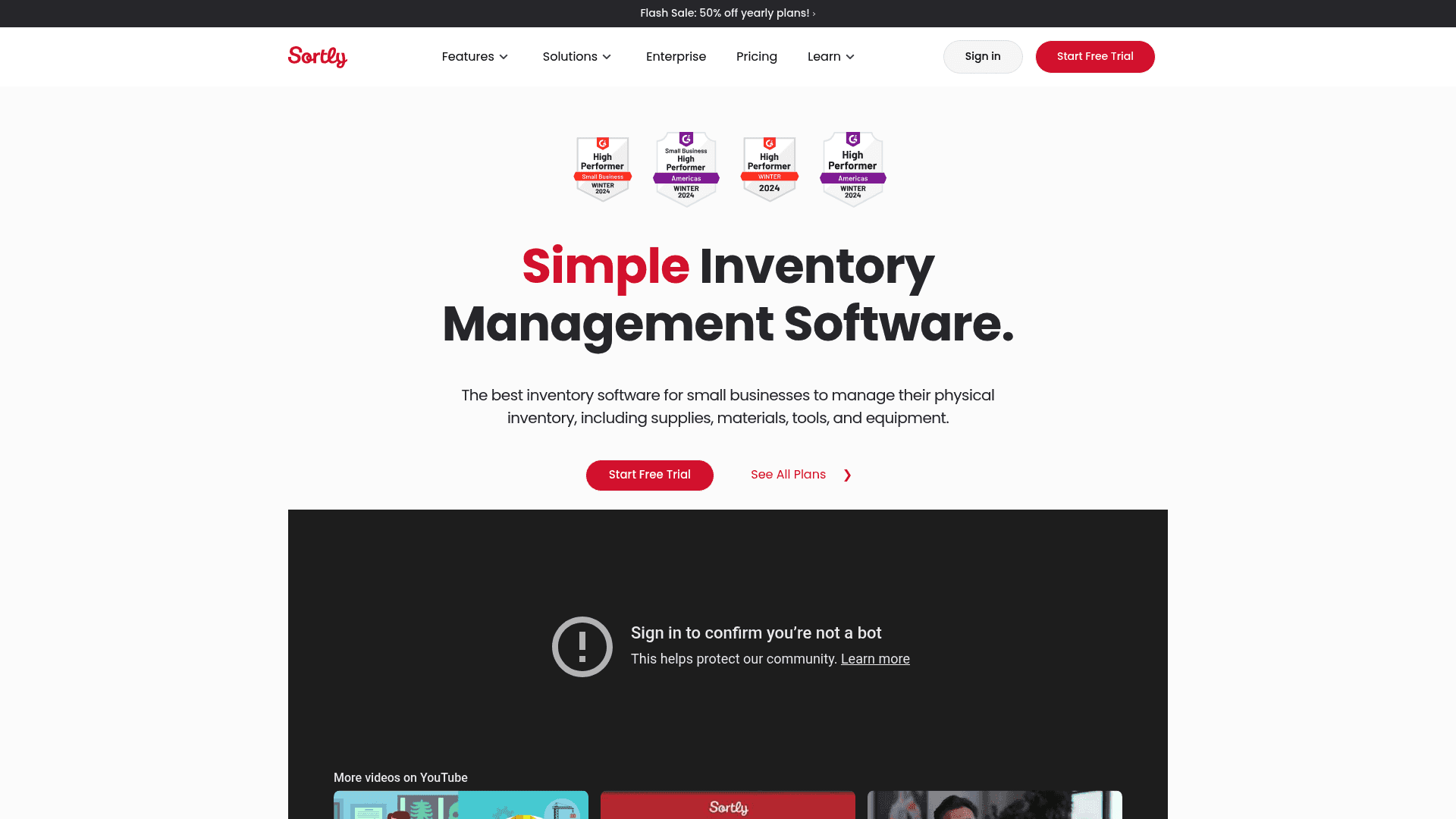
Sortly is a straightforward, visual-first inventory app. It's designed for small businesses and teams that need an uncomplicated way to know what they have and where it is. The experience is built around adding items with photos, QR codes or barcodes, and custom fields, and organizing them in a simple folder structure.
Who it's for: Small businesses, contractors, or any team that needs a system to track physical inventory and assets without a steep learning curve.
Pros: A key characteristic is its simplicity. New users can be up and running in minutes. The visual nature of the inventory, with large photos for each item, makes it easy to identify assets at a glance. The mobile app includes features such as an offline mode.
Cons: Sortly does not have the advanced features of a full ITAM or CMMS solution. You won't find deep reporting, maintenance scheduling, or the workflow automation needed for complex IT asset lifecycles.
Pricing:
A free plan is available for one user and up to 100 items.
Paid plans start at $24/month (billed annually) for the Advanced plan, which includes 2 users and 500 items.
How to choose the right Asset Panda alternative for your team
Here are a few practical tips to help you make the right call.
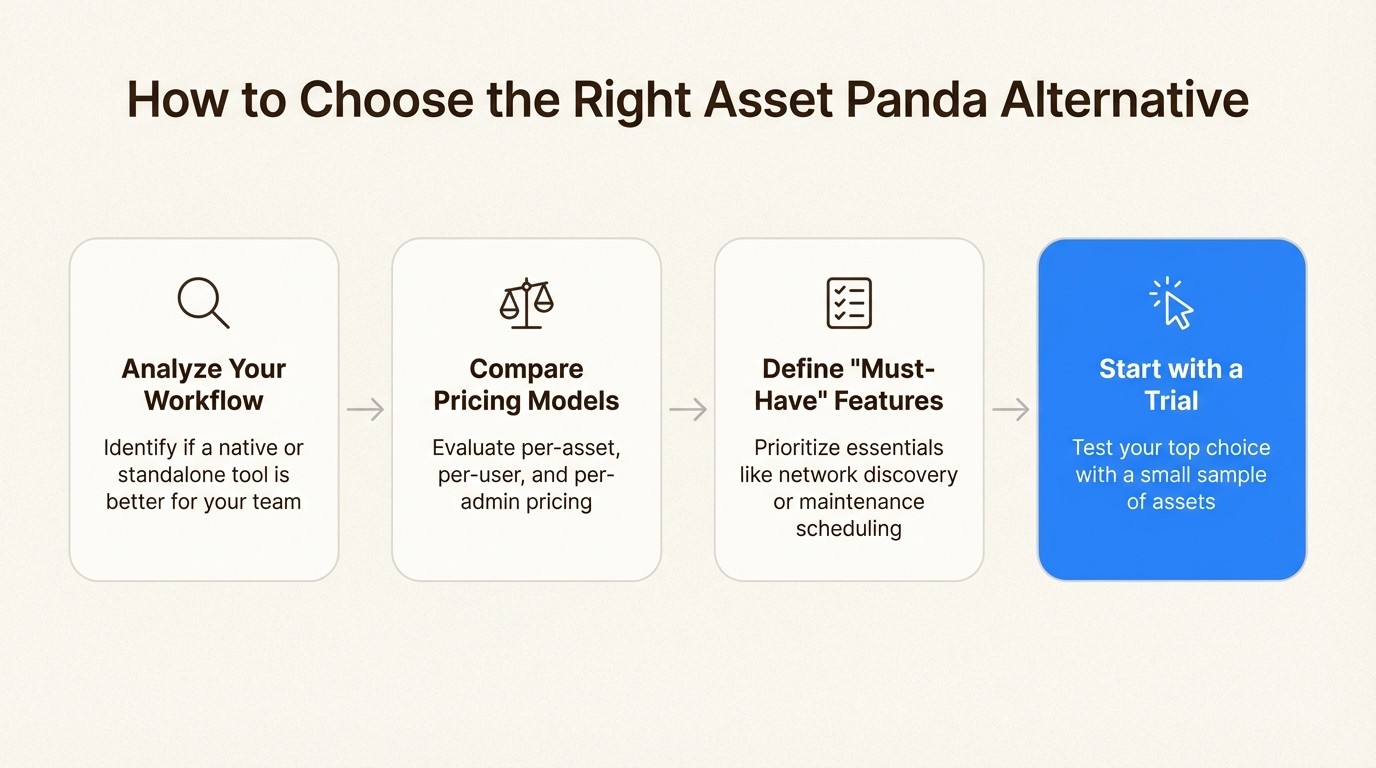
Analyze your primary workflow: Consider where your team spends most of its time. If you're an IT team resolving tickets in Jira, a native solution like Asset Management for Jira can improve efficiency by reducing the need to switch applications. If you’re managing a warehouse, a standalone inventory tool might be a better fit.
Compare pricing models: Carefully evaluate the different approaches. If you have thousands of small assets but only a couple of managers, Asset Panda's per-asset model could become expensive. A per-user model like LLumin's or a per-admin model like Cheqroom's might be more predictable. For teams that don't want to count assets, AMFJ's per-Jira-user model is a straightforward option.
Define your "must-have" features: Determine what is essential for your operations. Do you absolutely need automated network discovery? Then Lansweeper should be at the top of your list. Is advanced maintenance scheduling critical? Look into LLumin. Is a simple, visual interface your top priority? Sortly is a relevant choice.
Start with a trial: It is recommended to test a tool before committing. Use a free trial to import a small sample of your assets and see how the tool feels in practice. Evaluate whether the workflow is intuitive and if it genuinely solves your biggest problems.
Bring asset tracking into your workflow
There are many excellent Asset Panda alternatives available, but the best one depends on your team's unique needs. We've covered options for simple inventory, heavy-duty industrial maintenance, and everything in between.
For teams that primarily work within Jira, the most efficient solution is one that integrates with their existing environment. By embedding asset data directly into tickets, you give your support team the context they need to resolve issues faster and more effectively.
Try a free 30-day trial of Asset Management for Jira today and see how a native solution can streamline your IT operations.



