The 6 Best Lansweeper Alternatives for Jira Users in 2026
Searching for Lansweeper alternatives? We review the top 6 tools for 2026, comparing features, pricing, and key differentiators to help you choose.

Colin Reed
IT Expert and Content Writer
Last Updated

You’ve been using Lansweeper to keep tabs on your IT assets. For a long time, it was a popular tool for network discovery. However, some teams find its pricing model or user interface challenging, leading them to explore alternatives.
If that sounds familiar, you're not alone. While Lansweeper is effective at device discovery, some of its changes have led many teams to look for other options. This is about finding a tool that aligns with a team's specific workflow and budget.
That’s why we put this list together. This article provides a comparison of six Lansweeper alternatives. We'll look at what makes each one tick, who it's for, and its cost, especially for teams that run on Jira.
What is Lansweeper?
First, let's give credit where it's due. Lansweeper is a Technology Asset Intelligence platform, which is a more formal way of saying it’s built to find and catalog every piece of tech connected to your network. Think of it as a super-powered census taker for your IT, OT (Operational Technology), and IoT (Internet of Things) devices.
Its main job is to automatically scan your network, with or without an agent, to create a single inventory of all your assets. This gives you a detailed look at what’s out there, from servers and laptops to printers and switches. It's known for its deep reporting capabilities and its ability to connect with ITSM tools like Jira and ServiceNow, making it a powerful discovery tool for large environments.
Why look for Lansweeper alternatives?
While Lansweeper is a solid tool for asset discovery, it's not always the right fit. Many long-time users are now looking for other options, and a few common reasons keep popping up, which are summarized in the infographic below.
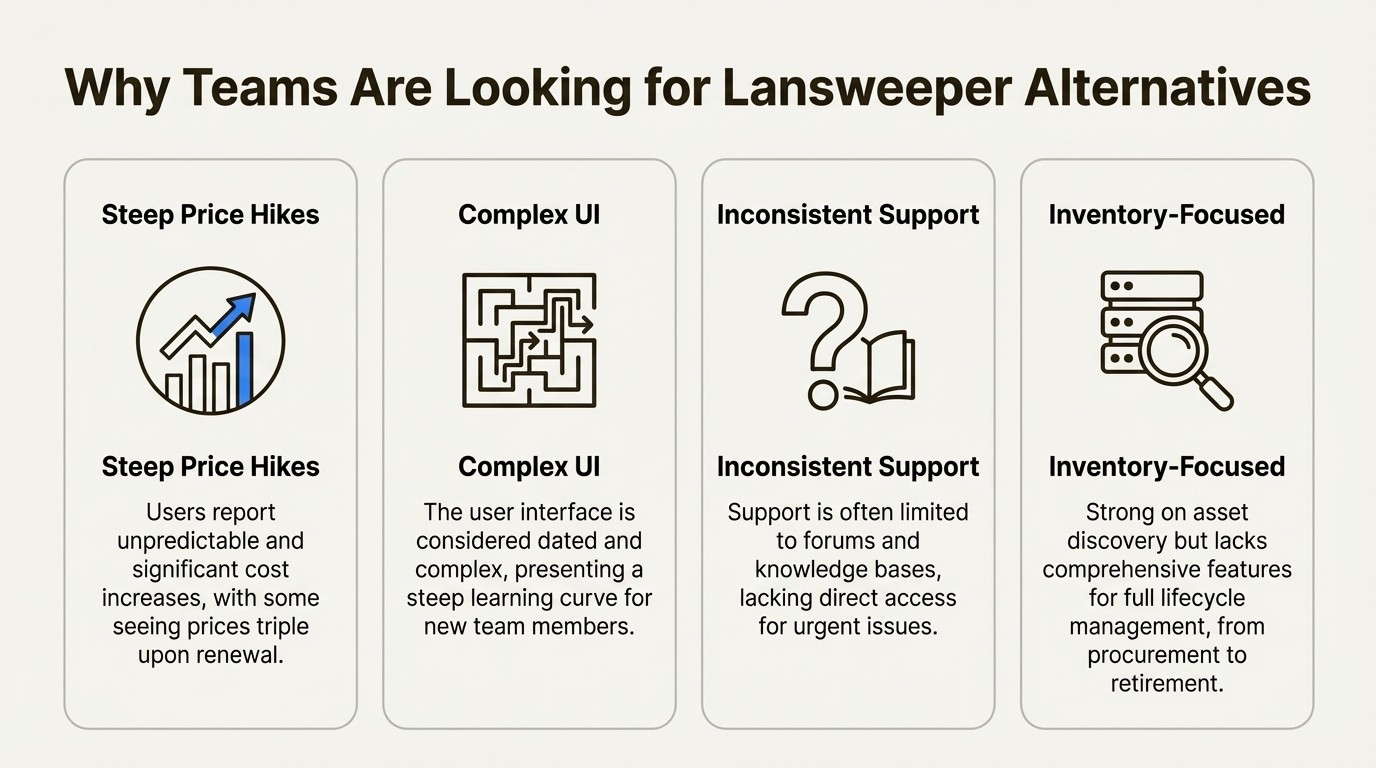
Steep and unpredictable price increases
Budgets are a significant factor for many teams. One of the biggest reasons teams are looking for Lansweeper alternatives is the cost. Some conversations from long-time customers report significant price hikes.
Significant price increases can prompt teams to evaluate other options before the next renewal.
A complex and dated user interface
While powerful, some users find Lansweeper's interface complex, especially when new to the platform. The density of features can present a learning curve. This complexity can slow down workflows and make it difficult for new team members to get comfortable. Teams accustomed to modern, cloud-native interfaces may find the UI less intuitive.
Limited customer support
Timely customer support is crucial for IT operations. Some users have found Lansweeper’s customer support to be inconsistent. Often, support is directed to a knowledge base, community forums, or a support portal. For urgent issues, some users prefer direct access to support personnel over these resources.
A focus on inventory over full lifecycle management
Lansweeper is effective at identifying current assets. However, it puts less emphasis on managing the entire asset lifecycle, from procurement to retirement. While it has some orchestration features, they are often included in more expensive plans. This may require using an additional tool to track information like warranties, maintenance schedules, and disposal records.
How we chose the best Lansweeper alternatives
To make this list useful, we focused on tools that address common needs of modern IT teams. Here’s what we looked for:
Ease of Use: An intuitive interface that your team can use without extensive training.
Comprehensive Features: Tools that go beyond inventory, with features like lifecycle management, reporting, and integrations.
Transparent Pricing: Clear, predictable pricing that you can plan your budget around, without unexpected changes at renewal.
Ecosystem Integration: The ability to connect to existing tools, especially a service desk like Jira.
The 6 best Lansweeper alternatives in 2025
We picked these tools because they each offer a compelling reason to make a switch. Whether you're looking for something that lives inside Jira, a powerful endpoint management tool, or a unified ITSM platform, there's something here for you.
1. Asset Management for Jira
This tool is designed for teams that heavily use Jira. Asset Management for Jira isn't a separate platform to integrate; it's a Gold Atlassian Marketplace Partner app that brings asset management directly into Jira projects. It reduces the need to switch between different tools for context on an issue.
Pros: Its primary strength is its native Jira integration. You can use asset data in JQL queries, create automation rules, and add asset information as custom fields to any issue type. This provides the support team with immediate context within their workflow. It is also designed for quick setup. Drips’ IT Director praised its lightweight nature and quick setup, and the ROI is easy to see. With all the asset info right there in the ticket, teams see a 34% faster ticket resolution on average. It also syncs directly with MDM tools like Intune, Jamf, and Kandji, so your inventory stays accurate and up-to-date automatically.
Cons: It’s a Jira-native app. If you're not using Jira Cloud, this isn't for you. Also, it doesn't do its own network discovery like Lansweeper. Instead, it relies on syncing data from your MDM tools. This is useful for accuracy and simplicity, but if you need to scan an unmanaged network, you'd still need a separate discovery tool.
Pricing:
Standard Edition: Starts at $10/month for up to 10 users. For teams of 11-100 users, it's $2.85/user/month.
Advanced Edition: Starts at $20/month for up to 10 users. For teams of 11-100 users, it's $3.25/user/month. This adds features like Role-Based Access Control, API access, and backups.
Best for: IT and support teams using Jira Service Management who want to link assets directly to tickets and solve problems faster without ever leaving their workspace.
2. InvGate Asset Management
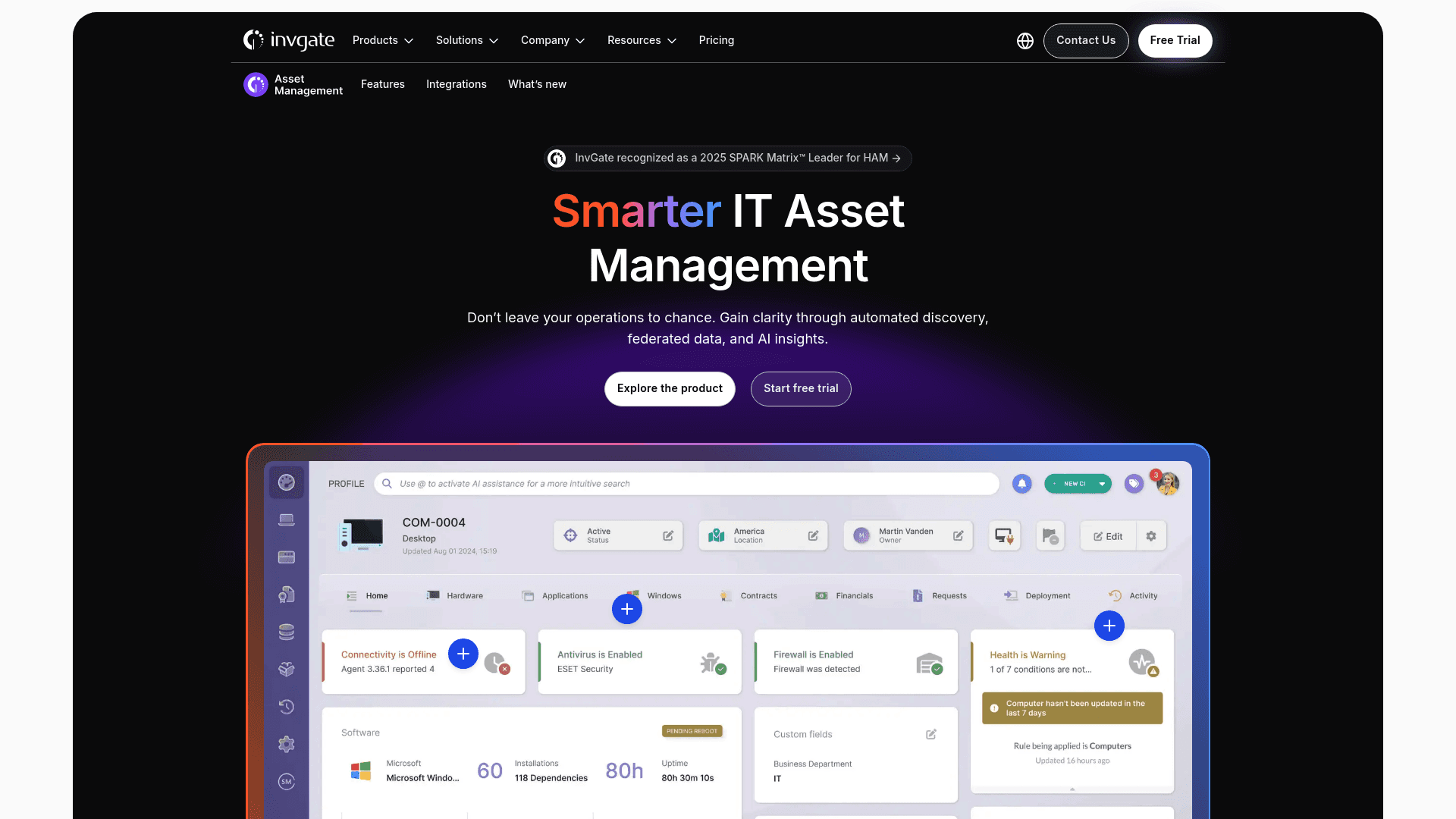
InvGate is a complete ITAM solution that balances powerful features with ease of use. It offers both agent-based and agentless network discovery, making it a direct competitor to Lansweeper on the discovery front.
Pros: InvGate can manage the full asset lifecycle, from procurement to disposal. It extends beyond inventory to manage the full asset lifecycle. It has a user-friendly, no-code workflow builder that makes automating processes simpler. Plus, users often note its responsive customer support.
Cons: It's a separate platform. While it integrates with Jira, it won't be the same native experience as a tool like Asset Management for Jira. Its pricing is also based on the number of agents, which can be more complex to calculate than a simple per-user model.
Pricing:
Starter: $17/agent/month (for 5 agents)
Pro: $40/agent/month (for 6-50 agents)
Enterprise: Custom pricing for larger teams or on-premise deployments.
Best for: Organizations that need a dedicated, all-in-one ITAM platform with strong lifecycle tracking and want the flexibility of both cloud and on-premise options.
3. PDQ Connect
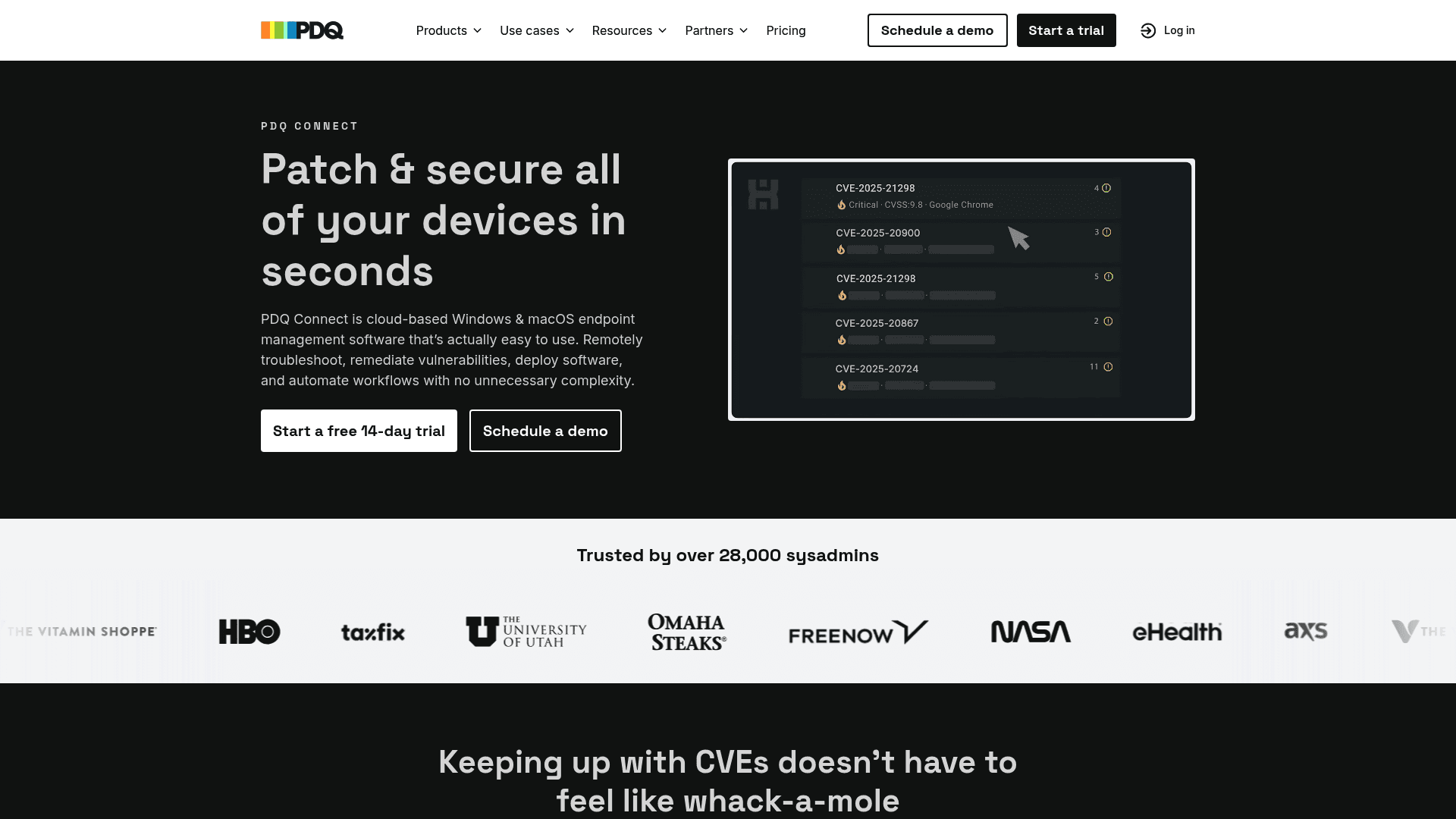
PDQ Connect is a modern, cloud-native tool built for managing Windows and macOS devices. It's more of an endpoint management tool than a traditional ITAM platform, but it's an option if your main goal is device health and software deployment.
Pros: It features a clean and fast UI. It simplifies tasks like automated patch management and software deployment. Additionally, it offers transparent, tiered per-device pricing. This makes budgeting more straightforward.
Cons: Its focus is on endpoint management. While it's useful for keeping devices patched and healthy, it doesn't offer the same depth in areas like financial tracking, license compliance, or contract management that a full ITAM solution would. It’s a specialized tool for a specific job.
Pricing:
Basic: $12 per device/year
Plus: $18 per device/year
Premium: $28 per device/year
Best for: System administrators in Windows and macOS environments who need a fast, simple, cloud-first tool for patching, software deployment, and real-time inventory.
4. NinjaOne
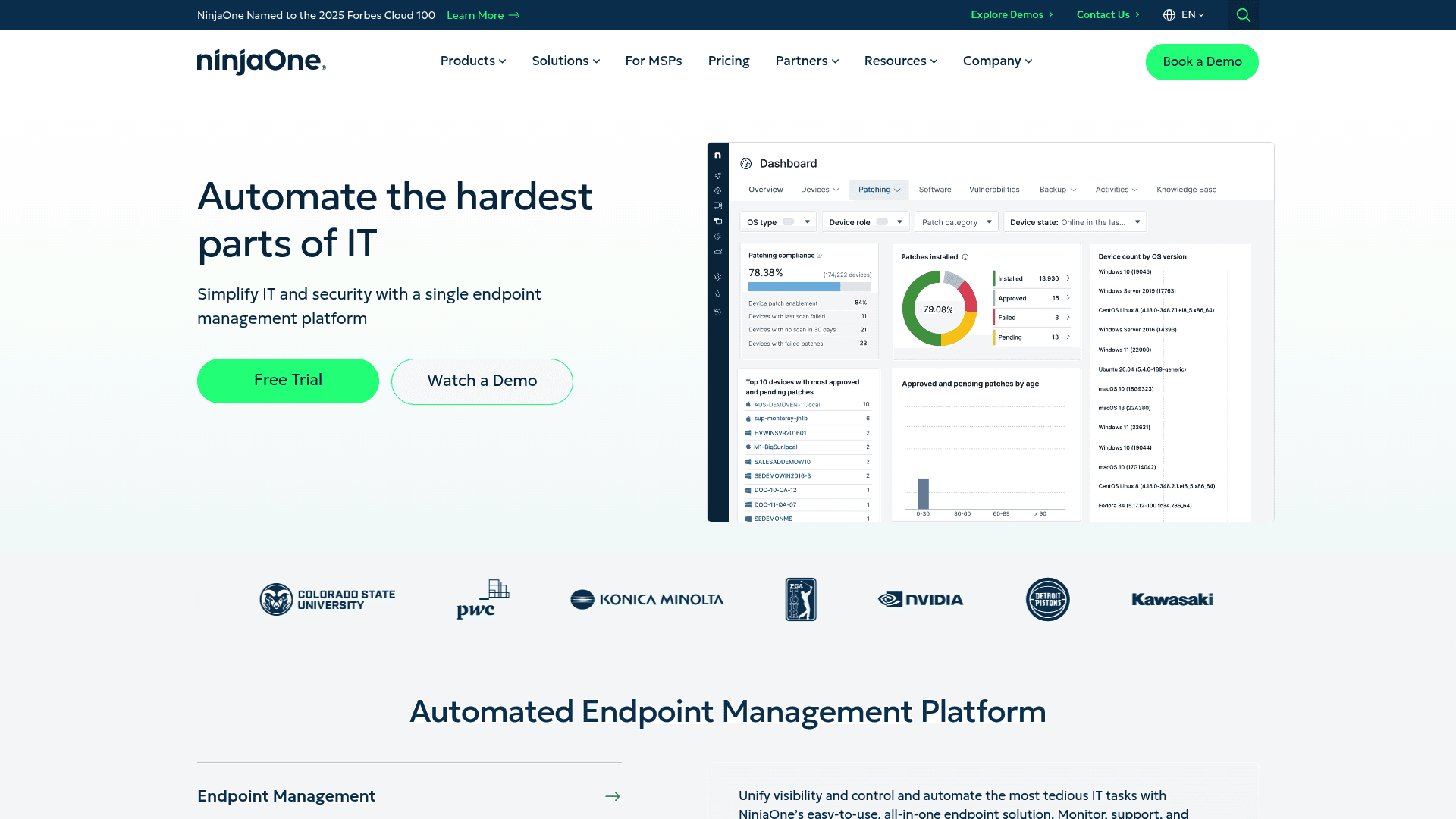
NinjaOne is a unified IT management platform that bundles Remote Monitoring and Management (RMM) with asset management. It's popular with Managed Service Providers (MSPs) and internal IT departments that want to consolidate their tools.
Pros: Its primary appeal is its all-in-one approach. You get real-time monitoring, automated patching, remote access, and asset inventory in a single interface. Users report that it can be deployed quickly and consistently give its customer support high marks, making it a strong contender for teams looking to consolidate tools and vendors.
Cons: The pricing is quote-based and not publicly available, which can complicate budget planning. While its asset management features are solid, they're more focused on the health and status of your endpoints rather than the financial and lifecycle tracking of a dedicated ITAM tool.
Pricing: Quote-based (per device); no public pricing is available.
Best for: Teams looking for a powerful RMM solution with integrated asset tracking and strong automation, especially MSPs or internal IT departments managing a remote workforce.
5. Freshservice
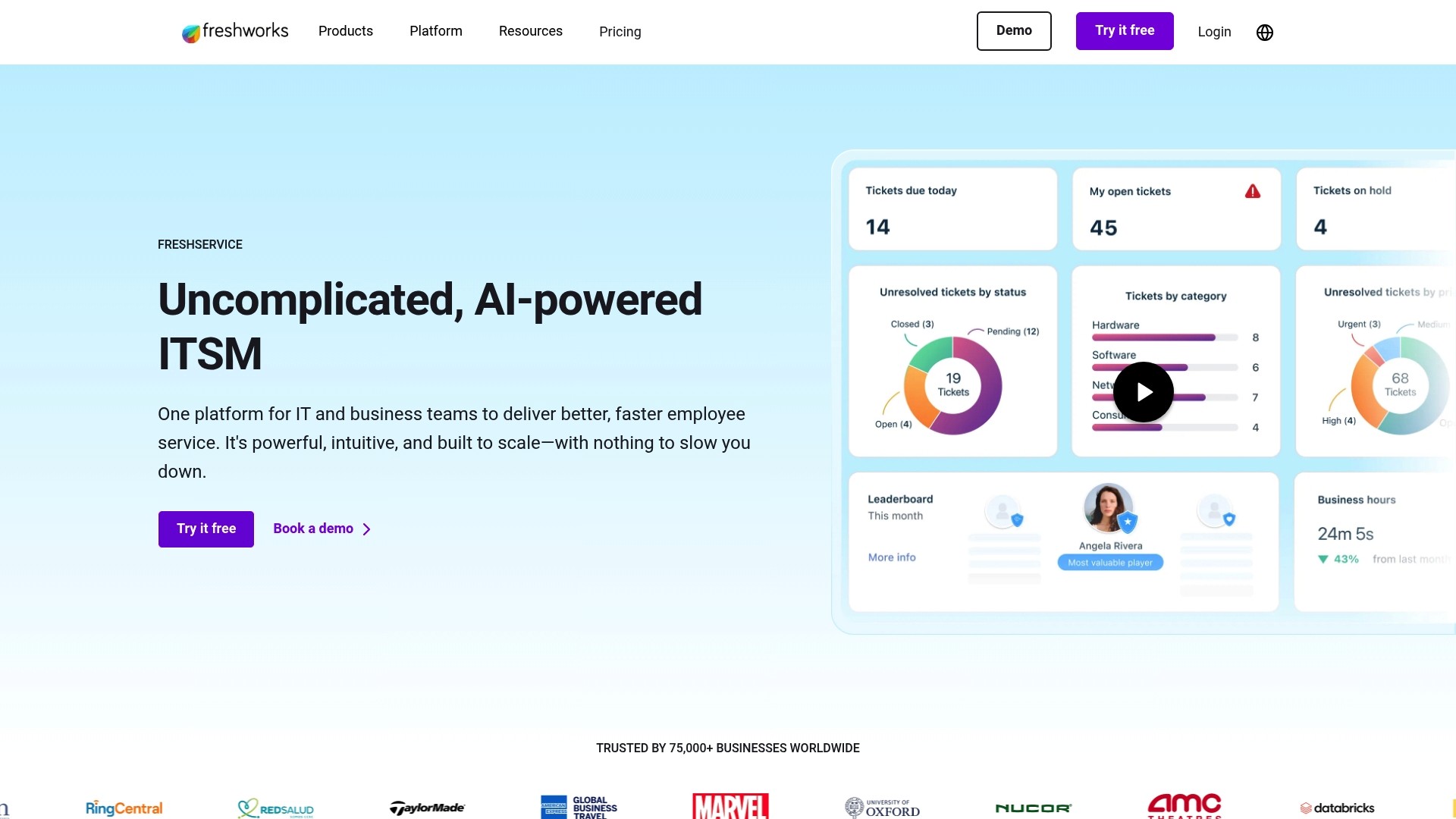
Freshservice is a modern, AI-powered ITSM platform from Freshworks that comes with an integrated ITAM module. It's designed to be a central hub for IT service and asset needs.
Pros: Its biggest advantage is the connection between the service desk and asset management. When a ticket comes in, relevant asset information is available, which gives context to support agents. The user interface is clean and modern, and its automation capabilities are extensive.
Cons: You'll need to be on their higher-priced plans ("Growth" and above) to get the most useful asset management features. And while the integration is strong, the ITAM module itself might not have the same feature depth (like software metering or advanced financial tracking) as some standalone competitors.
Pricing:
Starter: $19/agent/month
Growth: $49/agent/month
Pro: $99/agent/month
Enterprise: Custom quote-based pricing.
Best for: Organizations that want to buy a new, unified ITSM and ITAM platform from a single vendor and care a lot about having a modern, user-friendly experience.
6. ManageEngine AssetExplorer
ManageEngine AssetExplorer is a web-based ITAM tool from an established company in IT management. It offers comprehensive discovery and lifecycle management features for teams that need deep visibility.
Pros: It can automatically discover both hardware and software assets and track them from purchase to retirement. It comes with many robust, out-of-the-box reports and integrates well with other ManageEngine products. If you're already in their ecosystem, it can create a unified environment.
Cons: The user interface can feel less modern than some alternatives. Some users also find that integrating with apps outside of the ManageEngine family can be complex. While there is a free edition, the pricing for the full-featured Professional version isn't public, which means you'll have to go through a sales process.
Pricing: A free edition is available for up to 25 nodes. Pricing for the Professional version is quote-based.
Best for: Teams, especially those already using other Zoho/ManageEngine tools, who need a feature-rich solution for detailed asset discovery and tracking, with both on-premise and cloud options.
Comparison of the best Lansweeper alternatives
To make it even easier, here’s a quick summary of how these tools stack up against each other.
Tool | Best For | Pricing Model | Key Differentiator |
|---|---|---|---|
Asset Management for Jira | Jira-centric teams | Per user, tiered | Truly native Jira integration |
InvGate Asset Management | Full lifecycle ITAM | Per agent, tiered | Comprehensive lifecycle & CMDB |
PDQ Connect | Windows & macOS endpoint management | Per device, tiered | Simplicity and speed for patching |
NinjaOne | Unified RMM & ITAM | Quote-based (per device) | All-in-one RMM platform |
Freshservice | Unified ITSM & ITAM | Per agent, tiered | Modern UI & seamless ITSM integration |
ManageEngine AssetExplorer | ManageEngine ecosystem users | Quote-based (per node) | Deep discovery & reporting |
For a more dynamic look at some of the tools available, this video provides a helpful overview of several top Lansweeper alternatives, comparing their features and ideal use cases.
This video explores top IT asset management solutions that can serve as Lansweeper alternatives.
How to choose the right one from the Lansweeper alternatives
Here are a few practical tips to help you narrow down the options.
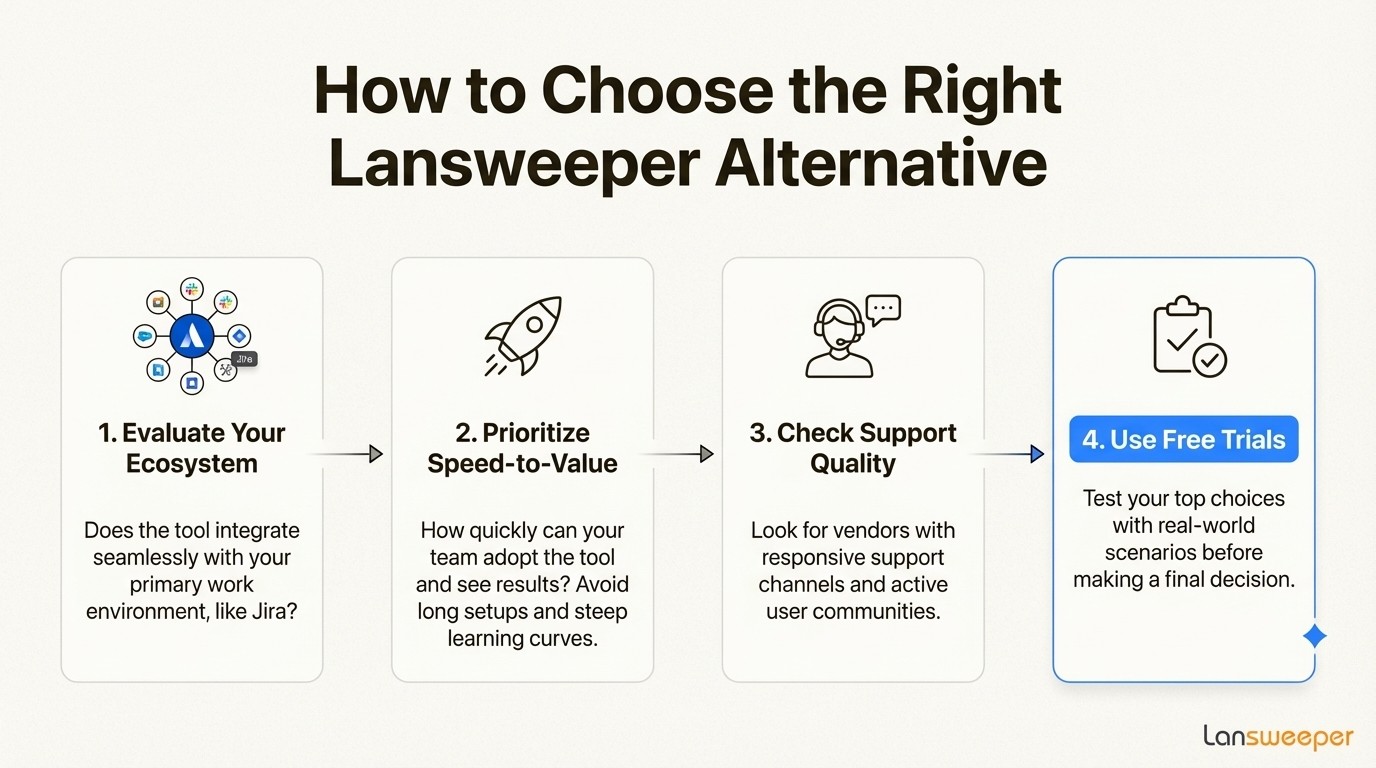
Tip 1: Evaluate your core ecosystem. Evaluate which tool best integrates with your team's primary work environment. If your support team uses Jira extensively, a native solution like Asset Management for Jira can be a significant advantage. It reduces the friction of switching between apps and can boost productivity.
Tip 2: Prioritize speed-to-value over feature quantity. Some comprehensive tools come with a steep learning curve and a long setup process. Consider how quickly a new tool can start delivering results. A tool's value is determined by its adoption and use by the team.
Tip 3: Consider the value of responsive support. When evaluating new vendors, look for ones with clear, responsive support channels and active user communities. Good support can prevent future issues.
Tip 4: Take advantage of free trials. It is advisable to use free trials. Before you commit, test your top choices with your own data and real-world scenarios to see which one feels right for your team's workflow.
Choosing the right Lansweeper alternative
Lansweeper has long been a standard for network discovery. The landscape of IT asset management tools has evolved, and many Lansweeper alternatives offer different approaches to usability, pricing, and integrations with the tools your team relies on every day.
Ultimately, the right choice depends on your specific needs. For teams that use Jira as a central hub for IT operations, a native Jira solution is worth considering. This approach consolidates asset management within the service desk environment. Moving asset management into Jira with a tool like Asset Management for Jira can provide support teams with necessary context, help manage costs, and potentially improve ticket resolution times.



