5 Best Inventory Management Software for Small Businesses (2026 Review)
I tried five of the best inventory management software for small businesses to help you pick the right one for IT, retail, or building custom workflows.

Colin Reed
IT Expert and Content Writer
Last Updated

Running a small business often involves tracking stock. When you're just starting, a spreadsheet can seem like a practical solution. It’s simple, free, and appears to get the job done. But as a business grows, spreadsheets can become difficult to manage. A single typo can affect your entire count, and keeping it updated in real-time can be a significant challenge.
That’s why I decided to test some of the top inventory management tools available. This isn't just a list of features; it's a hands-on look at five different options, each built for a different kind of small business. Whether you’re managing IT hardware, running a retail store, or need a custom workflow, one of these should be a suitable alternative to a spreadsheet.
What does the best inventory management software for small businesses do?
Inventory management software is a tool that helps you keep track of what you have, where it is, and when you need more. It’s meant to be the single source of truth for everything you own or sell, all in one place.
But it’s more than a digital list. This type of software automates many tasks. When you make a sale, your stock levels update automatically. When you’re running low on a popular item, you get an alert before you run out. If you sell on multiple websites, it syncs them all so you don't sell the same item twice.
Compared to a spreadsheet, inventory management software provides data that can help you make more informed decisions. You can see what’s selling, what’s not, and where your money is best spent. It can save time, reduce human errors, and provide the oversight needed for growth. This infographic illustrates the key differences.
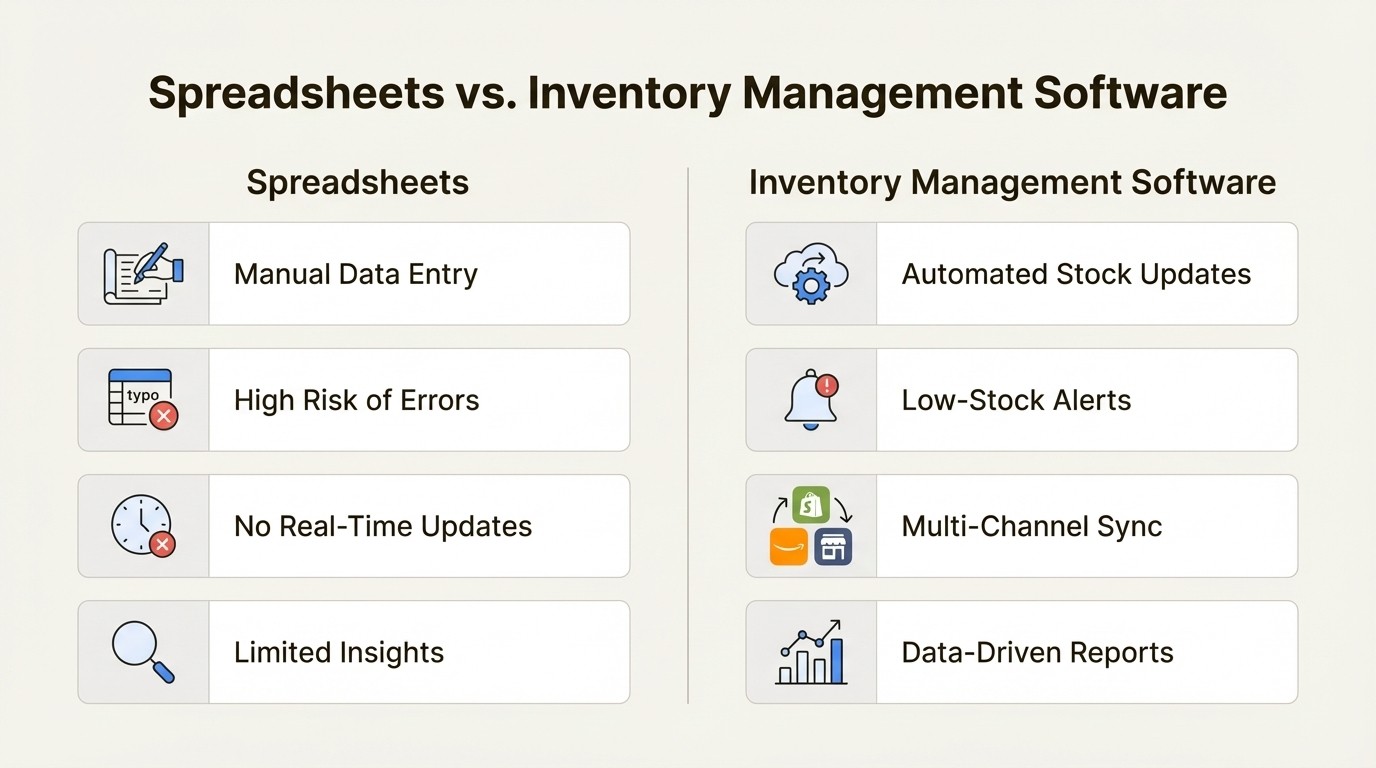
An infographic comparing the manual process of spreadsheets against the automated features of the best inventory management software for small businesses.
Our criteria for picking the best inventory management software for small businesses
To ensure this list was useful, I focused on how well these tools solve real problems for small businesses. My evaluation was based on four main criteria:
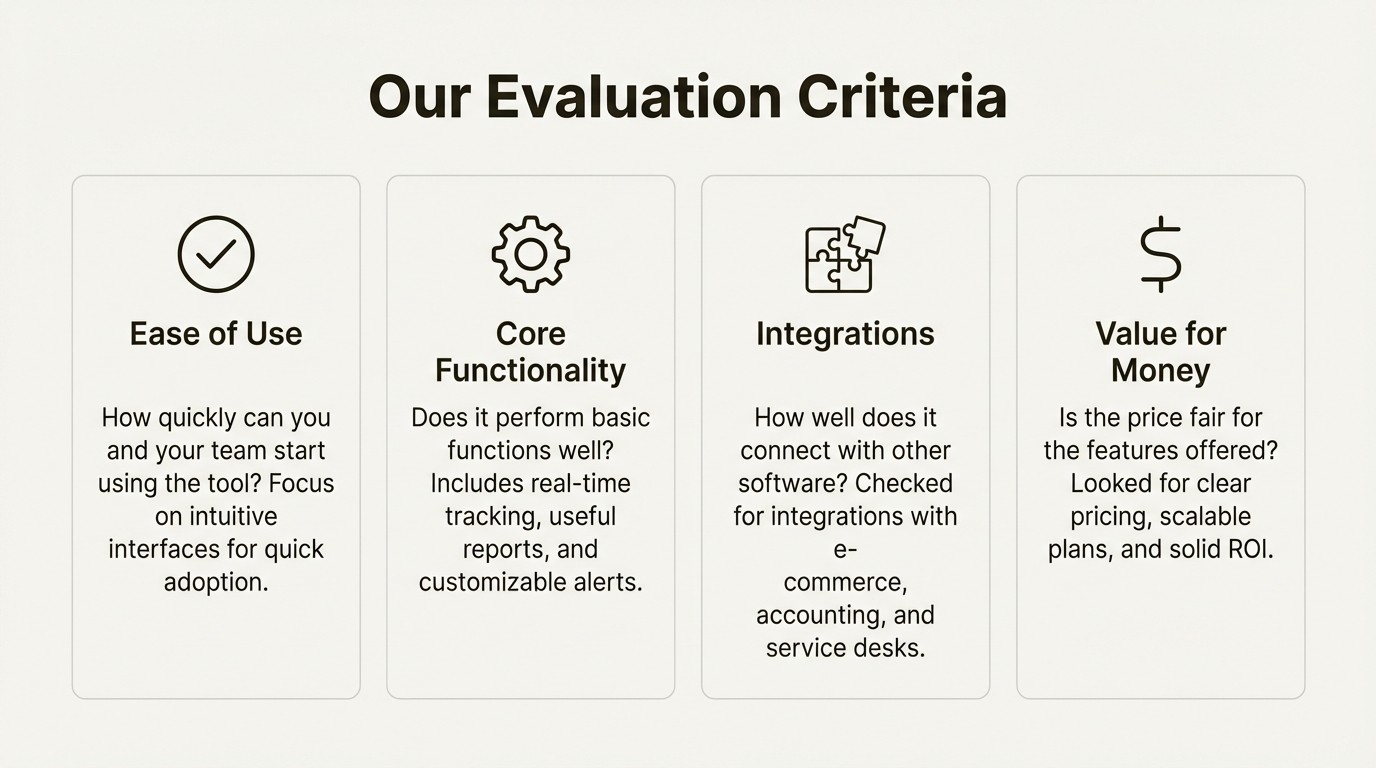
An infographic outlining the four key criteria for selecting the best inventory management software for small businesses: ease of use, core functionality, integrations, and value for money.
Ease of use: How quickly can you and your team start using the tool? The focus was on tools with clean, intuitive interfaces that allow for quick adoption.
Core functionality: Does it perform the basic functions well? This includes real-time tracking, useful reports, and customizable alerts. I also considered whether it specialized in a specific type of inventory, like IT hardware versus retail products.
Integrations: How well does it connect with other software you use? I checked for integrations with popular e-commerce platforms, accounting software, and service desks like Jira.
Value for money: Is the price fair for the features offered? For a small business, budget is important. I looked for clear pricing, scalable plans, and a solid return on investment, whether through time saved or mistakes avoided.
A quick comparison of the best inventory management software for small businesses
Before we get into the details, here’s a quick look at the top contenders and what they do best.
Tool | Best For | Standout Feature | Pricing Model |
|---|---|---|---|
Asset Management for Jira | IT teams using Jira for service management | Native Jira integration with MDM sync | Per-user subscription, starts at $10/mo |
Zoho Inventory | All-around budget-friendly option | Part of a massive software ecosystem | Tiered subscription with a free plan |
Sortly | Simple visual tracking for physical assets | Photo-based, folder-style organization | Tiered subscription with a free plan |
Ply | Building custom internal tools & AI workflows | Adds custom features into your existing apps | Tiered subscription with a free plan |
Square for Retail | Businesses with a physical storefront | Seamless POS and payment integration | Tiered, with a free entry-level plan |
The top 5 best inventory management software for small businesses in 2025
Alright, let's get into the details. Each tool on this list has its strengths, but they excel in different areas. The best one for you depends on what kind of business you're running.
1. Asset Management for Jira
Most inventory tools are built to track products for sale. Asset Management for Jira is different. It’s designed for IT teams that need to manage internal company assets—laptops, monitors, software licenses, and accessories. It functions directly inside Jira, which is a key feature if your team already uses it for support tickets and projects. As an Atlassian Gold Marketplace Partner, they've built an app that allows Jira to serve as a central hub for IT issues and the hardware tied to them.
Pros and Cons: The native Jira integration is its key strength. You can link a laptop directly to a support ticket, so when a user reports a problem, you can see the device's specs, warranty info, and service history. Another benefit is its ability to sync with device management tools like Microsoft Intune, Jamf, and Kandji. This automates the process of manually tracking devices. Plus, it’s a Cloud Fortified app, meeting Atlassian's highest standards for security and reliability. The main drawback is that it's specialized. If you’re selling retail goods, this isn't the tool for you.
Pricing:
You can get started with a free 30-day trial.
1-10 Users: A flat $10/month.
11+ Users: The price per user scales down as you add more people, starting from $2.85/user/month.
There's also an Advanced Edition that adds enterprise-level features like Role-Based Access Control and APIs for more complex needs.
Why it made the list: For any small business that uses Jira for IT support, this tool offers a highly integrated solution. It can help reduce the need for disconnected spreadsheets and give your support team the context they need to resolve tickets more efficiently. It connects people, their problems, and their hardware in a way that generic inventory tools typically do not.
2. Zoho Inventory
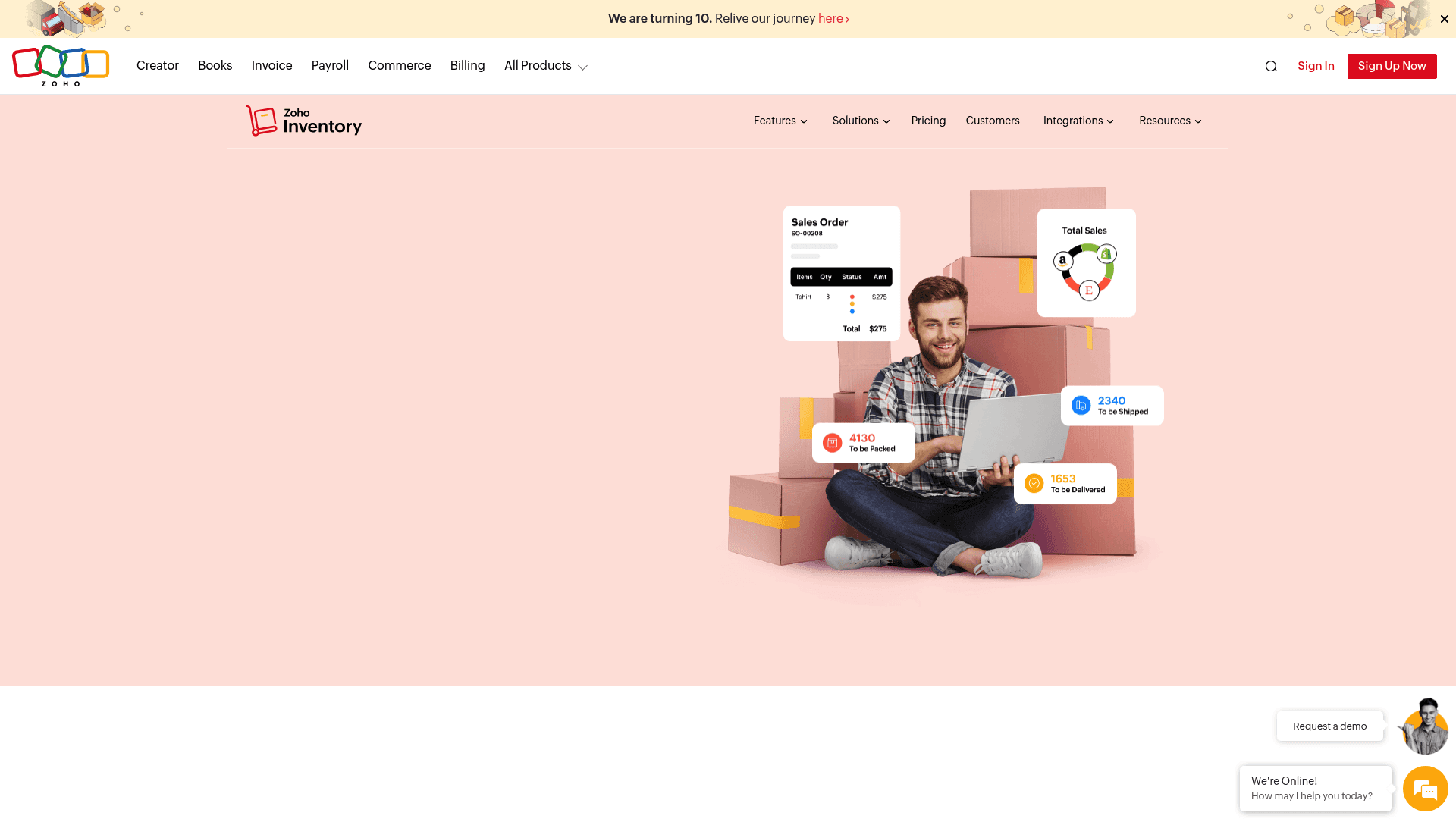
A screenshot of the Zoho Inventory homepage, which is one of the best inventory management software for small businesses selling online.
Zoho Inventory is a comprehensive tool for small businesses that sell products online or through multiple channels. It’s part of the larger Zoho software family, so if you’re already using Zoho Books or Zoho CRM, it integrates well. It’s designed to handle the entire process, from managing orders across different sales channels to tracking stock in your warehouse and integrating with shipping carriers like UPS, USPS, and FedEx.
Pros and Cons: A major benefit of Zoho is the amount of functionality available for the price. It has a generous free plan that is suitable for businesses just starting out. For e-commerce sellers, its ability to connect with Amazon, eBay, and Shopify can save time. On the other hand, because it has many features, the initial setup can be more involved than with simpler tools. If you only need a basic way to count your items, Zoho might offer more features than required.
Pricing:
Free Plan: Covers 1 warehouse and up to 50 orders per month.
Standard: $29 per organization, per month (billed annually).
Professional: $79 per organization, per month (billed annually).
Enterprise: $249 per organization, per month (billed annually).
Why it made the list: Zoho Inventory offers a significant number of features for its price point. It’s a scalable solution that can grow with your business. It’s a solid choice for a small e-commerce brand that needs an all-in-one system to manage sales, shipping, and stock without a large budget.
3. Sortly
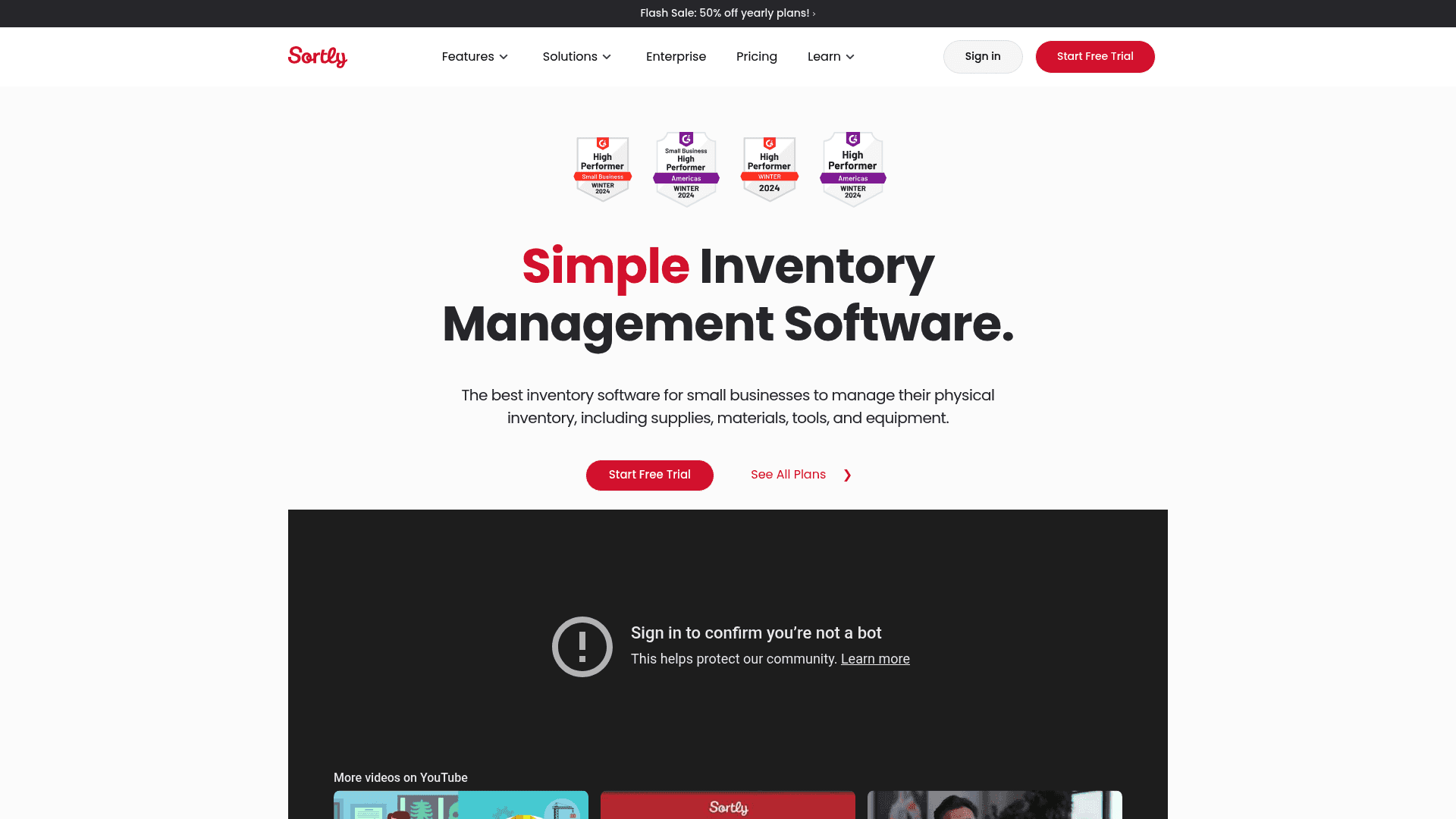
A screenshot of the Sortly website, a visual tool that is among the best inventory management software for small businesses.
Sortly is designed to make inventory tracking simple and visual. Instead of rows in a spreadsheet, you organize your items into folders and can add up to 8 photos for each one. This makes it straightforward to see what you have at a glance. It's well-suited for tracking physical items like tools, event equipment, or office furniture. The mobile app lets you scan QR codes or barcodes on the go to check items in or out, even offline.
Pros and Cons: Its primary strength is its user-friendly interface. The photo-based system is highly intuitive and can reduce confusion. The downside is that some advanced business features, like purchase orders or integrations with accounting software like QuickBooks Online, are limited to the more expensive plans. If you need to tie your inventory directly to your finances from the beginning, the entry-level plans may be limiting.
Pricing:
It comes with a 14-day free trial.
Free Plan: Limited to 1 user and 100 item entries.
Advanced Plan: $24/month (billed annually) for 2 users and 500 items.
Ultra Plan: $74/month (billed annually) for 5 users and 2,000 items.
Why it made the list: Sortly excels at straightforward, visual tracking. For businesses where the main goal is to know what you have and where it is—like a photographer managing camera gear or a small non-profit tracking donated items—it's a simple and effective solution.
4. Ply

A screenshot of the Ply homepage, a platform for building custom workflows and one of the best inventory management software for small businesses with unique needs.
Ply offers a different approach, as it’s not an out-of-the-box inventory system. It’s a platform that lets you build your own custom features and workflows directly into the apps you already use, like Gmail, Slack, or Zendesk. For inventory management, this could mean creating a button inside a Zendesk ticket to check stock levels or building a form in Slack for employees to request new equipment, all without switching apps.
Pros and Cons: Ply’s greatest strength is its flexibility. You can design workflows tailored to your business's unique processes and even pull in AI to do things like summarize an asset’s repair history. It provides a way to streamline tasks. The main consideration is that it's a builder's tool. It’s not a ready-made solution, so it requires some setup. It’s also not primarily designed for managing thousands of SKUs for a retail business.
Pricing:
Ply offers a free plan for building portals, but its pricing for internal team features isn't public. You'll likely need to contact them for a quote based on what you want to build.
Why it made the list: Ply is included because it solves inventory problems in a completely different way. For businesses with specific internal processes tied to other apps, it offers a path to build the exact tool you need, rather than trying to adapt your workflow to a pre-built system.
5. Square for Retail

A screenshot of the Square for Retail landing page, an all-in-one solution and the best inventory management software for small businesses in retail.
You may know Square for their card readers, but their Point of Sale (POS) system for retailers includes a powerful inventory management system. It’s a good setup for small shops, cafes, or boutiques. Every time you make a sale, your inventory counts are updated automatically. It works across multiple locations and syncs with your online store if you have one.
Pros and Cons: A key feature is the seamless link between your sales, payments, and inventory. It’s all one system, which can eliminate manual work. The free plan is comprehensive and gives a new business what it needs to get started. They are also adding features like Square AI to help you analyze sales trends. The main limitation is that it’s focused on retail. If you're in manufacturing or need to track non-retail assets, it’s not going to be the right fit.
Pricing:
Free Plan: Includes all the basic inventory and POS features you need to start selling.
Plus Plan: $49/month per location for advanced tools like barcode label printing and vendor management.
Premium Plan: $149/month per location, offering custom solutions and better payment processing rates.
Why it made the list: For any small business with a physical retail presence, Square for Retail is one of the more integrated solutions available. The fact that you can get started for free makes it a strong option for new brick-and-mortar businesses.
How to choose the best inventory management software for small businesses
Picking the right tool comes down to what your business actually does.
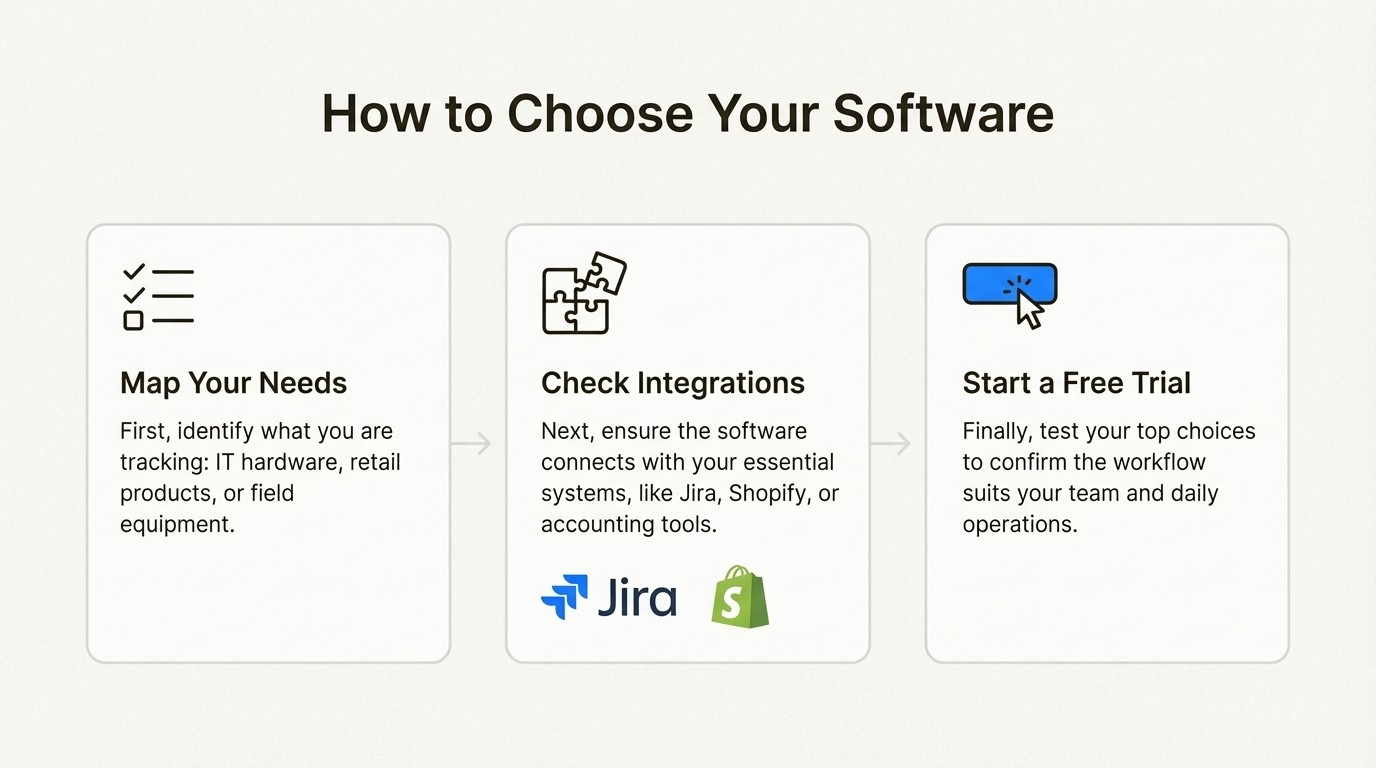
A 3-step workflow diagram explaining how to choose the best inventory management software for small businesses: map needs, check integrations, and start a free trial.
Map out your specific needs
Before you look at any features, ask yourself: "What am I actually tracking?" The answer to this question will narrow your options. Are you managing internal IT assets like laptops and servers? A specialized tool like Asset Management for Jira will be a better fit than a retail system. Are you selling products to customers in a physical store? Then something like Square for Retail is a likely choice. Are you tracking tools and equipment for jobs in the field? Look at a visual tool like Sortly.
Check for critical integrations
Think about the other software that runs your business. A good inventory tool should make your life easier, not create another data silo. List your must-have connections. If you work primarily within a service desk, you’ll want a tool that integrates deeply with Jira, like Asset Management for Jira. If you run an online store on Shopify, make sure your choice, like Zoho Inventory, can sync with it seamlessly. An inventory tool that doesn’t connect to your other systems may not be much more efficient than a spreadsheet.
Always start with a free trial
You can read reviews, but you’ll never know if a tool is right for you until you use it. Nearly every option on this list offers a free trial or a free plan. Sign up for your top one or two choices and try them out. Add a few of your items, run a report, and see how it feels. Is it intuitive? Does it make sense for how you work? A few minutes of testing can save you months of frustration.
Visual guides can also be helpful when comparing different software options. The video below offers a walkthrough of several popular inventory management tools, which can give you a better feel for their interfaces and features before you commit to a trial.
A video tutorial reviewing the top five free inventory management software options suitable for small businesses.
Finding the right inventory management software for your business
Migrating from a spreadsheet to dedicated software can help a growing business scale more effectively. Modern inventory software is more accessible and capable than ever before.
The key is to find a tool that aligns with your specific business operations. A retail business has different needs than an IT department, and their software choices should reflect that. It's important not to force a generic tool to fit a specialized workflow.
For example, if your inventory consists of internal assets like laptops and software licenses, and your team operates within Jira, a specialized tool designed for that environment is worth considering. A solution like Asset Management for Jira places asset data directly inside support tickets, which can help teams streamline their processes. If this sounds like your use case, you can explore a free trial of Asset Management for Jira to see how it works for your team.



