Understanding the real Asset Panda cost and features
Wondering about the true Asset Panda cost? Our 2026 guide breaks down its pricing plans, features, and hidden costs to see if it's right for you.

Colin Reed
IT Expert and Content Writer
Last Updated
Jan 10, 2026
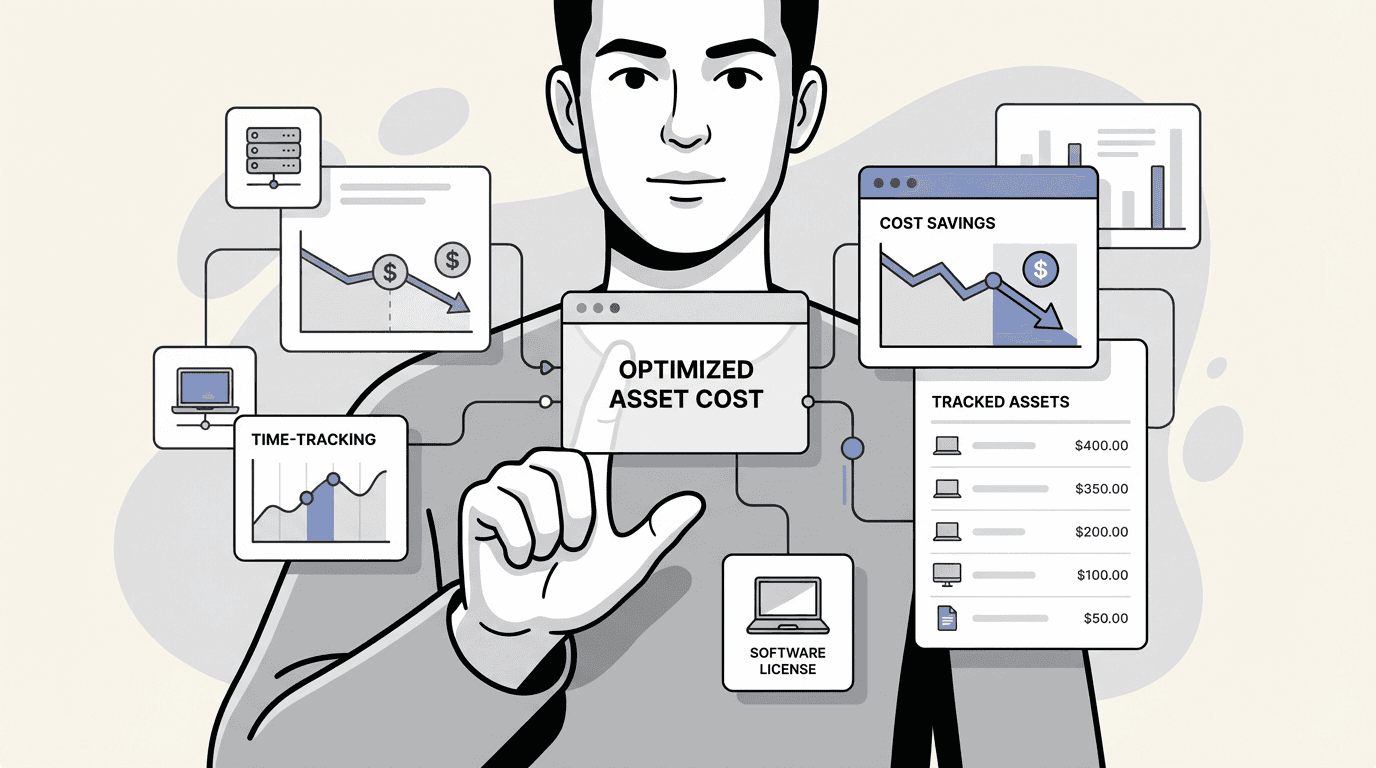
Picking the right IT asset management (ITAM) software can be a significant decision. It’s not just about a list of features, but finding a tool that fits into your team’s daily workflow and aligns with your budget.
Asset Panda is a well-known name in this space. It is a powerful, highly configurable platform that many companies evaluate when they need a standalone tool. But what is the total cost to get up and running? The subscription price is just the start.
This post provides a straightforward, in-depth look at the real Asset Panda cost. We’ll break down what you get for your money, identify any additional expenses, and see how it compares to a native solution for teams that work primarily within Jira.
What is Asset Panda?
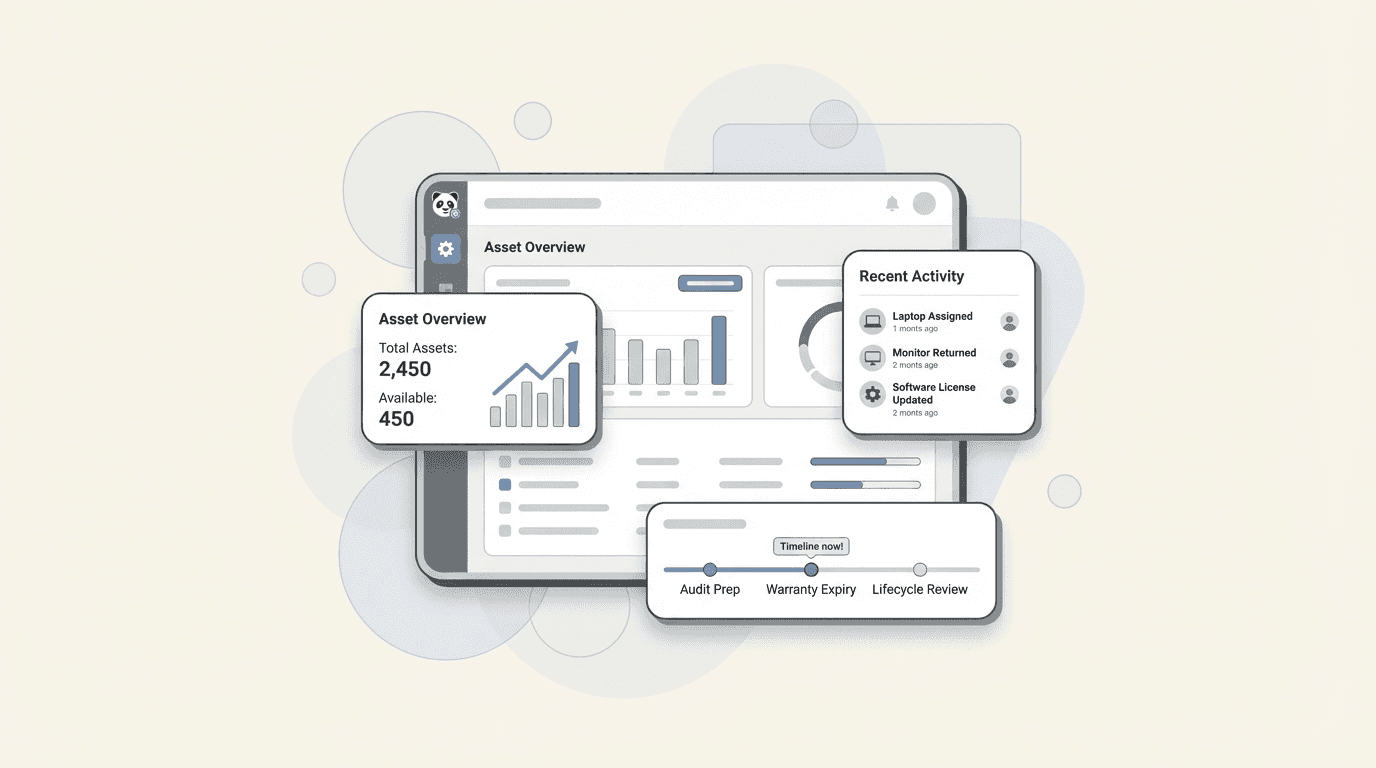
Asset Panda is a cloud-based platform designed to help organizations track their assets. It’s used across many different industries, from IT and education to construction and healthcare. If you have physical gear or digital licenses to manage, it may be on your list of potential solutions.
The purpose of Asset Panda is to provide one, customizable place to keep records for all your assets. It serves as a central hub for everything from company laptops and software licenses to heavy machinery and medical equipment.
Its key features include mobile apps for both iOS and Android, which come with built-in barcode and QR code scanning. This makes it easy to track items on the go. It also offers extensive configuration options, powered by its proprietary UrsaAI, letting you tailor the platform to your specific needs. It is built for organizations that want a dedicated system to manage a diverse inventory as a standalone application.
A full breakdown of Asset Panda's features
To understand the platform's value and its total cost, it's helpful to look closely at its capabilities. The feature set is extensive, so let's break it down into a few key areas.
Core asset tracking and management
At its core, Asset Panda is about tracking assets from acquisition to retirement. The platform handles the full asset lifecycle and provides the tools to create a detailed record for every item. You can set up unlimited custom fields, so you are not limited to a rigid, one-size-fits-all system. If you need to track a specific warranty detail or an internal equipment ID, you can add a field for it.
The platform also has built-in barcode and QR code generation, which works with its mobile app. This lets your team scan assets in the field, pull up information instantly, and use GPS tagging to log an item's last known location. You can also attach photos, videos, user manuals, or other documents directly to an asset’s record, building a complete history that’s easy to access.
Maintenance, compliance, and reporting
Beyond tracking what you have, Asset Panda helps you manage it. It has modules for scheduling routine maintenance, creating and managing work orders, and helping you stay compliant. A full, unchangeable audit trail logs every action taken on an asset, which is useful for audits.
You can also build your own custom reports and dashboards to visualize your data. For example, you can see all laptops due for a refresh in the next quarter or how much has been spent on repairs for a specific type of equipment.
This is an area where it is important to consider the total investment. While the no-code customization is powerful, users sometimes note that it can take a significant amount of time to get everything set up. That initial investment in staff hours is an operational expense to factor in.
Integrations and AI capabilities
If you opt for the Enterprise plan, you get access to a suite of AI-powered features. This includes AI-enabled workflows that can automate certain processes, AI column mapping to make importing data easier, and an auto-fill feature for data entry.
For connecting to other tools, Asset Panda offers an open API for building custom integrations. Its connection to Jira is a two-way sync that requires you to install a separate app and set up API tokens. It is not a native integration where your asset data lives inside Jira, which is a consideration for teams that rely on Jira for service management.
Understanding the Asset Panda cost: A deep dive into their pricing
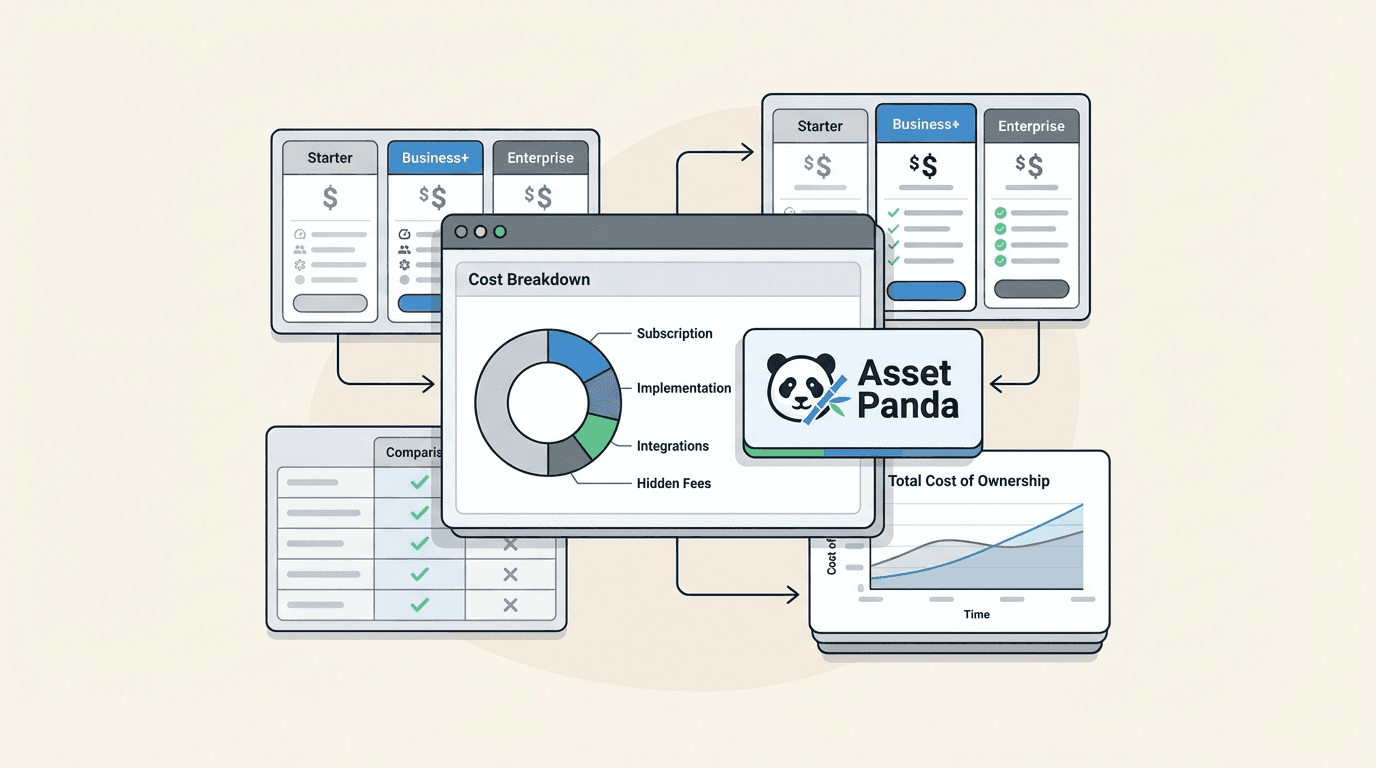
The monthly subscription fee is just one piece of the puzzle. To understand the complete Asset Panda cost, you have to look at the full picture, which includes their official plans, potential add-ons, and indirect operational expenses that don't show up on an invoice.
Asset Panda's official pricing plans
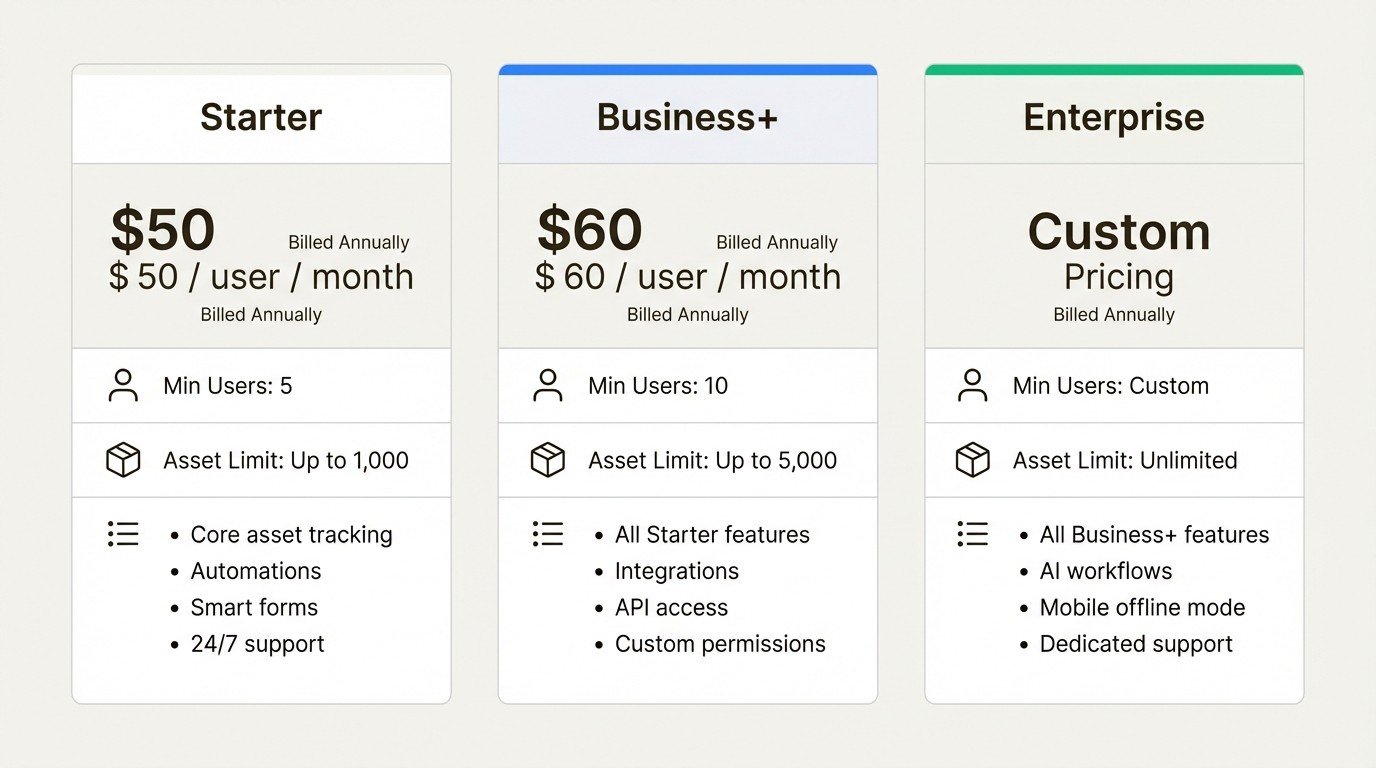
Asset Panda uses a hybrid pricing model. You pay a monthly fee per user, but the lower-tier plans also have limits on how many assets you can track. These prices are based on annual billing, and there’s a minimum number of users for each plan.
Here’s a clear breakdown based on their official pricing page:
Plan | Pricing (Billed Annually) | Minimum Users | Asset Limit | Key Features |
|---|---|---|---|---|
Starter | $50 / user / month | 5 | Up to 1,000 | Core asset tracking, automations, smart forms, 24/7 support. |
Business+ | $60 / user / month | 10 | Up to 5,000 | All Starter features, plus integrations, API access, custom permissions. |
Enterprise | Custom Pricing | Custom | Unlimited | All Business+ features, plus AI workflows, mobile offline mode, dedicated support. |
Additional factors in the total cost of ownership
Beyond the monthly fees, there are other factors to be aware of before you commit.
Collaborator Seats: If you need to give some team members read-only access to your asset data, that will be an extra $10 per user, per month. These "view-only" seats can add up, especially in larger organizations where finance, procurement, or management teams might need to see asset information without editing it.
Implementation Time & Complexity: The platform's high degree of configurability allows for deep customization. Flexibility is a benefit, but it often means a team will spend time on initial setup. Getting custom fields, workflows, and reports configured is a process that requires a time investment, and that staff time is a business expense.
Workflow for Jira Teams: For IT and support teams, it's important to consider the workflow between systems. Because Asset Panda is a standalone platform, support agents may switch between Jira and Asset Panda to access a user’s device details. This context-switching is a factor to consider when evaluating how a tool will fit into your team's existing processes and impact productivity.
Asset Panda vs. a native Jira solution: what’s the difference?
Asset Panda is a powerful and flexible system. For an organization that needs a single, dedicated hub to manage all its assets and is willing to invest the time to configure it, it can be a good fit.
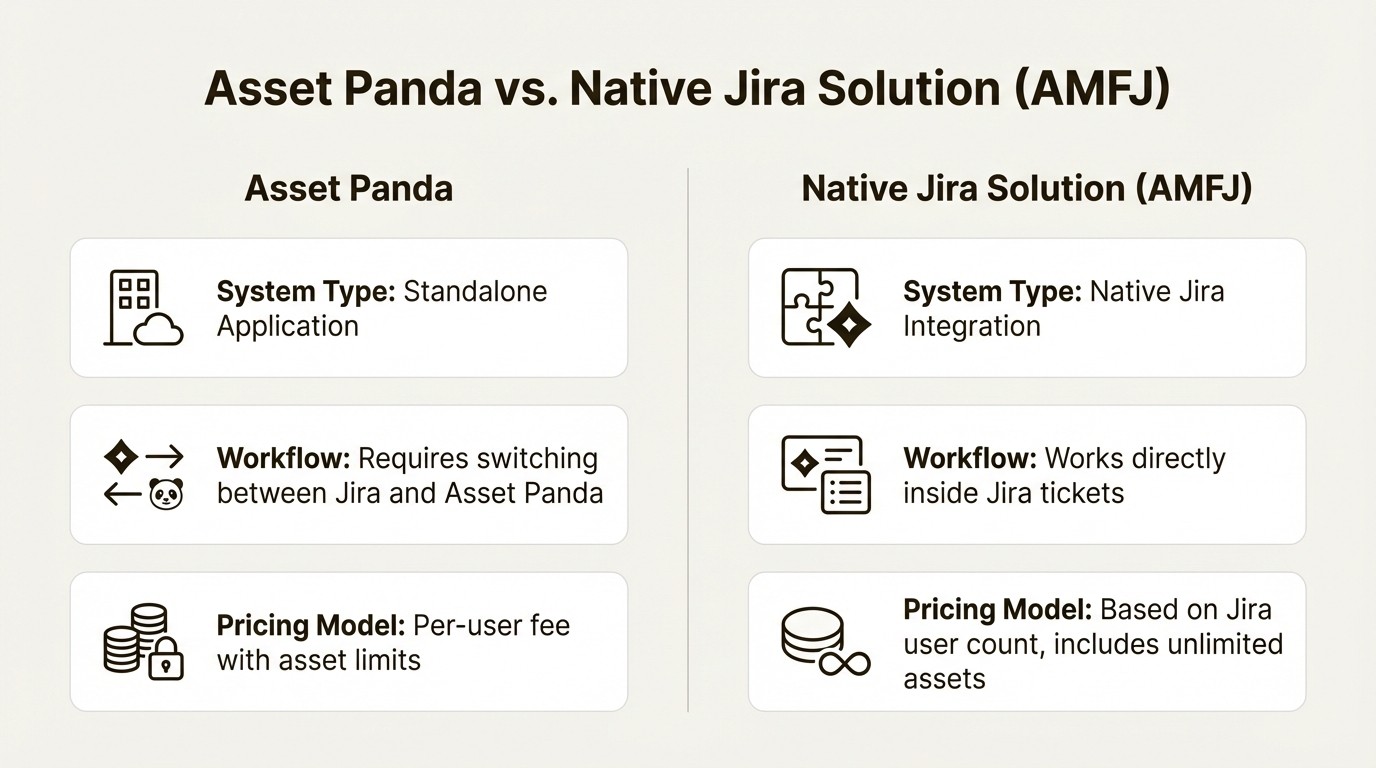
But for teams whose work revolves around Jira, the workflow should be considered:
Separate Systems: With a standalone tool, your asset data and your support tickets are in different applications. Technicians may need to look up asset information in one system while working on a ticket in another.
Impact on Ticket Resolution: The process of switching between applications can impact support metrics, making it a consideration for teams focused on resolving issues quickly and efficiently.
Feature Set Considerations: For many IT teams, a primary goal is to link assets to Jira tickets to solve problems faster. The extensive feature set of a tool like Asset Panda may be ideal for some, while others may prioritize a more focused toolset for that specific need.
This is where a purpose-built alternative like Asset Management for Jira (AMFJ) offers a different approach. It’s designed for teams that operate within the Atlassian ecosystem.
Here’s how a native solution works:
Native Jira Experience: AMFJ operates directly inside Jira. There’s no separate app to log into. Your assets appear as custom fields in your Jira issues, making information accessible without leaving the ticket.
Streamlined Support: Eliminating the need to switch between applications is designed to improve efficiency and help teams resolve tickets faster. This can be a boost in productivity that also leads to a better end-user experience.
Transparent Pricing: AMFJ offers a simple, transparent pricing model based on your Jira user count. Unlimited asset tracking is included on all plans, with no surprise fees or asset caps. A team of 10 users can get started for a flat fee of just $10/month, making it a predictable option.
Data Synchronization: You can keep your asset inventory automatically up-to-date with direct integrations for popular MDM tools like Microsoft Intune, Jamf, and Kandji.
Choosing the right solution
The Asset Panda cost reflects a comprehensive, highly configurable platform that can serve many different industries. That power and flexibility come with a price, both in dollars and in the time required for setup and daily use.
For organizations where Jira is the center of IT operations, the workflow of a standalone system is an important consideration. The time spent switching between tools and the potential impact on support resolution are factors in the total cost of ownership.
For a more detailed look at the platform, this video provides a helpful review of Asset Panda's features and overall value proposition.
This video offers a helpful review of Asset Panda's features, ideal use cases, and overall value proposition as an asset tracking software.
For these teams, Asset Management for Jira offers an alternative. It delivers essential asset tracking capabilities directly within the tool you already use. This can result in less operational friction and a different return on investment.
For teams interested in a native Jira solution, you can learn more by starting a free trial of Asset Management for Jira today.
Frequently Asked Questions
Q1: What is the minimum Asset Panda cost for a small team?
A1: The minimum cost is based on the Starter plan, which requires at least 5 users at $50 per user, per month (billed annually). This brings the starting price to $250 per month.
Q2: Does the Asset Panda cost include unlimited assets on all plans?
A2: No, it does not. The Starter plan is limited to 1,000 assets, and the Business+ plan is capped at 5,000 assets. Only the custom-priced Enterprise plan offers unlimited asset tracking.
Q3: Are there other fees that increase the total Asset Panda cost?
A3: Yes, there are additional costs to consider. View-only "Collaborator Seats" cost an extra $10 per user, per month. You also need to account for indirect costs, like the staff time required for the initial setup and the potential for lost productivity for Jira-based teams who switch between applications.
Q4: How does the Asset Panda cost compare to a native Jira solution like Asset Management for Jira?
A4: The pricing models are different. Asset Panda's cost is typically higher and based on a per-user fee with asset limits on certain plans. Asset Management for Jira offers a model based on your Jira user count, starting at $10/month for a team of 10. All AMFJ plans include unlimited asset tracking. Organizations should evaluate both models based on their needs.
Q5: Is the Asset Panda cost based on users, assets, or both?
A5: It's a hybrid model. The primary cost is per user, but the lower-tier plans (Starter and Business+) also have firm limits on the number of assets you can track, which can require an upgrade to a more expensive plan as you grow.
Q6: Does the Enterprise plan have a fixed Asset Panda cost?
A6: No, the Enterprise plan uses custom pricing. The final Asset Panda cost for this tier is negotiated directly with their sales team and depends on your organization's specific needs, number of users, and feature requirements.