Top 5 Spiceworks Alternatives for IT Asset Management
Searching for Spiceworks alternatives? Explore our 2026 list of the top 5 tools for IT help desk, asset tracking, and inventory management.

Colin Reed
IT Expert and Content Writer
Last Updated

For many years, Spiceworks was a popular free tool for IT teams, offering help desk ticket management and network inventory monitoring. It was known for its simplicity and community-driven support.
As technology has evolved, the needs of IT teams have changed, leading many to seek alternatives that better suit modern requirements.
Spiceworks provided a free, all-in-one platform with a ticketing system, an IT asset inventory scanner, and network monitoring tools. This was particularly useful for small to mid-sized businesses with limited budgets.
Several factors are driving the search for Spiceworks alternatives, as this infographic shows.
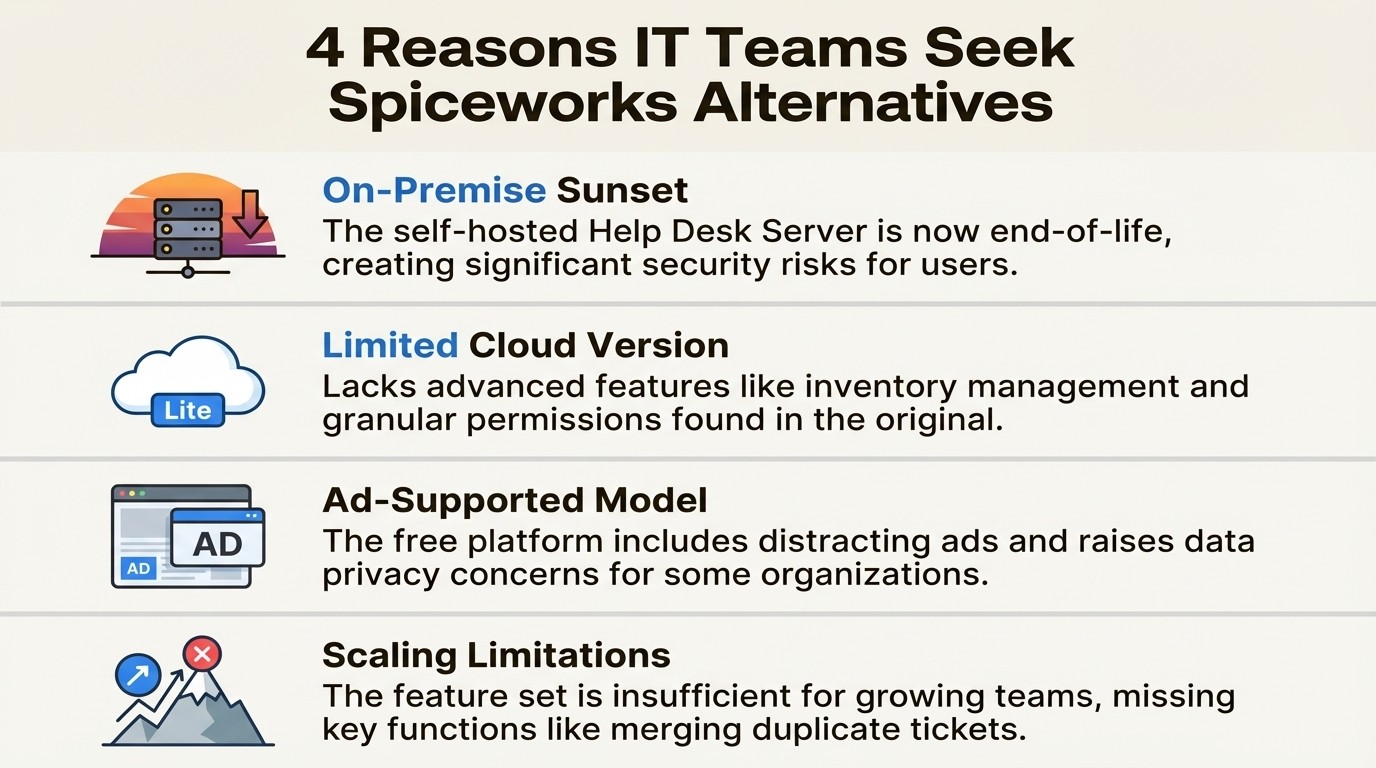
The on-premise sunset: The self-hosted Spiceworks Help Desk Server (HDS) is now officially end-of-life and no longer supported. Operating unsupported software presents a significant security risk, prompting users to find new solutions.
Limited cloud version: The Cloud Help Desk offered by Spiceworks is a more basic tool compared to the on-premise version. It lacks some inventory management features and does not include granular role-based permissions.
Ad-supported model: The free platform is supported by advertisements, which can be distracting. Additionally, the privacy policy indicates that data is used for marketing purposes, which may be a concern for some organizations.
Scaling limitations: As organizations grow, they may find the feature set of the cloud version insufficient. Capabilities common in other help desks, such as merging duplicate tickets or creating advanced custom views, are not available.
Our criteria for selecting Spiceworks alternatives
Since Spiceworks combined ticketing and asset management, this evaluation focuses on replacements that handle both functions, either as a single solution or through effective integrations.
Here’s what we looked for:
Core functionality: Does it do a great job with ticketing, asset management, or both?
Integration: Can it connect with the other tools you rely on, like your service desk or device management software?
Scalability: Is it built for growth, or will you be looking for another replacement in two years?
User experience: Is the interface clean, intuitive, and, most importantly, ad-free?
Value for money: Does the price make sense for the features you get? No hidden costs, just clear value.
Spiceworks alternatives comparison
Here’s a quick look at how our top picks stack up.
Tool | Best For | Core Functionality | On-Premise Option | Starting Price |
|---|---|---|---|---|
Asset Management for Jira | Native asset management in Jira | IT Asset & License Management | No (Cloud-only) | |
Lansweeper | Detailed network discovery & inventory | Asset Management & Network Discovery | Yes | Free up to 100 assets |
Jira Service Management | Teams in the Atlassian ecosystem | ITSM Help Desk & Asset Management | Yes (Data Center) | Free (up to 3 agents) |
ManageEngine ServiceDesk Plus | All-in-one on-prem or cloud ITSM | ITSM, Asset Management, CMDB | Yes | $13/technician/month |
Zendesk | User-friendly internal & external support | Help Desk & Ticketing | No | $19/agent/month (Support Team) |
A detailed look at five Spiceworks alternatives
Let's dive into what makes each of these tools a worthy replacement for Spiceworks.
1. Asset Management for Jira
For teams already using Jira, Asset Management for Jira is designed to integrate inventory and asset tracking functionality directly into the Jira environment. It is used by over 500 companies.
This tool provides a native connection between assets and tickets. When a ticket is opened, users can see the associated asset's details, such as laptop model, purchase date, and warranty status, directly within the issue view. This integration can help teams resolve tickets 34% faster. It can also automatically sync devices from MDM tools like Intune, Jamf, and Kandji to keep the inventory current. Other features include custom fields, QR code scanning, and multi-location management.
A primary advantage is its seamless integration with Jira, which can minimize the learning curve and consolidate support tickets and physical assets in one place. A key consideration is that it requires Jira to function, as it is an app for the Atlassian ecosystem and not a standalone help desk. For teams looking to add inventory functions to their existing Jira service desk, it is a powerful and cost-effective option.
Pricing:
You can get started with a 30-day free trial.
Plans start at just $10/month for teams up to 10 users.
For larger teams, pricing scales affordably, starting from $2.85/user/month.
2. Lansweeper
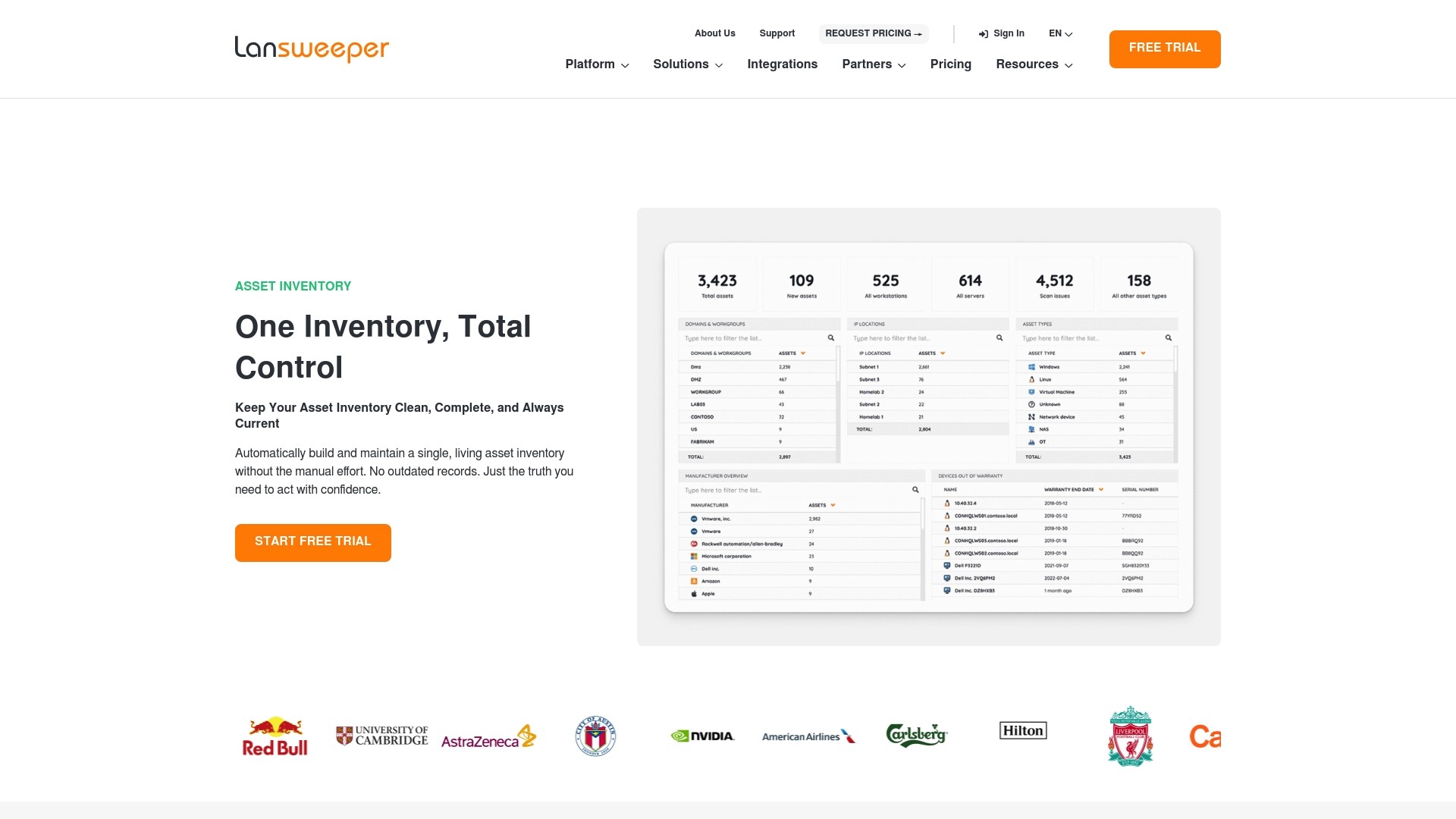
Lansweeper is a comprehensive tool for agentless network discovery, capable of automatically identifying IT, OT, and IoT devices connected to a network.
It provides a granular inventory with advanced scanning and reporting capabilities. Users can gather details about hardware specs, installed software, and user information for IT audits, compliance, and vulnerability scanning. Lansweeper also offers integrations for service desks to connect asset data with tickets.
Its agentless discovery is a key feature, providing a comprehensive view of the IT environment without requiring client-side software installation. However, some users have noted that Lansweeper's pricing has increased in recent years, with changes to its plan structure. For teams transitioning from a free tool, the cost may be a significant consideration.
Pricing:
There's a free plan for up to 100 assets, which is great for small labs or home use.
The paid Starter plan begins at $199/month (billed annually) for 2,000 assets.
3. Jira Service Management
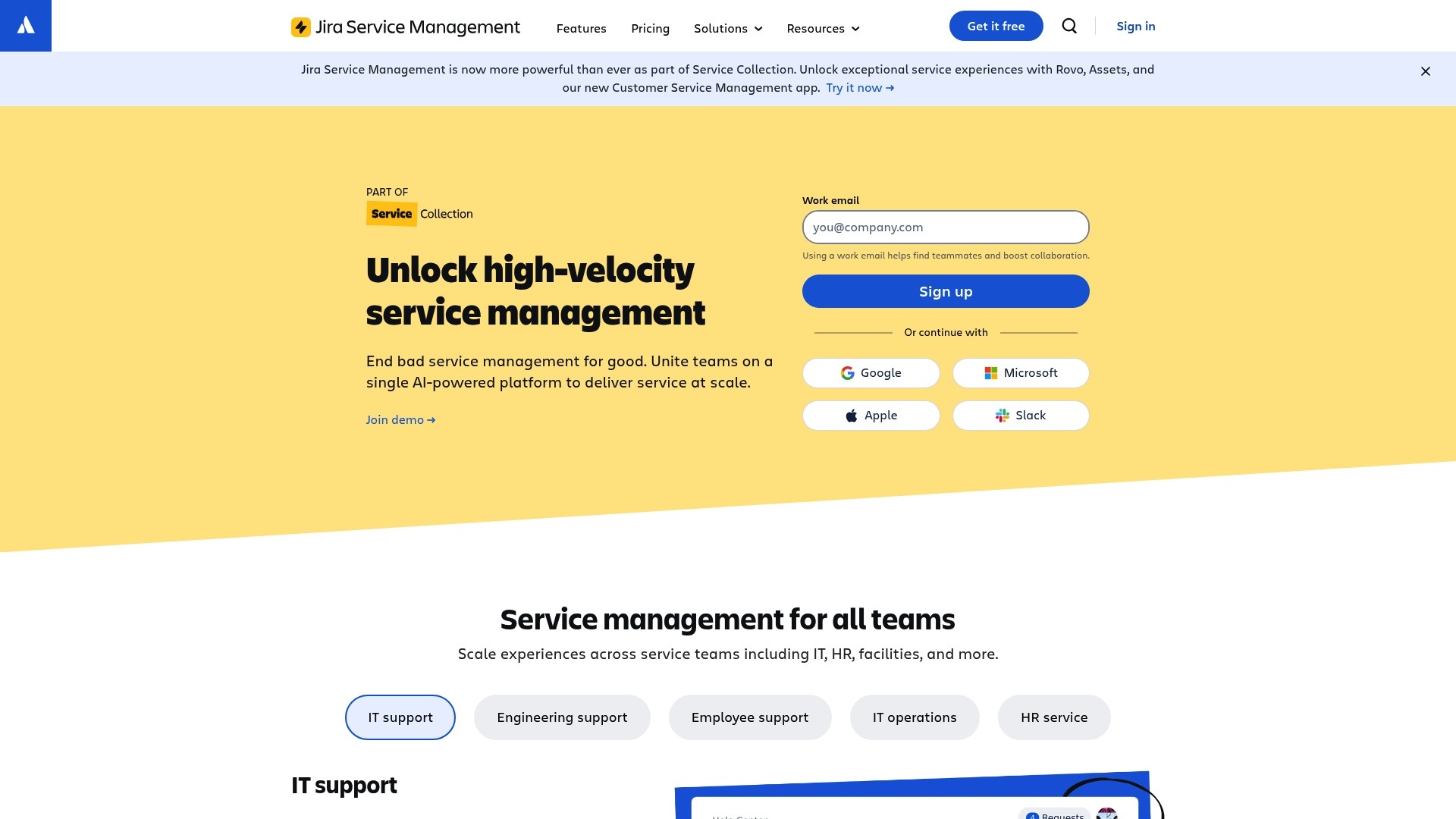
For teams in the Atlassian ecosystem, Jira Service Management (JSM) is an all-in-one option. It combines a service desk with a native asset management tool (called Assets, formerly Insight) to create an integrated ITSM platform.
JSM provides standard features of an ITIL-aligned help desk, including customizable workflows, a self-service portal, and reporting. The asset management component allows for the creation of a Configuration Management Database (CMDB) to link assets to incidents, problems, and change requests.
A key benefit is the seamless integration with other tools in the Atlassian suite, such as Jira Software and Confluence. It is scalable and customizable. However, it's important to note that the native asset management features are only included in the Premium and Enterprise plans, which represents a significant price increase from the Standard tier. The configuration can also be complex for those who only require basic asset list management.
Pricing:
A free plan is available for up to 3 agents, offering basic help desk features but no asset management.
The Standard plan starts at $20/agent/month.
The Premium plan, which includes Assets, starts at $51.42/agent/month.
4. ManageEngine ServiceDesk Plus
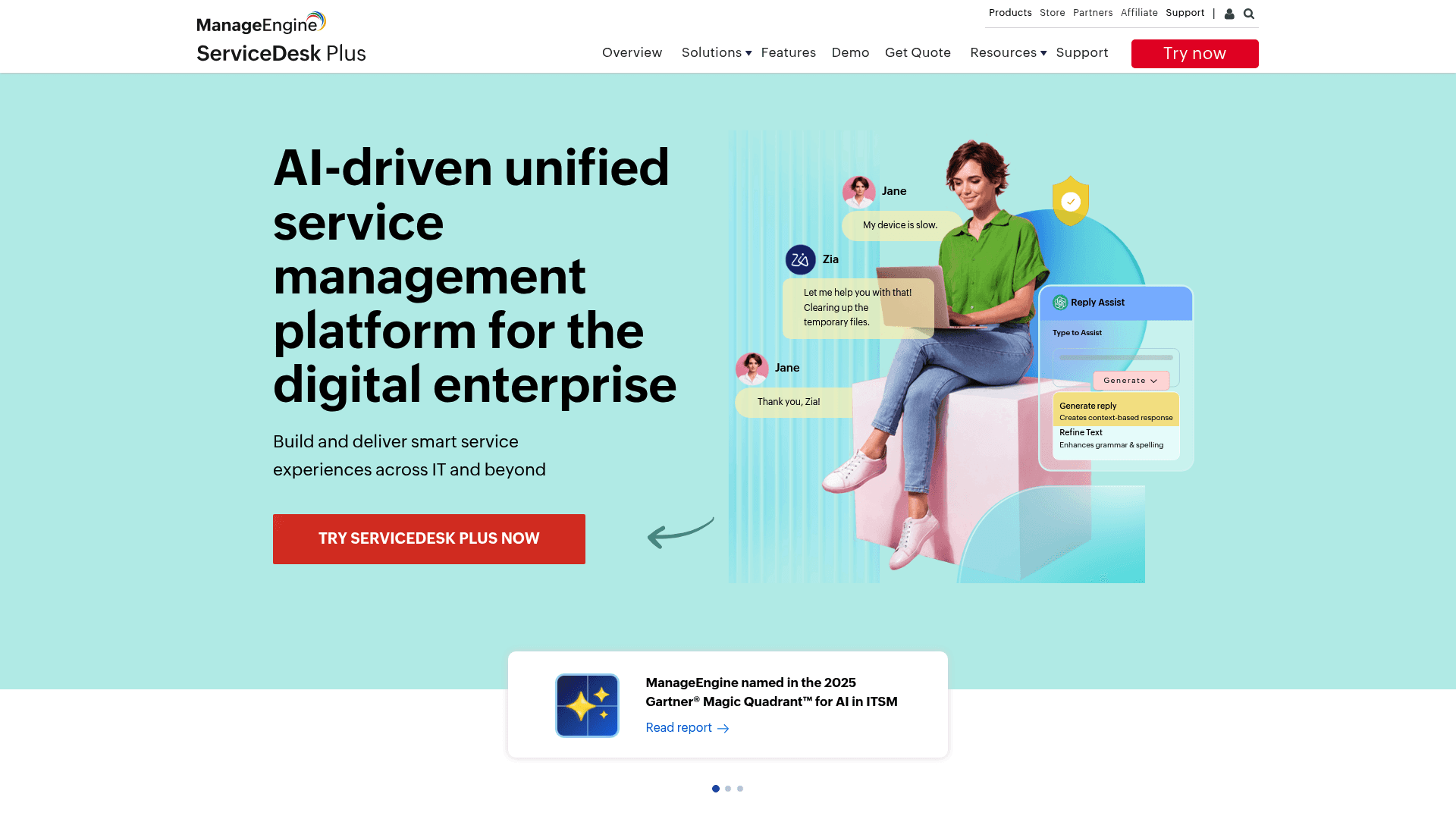
If you’re looking for a single platform to do everything Spiceworks did and then some, ManageEngine's ServiceDesk Plus is another option. It is an all-in-one ITSM solution that includes help desk ticketing, asset management, project management, and a CMDB.
This platform is for teams seeking a single-vendor solution. A key feature is its deployment flexibility, with both cloud and on-premise versions available. It offers a comprehensive feature set, from basic incident tracking to advanced change management and software license compliance.
The breadth of features is extensive, which can also contribute to a more cluttered interface for some users and a more involved initial setup. For smaller teams with basic ticket and asset tracking needs, the platform may offer more functionality than required.
Pricing:
The on-premise Standard plan starts at $13/technician/month.
Professional and Enterprise plans add more advanced asset and ITIL features at a higher cost.
5. Zendesk

While Zendesk made its name in the external customer support world, it is also a platform used for internal IT help desks. For teams seeking a modern and intuitive interface as an alternative to Spiceworks, Zendesk is a notable option.
It provides omnichannel support, allowing teams to manage requests from email, chat, a self-service portal, and Slack in a unified view. Its automation capabilities can be used for routing tickets and other routine tasks. Zendesk has also announced plans for native IT asset management, which will address a previous feature gap.
The platform is known for its user experience for both agents and end-users.
However, the new IT asset management feature is listed as "coming soon" on the Employee Service Growth plan, indicating it is not yet widely available and may be included in a higher-priced tier. Teams requiring immediate and established asset tracking capabilities may need to consider other options.
Pricing:
The Support Team plan starts at $19/agent/month.
The Suite Team plan, which unlocks more channels and features, starts at $55/agent/month.
How to choose the right Spiceworks alternative
Here are a few factors to consider when choosing a replacement:
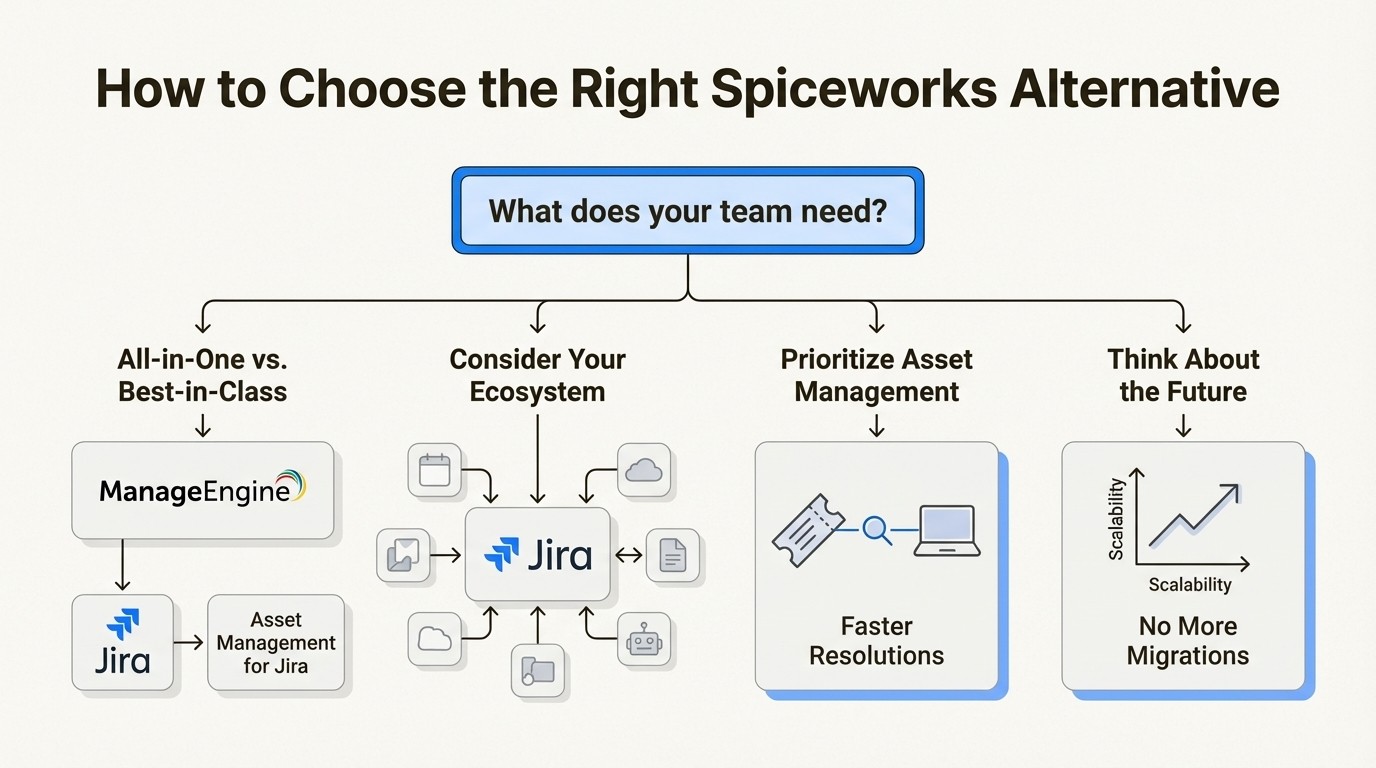
All-in-one vs. best-in-class: Consider whether a single platform that handles all functions (like ManageEngine) or specialized, integrated tools is a better fit. A best-in-class approach, such as pairing a service desk with a dedicated asset management tool, can provide more specialized functionality.
Consider your existing ecosystem: If your team already uses a platform like Jira, selecting an alternative that integrates natively can simplify adoption and streamline workflows. For instance, a solution that integrates directly into an existing workflow can ease adoption.
Prioritize asset management: Spiceworks' inventory tracking was a key feature. When choosing a new help desk, ensure it provides robust asset management capabilities. Linking device information directly to tickets can contribute to resolving issues more quickly.
Think about the future: While a free tool may have been sufficient previously, selecting a professional, scalable solution can prevent the need for another migration in the future.
For a visual summary of other popular Spiceworks replacements, this video provides a quick rundown of several options available on the market.
This video offers a visual summary of several other popular Spiceworks replacements available on the market.
Moving beyond free tools
Spiceworks was a valuable tool for many IT departments. As the industry has evolved, IT teams now often require reliable, scalable, and secure tools that integrate well, without the distractions of ads or the risks associated with unsupported software.
Each of the alternatives discussed offers a professional-grade solution for different needs, including network discovery, all-in-one ITSM suites, and user-friendly interfaces. The appropriate choice depends on a team's current requirements and future goals.
If your team uses Jira and needs to replace the integrated inventory capabilities of Spiceworks, a tool like Asset Management for Jira can integrate asset data directly into support tickets, providing the visibility to help teams work more efficiently.



