SysAid vs Jira Service Management: An ITSM & Asset Management Comparison (2026)
Choosing between SysAid and Jira Service Management? We compare their ITSM and asset management features, costs, and AI to see which tool fits your team.

Colin Reed
IT Expert and Content Writer
Last Updated

If you're on an IT team, this probably sounds familiar: you live in Jira for service requests, but all your hardware, software licenses, and other gear are tracked in a completely separate spreadsheet. Every time a ticket lands in your queue, you have to switch tabs, search for asset details, and ask the user questions to get the basic information.
This can be time-consuming. This gap between your ticketing system and your asset inventory can slow down support. It can lead to buying laptops you already have, failing software audits because you can’t prove license compliance, and frustration.
So, what’s the fix? Two of the biggest names in IT Service Management (ITSM) are SysAid and Jira Service Management (JSM). This guide will break down how each platform handles ITSM, with a close look at IT asset management (ITAM). We’ll dig into their features, AI capabilities, and pricing to help you figure out which one makes sense for your team. This guide compares both platforms to help you determine the best fit for your team, whether that's a comprehensive new system or a tool that integrates with your current environment.
What is SysAid?
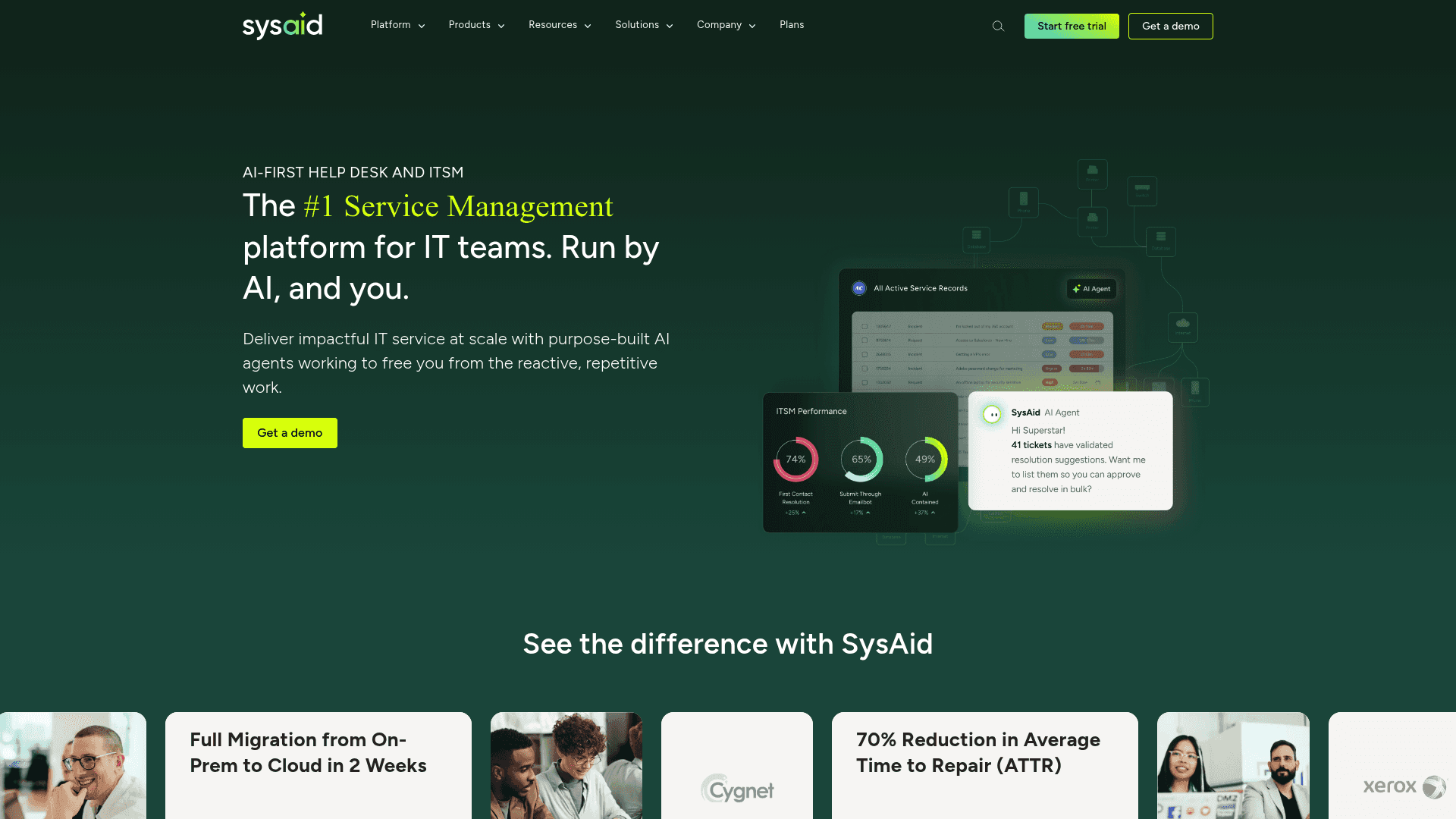
SysAid is presented as a complete, all-in-one ITSM platform. It aims to bring your help desk, service management, and asset management into one central hub. A key feature is its purpose-built AI, which is designed to handle repetitive, manual tasks for IT teams, freeing them up to focus on other work.
Key features
SysAid is built to be a one-stop shop for everything IT.
All-in-one platform: Core features like incident management, a self-service portal, and IT asset management are included out of the box in all plans, which start with 250 managed assets. You aren’t paying extra for the basics.
Agentic AI: A key differentiator for SysAid is its "agentic AI", which is designed to take action. It comes with nearly 100 pre-built AI agents that can do things like unlock user accounts or assign software licenses in Microsoft 365.
Fast implementation: It’s a low-code/no-code platform, meaning you don't need a team of developers to get it running. SysAid claims you can have a full implementation in as little as three weeks.
Who is it for?
SysAid is aimed at mid-sized to enterprise companies that want a powerful, standalone solution to manage all things IT under one roof. It’s a good fit for organizations that would rather work with a single vendor and avoid patching together a solution from various marketplace apps.
Considerations
A consideration with SysAid is its pricing model, which is not publicly listed. You have to get a custom quote. While that’s common for enterprise software, it can make budgeting a challenge. Third-party sources estimate the cost is around $79 per user per month for the Help Desk plan and $108 per user per month for the ITSM plan.
Also, if your team is already deeply embedded in the Atlassian ecosystem (using Jira Software, Confluence, and so on), moving your entire ITSM workflow to a completely separate platform can be a significant undertaking. It’s not just about moving data; it’s about changing how your teams work. Some user reviews also note a learning curve and a more traditional interface in certain areas.
What is Jira Service Management?
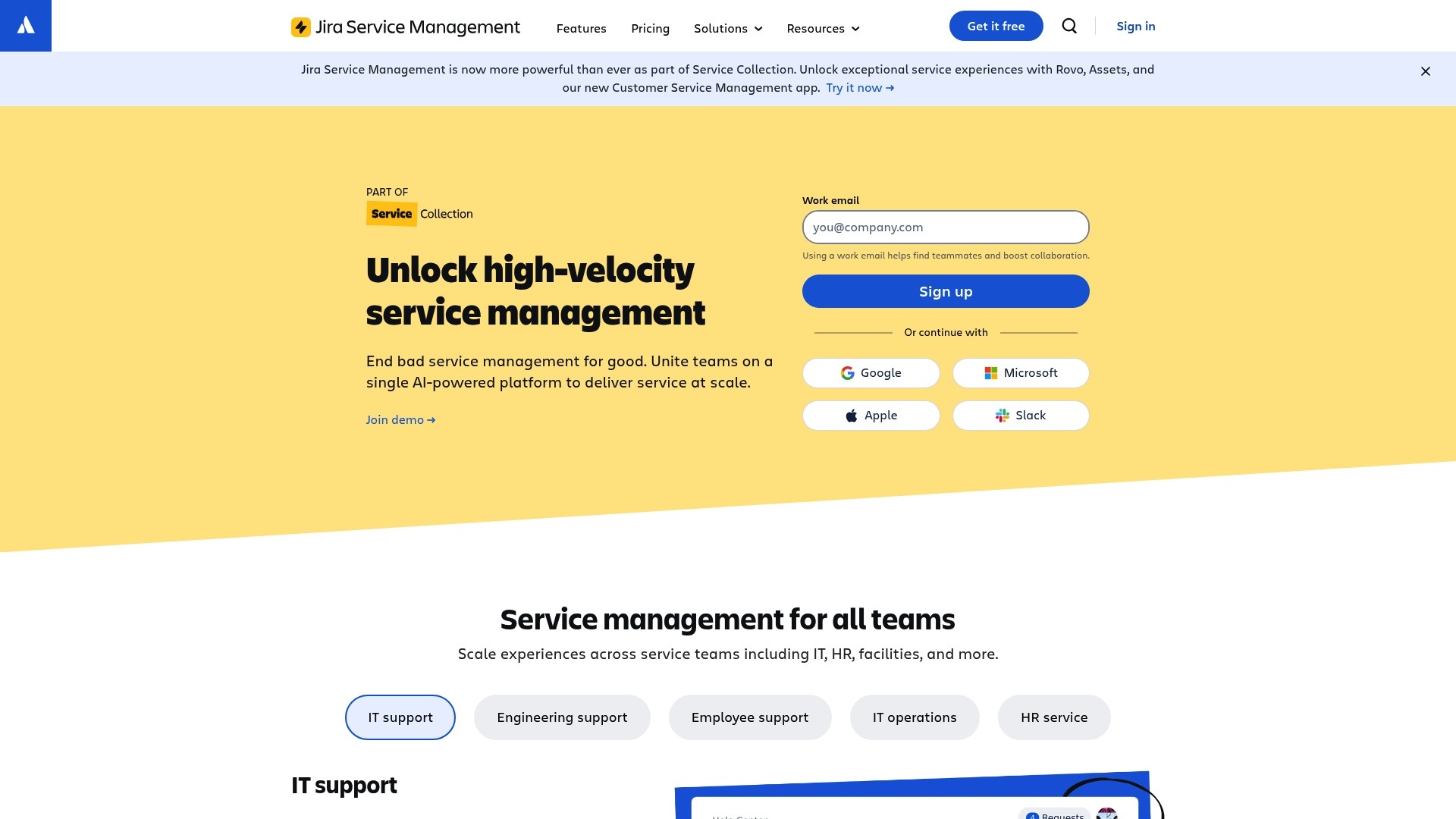
Jira Service Management (JSM) is Atlassian’s take on ITSM. Since it’s built on the same Jira platform that many development teams already use, its biggest strength is how seamlessly it connects with the rest of the Atlassian suite. It lets IT, operations, and development teams work together without leaving their familiar environment.
Key features
JSM's strengths include its flexibility and deep roots in the Atlassian world.
Deep Atlassian integration: This is a primary reason many teams choose JSM. You can link an IT support ticket directly to a bug report in Jira Software or a knowledge base article in Confluence. This creates a connected workflow between development and IT.
Customizable workflows: Jira is known for its powerful workflow engine, and JSM is no different. You can tweak every process to fit exactly how your team operates, from simple help desk requests to complex change management approvals.
Atlassian Marketplace: JSM’s functionality can be expanded with over 1,000 marketplace apps. If you need a specific integration or feature, there’s a good chance an app exists for it, though this can add to your overall cost and complexity.
Asset management in JSM
JSM’s built-in asset management is handled by a feature called Assets (which used to be called Insight). It’s a powerful configuration management database (CMDB) that lets you track all your hardware, software, and other IT resources.
According to Atlassian's pricing information, the Assets feature is not included in the Free or Standard plans. It’s only available if you upgrade to the Premium or Enterprise tiers. This means that to get native IT asset management, you have to jump to a plan that costs $51.42 per agent per month. For many small to mid-sized teams, this can be a significant price increase just to track their laptops and licenses.
Considerations
A key consideration with JSM is the cost of entry for native asset management. Forcing teams onto the Premium plan just to connect assets to tickets can be a factor.
Beyond the price, setting up Assets can be complex. It’s a full-blown CMDB, which means you have to manually configure things like object schemas, object types, and attributes from scratch. While powerful, it can involve a learning curve and require a dedicated admin to keep it running smoothly.
SysAid vs Jira Service Management: A feature comparison
So, how do these two platforms really stack up when you put them side-by-side? Let's get into the details that matter most to IT teams. Here's a visual breakdown:
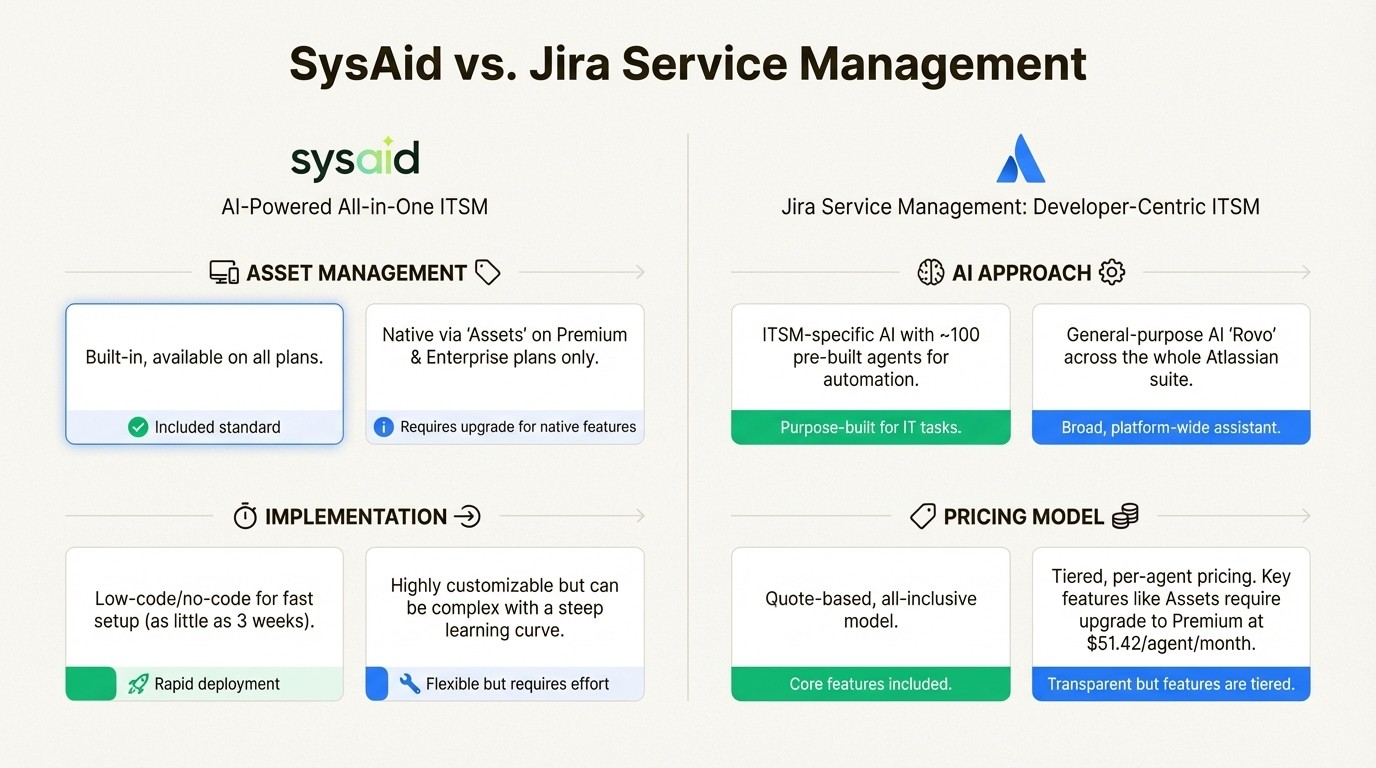
A side-by-side comparison infographic of SysAid vs. Jira Service Management across key categories like Asset Management, AI, and Pricing.
Asset management capabilities
SysAid: Asset management is a core feature included in all plans. It is included as a standard part of the package. This makes it a straightforward, all-inclusive option for teams who need ITAM from day one.
JSM: Its native solution, Assets, is a powerful and flexible CMDB. It is available on the much more expensive Premium and Enterprise plans. If you're on the Standard plan, an alternative is to find a separate app on the Atlassian Marketplace to handle asset tracking. This presents a choice for users between an all-inclusive platform or a tiered plan.
AI approach
SysAid: Its AI is very focused on ITSM. The nearly 100 pre-built AI agents are designed to perform specific actions, like managing Azure AD groups or analyzing ticket trends to spot recurring problems. It’s all about automating specific, high-volume IT tasks.
JSM: It uses Atlassian Rovo, a more general-purpose AI assistant that works across the entire Atlassian product suite. Its capabilities are great for things like summarizing ticket threads or finding relevant knowledge base articles. The more advanced AIOps features, which help with incident management, are a key part of the Premium plan.
Implementation
SysAid: It’s designed for speed. The low-code/no-code setup aims to get you up and running in a few weeks, delivering value quickly without a long, drawn-out implementation project.
JSM: It is highly customizable, which can also add to its implementation complexity. Getting your workflows just right can take time, and setting up the Assets feature from scratch can be a major project for an administrator.
Pricing
SysAid: The quote-based model makes it difficult to compare directly, but its all-inclusive nature means you get core features like ITAM without worrying about add-on costs or tier-based limitations.
JSM: The per-agent pricing is transparent and easy to understand. However, the value proposition changes if you need native asset management. The requirement to upgrade to the Premium tier at $51.42 per agent per month may be a significant consideration for teams primarily looking for asset management functionality.
Feature | SysAid | Jira Service Management |
|---|---|---|
Asset Management | Built-in, available on all plans. | Native via "Assets" on Premium & Enterprise plans. |
AI Approach | ITSM-specific, with nearly 100 pre-built AI agents. | General-purpose AI ("Rovo") integrated across all Atlassian tools. |
Implementation | Low-code/no-code, designed for fast setup. | Highly customizable, but can be complex with a steep learning curve. |
Pricing Model | Quote-based, all-inclusive. | Tiered, per-agent. Some features, like Assets, are available in premium plans. |
Ecosystem | Self-contained platform. | Deeply integrated with the vast Atlassian ecosystem. |
Understanding the core principles of ITSM can help clarify which platform's philosophy aligns best with your organization's goals. For a deeper dive into what IT Service Management entails and how it differs from frameworks like ITIL, the video below offers a helpful overview.
This video offers a helpful overview of IT Service Management (ITSM) fundamentals and how it compares to frameworks like ITIL.
An alternative for asset management in Jira
Many teams face a dilemma. You're already using Jira, your team knows it inside and out, and it works well for managing service requests. The choice seems to be either migrating to a new platform like SysAid or paying for a higher JSM tier with features they may not need, all just to track assets.
This is a common challenge. You know that connecting assets to tickets would save time and money, but you’re faced with the cost and complexity of the native JSM solution.
Asset Management for Jira: A marketplace option
For teams who find themselves in this exact spot, there’s a purpose-built app called Asset Management for Jira. It comes from an Atlassian Gold Marketplace Partner and is designed to solve a specific problem: adding asset management capabilities directly inside your existing Jira instance.
Native Jira integration
Asset Management for Jira integrates directly inside Jira. It adds custom fields to your tickets, so when an agent opens an issue, they immediately see all the relevant device information—serial number, owner, purchase date, warranty status—without ever leaving the screen. This context helps teams resolve tickets faster because there’s no more toggling between different apps.
Key features and implementation
The app is designed for simplicity. You can get started by uploading a CSV of your current assets or syncing them directly from popular device management tools like Microsoft Intune, Jamf, and Kandji. It also includes features for common IT problems, like license tracking to help you pass software audits, QR code scanning for quick physical inventory checks, and customizable reports to give you a clear view of your entire asset landscape.
Pricing and availability
This app adds powerful ITAM to any Jira instance (including JSM Standard). The pricing on the Atlassian Marketplace is transparent, with plans starting at just $10 per month for small teams. It provides a way to add functionality at a transparent price.
Choosing the right tool for your needs
At the end of the day, the right tool depends entirely on your team's needs, budget, and existing workflows.
Choose SysAid if: You're looking for an all-in-one, AI-focused ITSM platform and are ready to manage your IT operations outside of the Atlassian ecosystem.
Choose Jira Service Management Premium if: You are invested in the Atlassian ecosystem, require a comprehensive CMDB, and your budget accommodates the Premium or Enterprise tiers.
Choose Asset Management for Jira if: You use Jira and need an integrated, affordable way to track your IT assets and resolve tickets faster, all without leaving the tool your team already uses every day.
Ready to streamline your IT support and stop wasting money on lost assets? Try Asset Management for Jira for free and see how much faster your team can resolve tickets.



