Comparing 5 Intune Asset Management Solutions for Jira Teams in 2026
Tired of messy spreadsheets? I tested the 5 best Intune asset management solutions for Jira teams to find the ultimate tool for a single source of truth in 2026.

Colin Reed
IT Expert and Content Writer
Last Updated
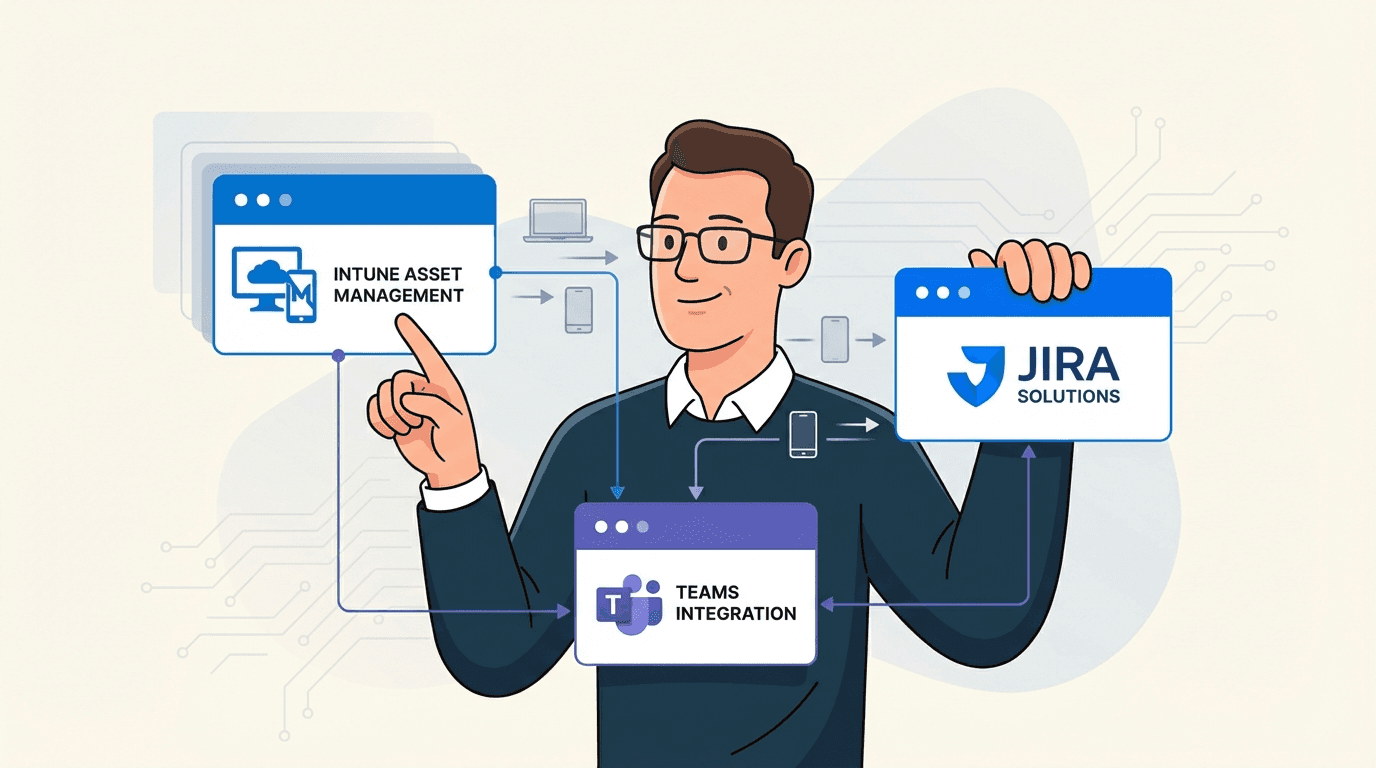
If you're on an IT team, you know the drill. You practically live in Jira for support tickets, but all your company's devices are managed over in Microsoft Intune. The big problem? Those two worlds don't talk to each other. This means every time a ticket lands in your queue, you're stuck flipping between screens, digging through spreadsheets, or asking users for basic device info. It’s a massive time-waster.
A significant amount of time can be spent just gathering information. The right tool can reduce this time by up to 96%.
This guide explores some of the top solutions that sync Intune device data directly into Jira. The goal is to find a tool that creates a single source of truth, making life easier for the whole team. I looked at everything from how easy it was to set up and how deep the integration went to how much it actually helps with tickets and, of course, the aoverall value.
What exactly are Intune asset management solutions for Jira teams?
First things first, let's clear something up. Microsoft Intune is fantastic for managing your endpoints, from company laptops to personal phones accessing work apps. It's a top-notch Mobile Device Management (MDM) tool. But by itself, it’s not a complete IT Asset Management (ITAM) solution. It knows all about your devices, but it doesn't live where your support team does: Jira.
That's where these "Intune asset management solutions" come into play. You can think of them as the bridge connecting Intune and Jira. These apps grab all that useful device data from Intune, things like hardware specs, OS versions, and who owns the device, and pull it right into Jira. This visual below shows how this bridge works in practice.
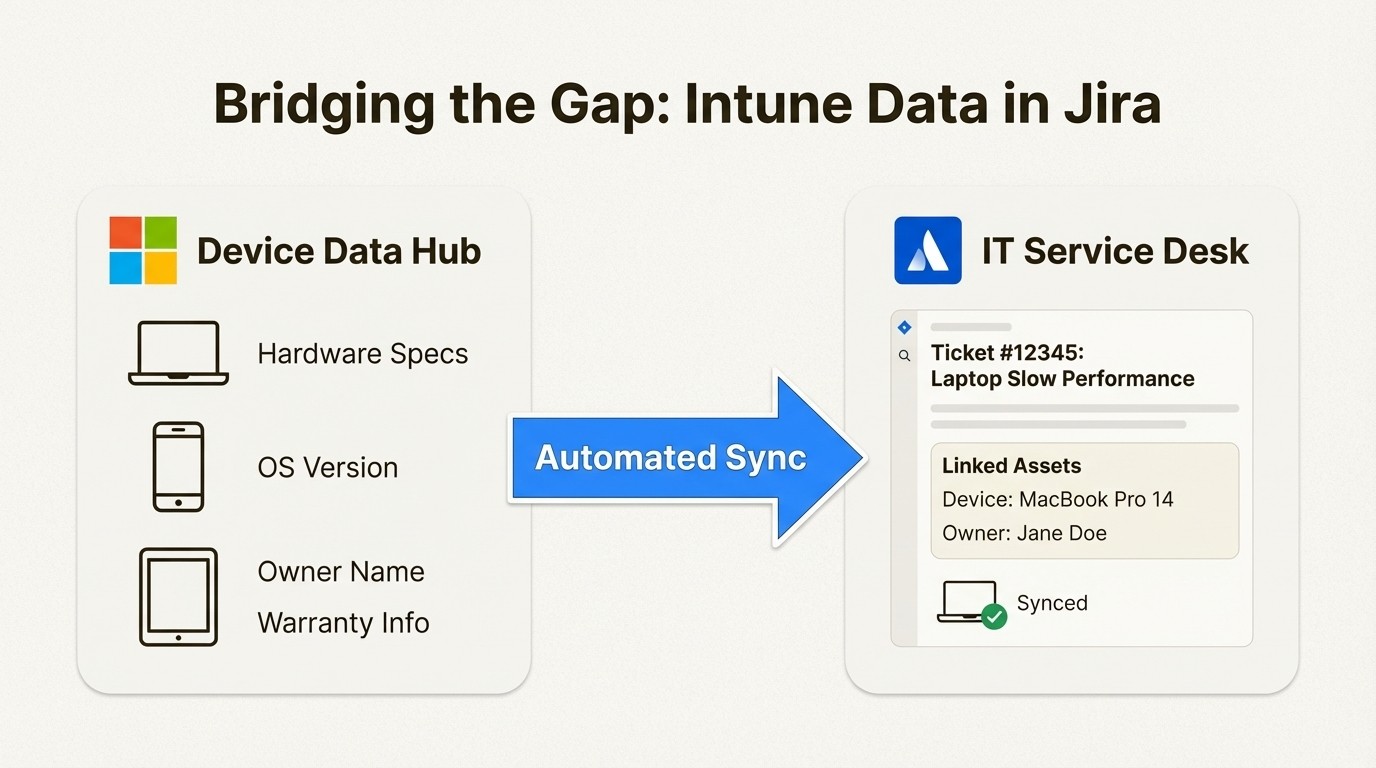
All of a sudden, Jira is more than just a ticketing system. It becomes the main hub where your asset data and support tickets live together. This gives your service desk team the context they need, right where they're working, helping them resolve tickets 34% faster.
Why you need Intune asset management solutions for your Jira teams
Connecting Intune to Jira isn't just a nice-to-have feature; it fundamentally changes how your support team works. Here’s why it’s so important:
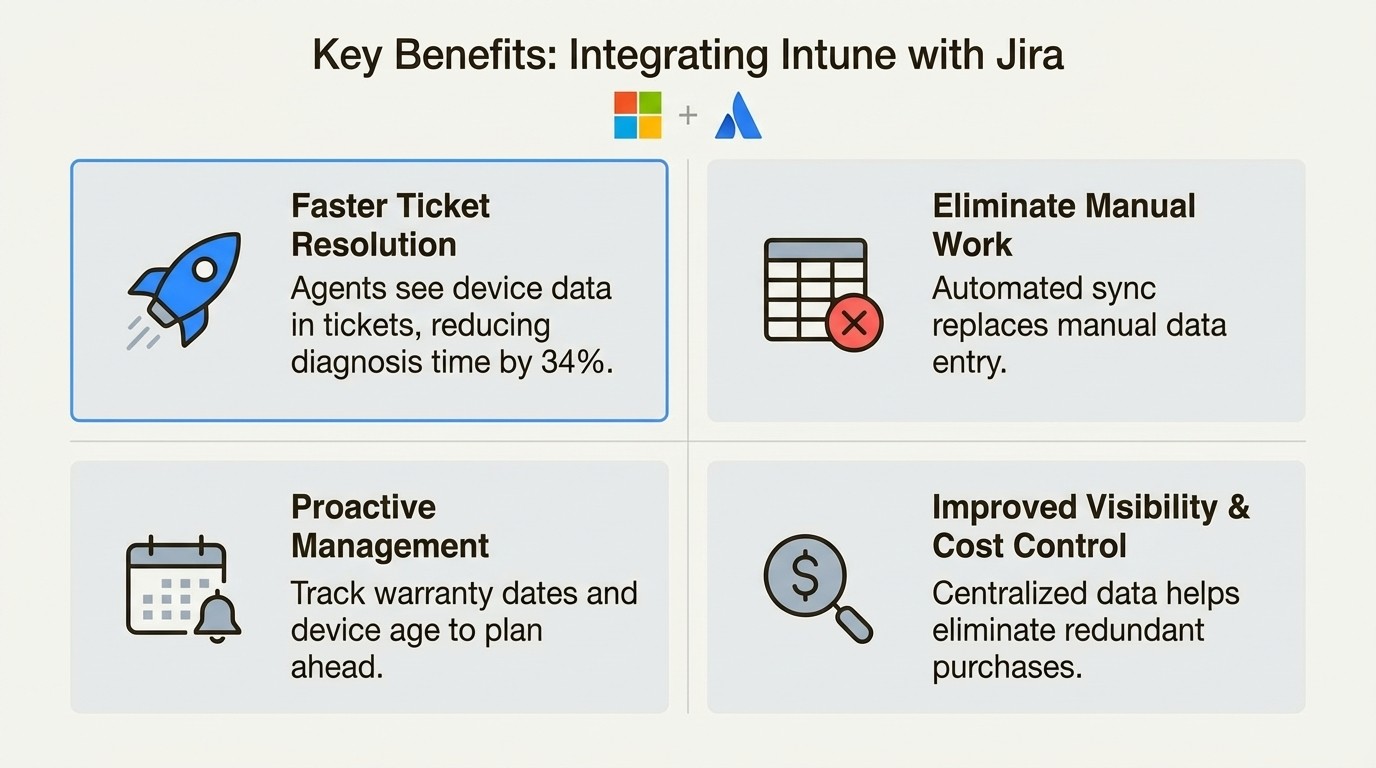
Faster ticket resolution: When a ticket comes in, all of the user's assigned devices are visible right there in the Jira issue. No more back-and-forth emails asking for serial numbers. Your team gets instant context, which means they can diagnose and solve problems much faster. This leads to better user satisfaction and a more efficient team.
Less manual work: Let's be honest, nobody enjoys updating asset spreadsheets. An automated sync between Intune and Jira completely eliminates that chore. It saves a ton of administrative time, cuts down on human error, and ensures your asset data is always current.
Proactive management: When you sync data like warranty dates and device age, you can start being more strategic. Tools with smart notifications, such as those available in some solutions like Asset Management for Jira, can provide alerts before a warranty expires or a device gets old. This lets you plan for replacements and maintenance ahead of time, preventing device failure emergencies.
Better visibility and cost control: Having a single place for all your hardware gives everyone a clear view of what the company owns. This simplifies planning, helps eliminate redundant purchases, and creates a clear accountability for every single asset.
Criteria for comparing Intune asset management solutions for Jira teams
To make sure this list was actually helpful, I didn't just pull apps out of a hat. I set up some strict criteria to judge each solution. Here’s what I was looking for:
Depth of integration: Does it just pull in the device name, or does it go deeper? I wanted solutions that could handle custom fields, user assignments, and other key data to give a complete picture.
Ease of setup: How quickly can you get it working? Is it a weekend project that requires a technical manual, or can you connect Intune and see your data in Jira within minutes?
Ticket enrichment: How well does the tool show asset info inside a Jira ticket? The whole idea is to help agents, so I looked for solutions that make the information clear, easy to find, and genuinely useful for fixing issues faster.
Automation capabilities: A one-time import is fine, but the real value is in keeping the data fresh. I looked for tools that offer scheduled, automatic syncing so the data in Jira is always up-to-date without anyone having to do a thing.
Value for money: What's the real cost? This isn't just about the price of the app. It includes any hidden costs, like needing to upgrade your Jira plan just to use it.
A quick comparison of Intune asset management solutions for Jira teams
Before we get into the details, here’s a quick overview of how the top contenders compare. This should give you a high-level idea of which solution might be the best fit for your team.
Feature | Asset Management for Jira | Intune Connect for JSM Assets | xAssets IT Asset Management | Microsoft Intune Importer for JSM Assets by PIO | Atlassian Assets Data Manager |
|---|---|---|---|---|---|
Primary Focus | Native ITAM for all Jira plans | Intune to JSM Assets Connector | External Enterprise ITAM Platform | Intune to JSM Assets Connector | Native Atlassian Data Sync Feature |
Ease of Setup | Simple | Moderate | Complex | Moderate | Moderate |
Automated Sync | Yes (automatic) | Yes (configurable) | Yes | Yes (hourly/daily) | Yes |
Ticket Enrichment | Direct (Native "Linked Assets" field) | Indirect (via JSM Assets) | Direct (Custom asset panel) | Indirect (via JSM Assets) | Indirect (via JSM Assets) |
Starting Price | $10/mo (up to 10 users) | Paid via Atlassian | Free for 1 user, then $60/mo | Paid via Atlassian | Included in JSM Premium ($51.42/agent/mo) |
5 Intune asset management solutions for Jira teams
Okay, let's get into the specifics. Here’s a detailed breakdown of the top solutions that can connect Intune and Jira.
1. Asset Management for Jira
This solution from a Gold Atlassian Partner is built to bring asset management directly into any Jira product you use, whether it’s Software, Work Management, or Service Management. It's also a Cloud Fortified app, meaning it meets Atlassian's highest standards for security and reliability.
Pros: It offers a native integration that works with any Jira Cloud plan, so you aren'tforced into a pricey Jira Service Management (JSM) upgrade. The setup is incredibly fast; you can sync with Intune, Jamf, or Kandji in just a few minutes. It handles both hardware tracking and software license management in one tool. The native "Linked Assets" field provides context directly within the Jira issue view.
Cons: For enterprises building a complex Configuration Management Database (CMDB) with detailed dependency mapping, Atlassian's Assets feature could be a suitable alternative.
Pricing:
Standard: Starts at $10/month for up to 10 users, with tiers like $2.85/user for teams of 11-100.
Advanced: Starts at $20/month for up to 10 users and includes enterprise features like Role-Based Access Control and API access.
2. Intune Connect for JSM Assets
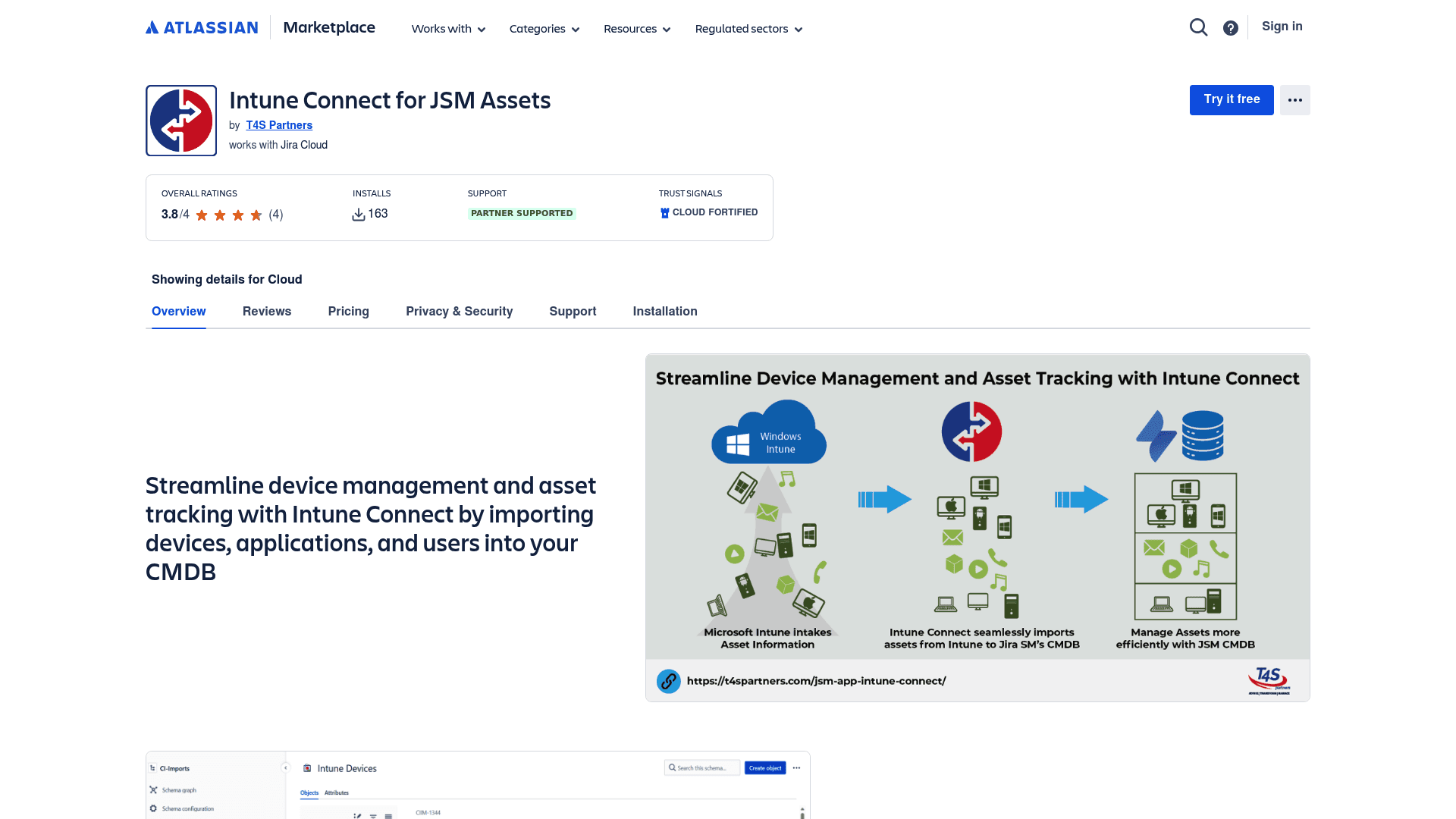
From T4S Partners, this app is a specialized connector. Its function is to pull device data from Intune and feed it into Jira Service Management’s built-in Assets feature. It’s designed to automate data entry for teams that are already using JSM's native CMDB.
Pros: This is an option for teams already on JSM Premium or Enterprise. It integrates directly with JSM's powerful CMDB, providing a way to import your Intune data. It supports automated syncs that you can schedule to run hourly, daily, or weekly, which keeps your data fresh.
Cons: This tool functions as a connector rather than a complete asset management solution. It requires a JSM Premium or Enterprise plan, which is a factor in the total cost of ownership. According to its Marketplace page, it is currently focused on devices, with plans to support applications and configurations in the future.
Pricing: This is a paid app on the Atlassian Marketplace, with pricing based on your user count.
3. xAssets IT Asset Management
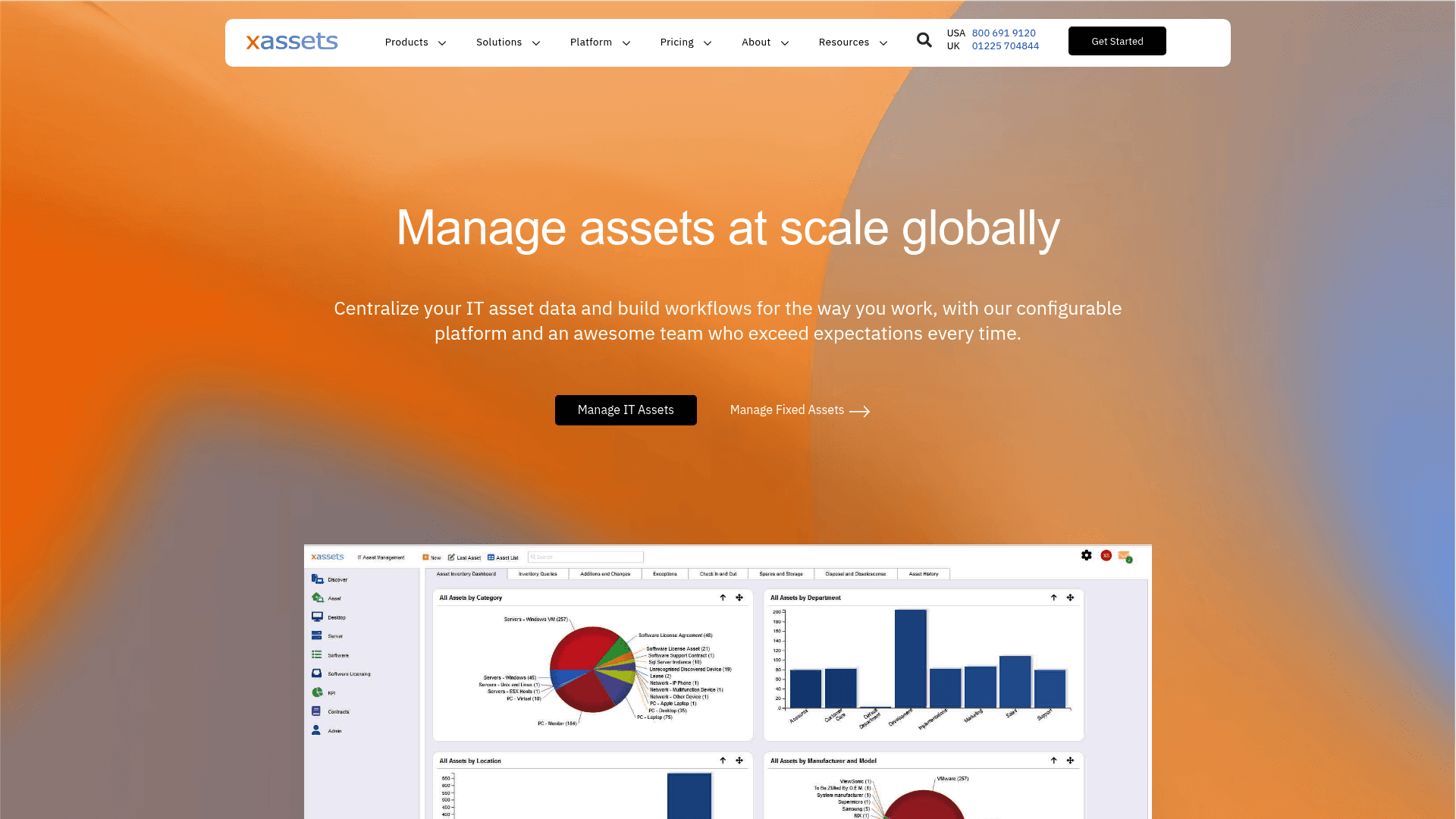
This is an enterprise-level ITAM platform that has an integration with Jira. It’s made for large organizations that need a central hub for assets discovered from all over the network, not just Intune, including things like printers and routers.
Pros: It offers extensive features and does a lot more than just MDM integration. It provides deep discovery capabilities and a highly configurable platform, aiming to be a "single pane of glass" for enterprise IT. It even has US Air Force security certifications.
Cons: As an external platform, the setup can be more complex than a native Jira app. The integration may differ from tools built natively within Jira. The pricing model is designed for larger companies.
Pricing: There’s a free Express Edition for a single user and up to 100 endpoints. After that, a second user is $60/month, and the Professional and Enterprise plans are quote-based.
4. Microsoft Intune Importer for JSM Assets
This is another popular connector, this time from Pio, a Silver Marketplace Partner. Just like Intune Connect, its purpose is to import and sync data from Microsoft Intune into the JSM Assets CMDB.
Pros: Pio specializes in data importers for JSM Assets. It is a focused tool for teams who are fully committed to using JSM’s native Assets feature as their central CMDB. It keeps your data current with hourly or daily syncs.
Cons: Similar to other connectors, it is dependent on you having a JSM Premium or Enterprise subscription. It doesn't provide any asset management features on its own. Its value is linked to a team's existing use of the JSM Assets feature.
Pricing: You can find it on the Atlassian Marketplace, where the price scales with your Jira user count.
5. Atlassian Assets Data Manager
This is Atlassian’s own, first-party solution for connecting external data sources to JSM Assets. It isn't an app you buy; it’s a feature that's included with the higher-tier JSM plans.
Pros: Since it's a native Atlassian tool, it provides a native integration. It's included with a JSM Premium or Enterprise license, so there's no separate app fee. It supports a bunch of data sources through different "Adapters," including one for Intune.
Cons: This feature is available only in the higher-tier JSM plans. The setup is also more technical. You have to configure jobs and clients, which may require more configuration than some dedicated apps. Its feature set may differ from more established third-party solutions.
Pricing: Included with Jira Service Management Premium and Enterprise plans.
How to choose an Intune asset management solution for your Jira team
Here are a few practical tips to help you pick the right tool for your team.
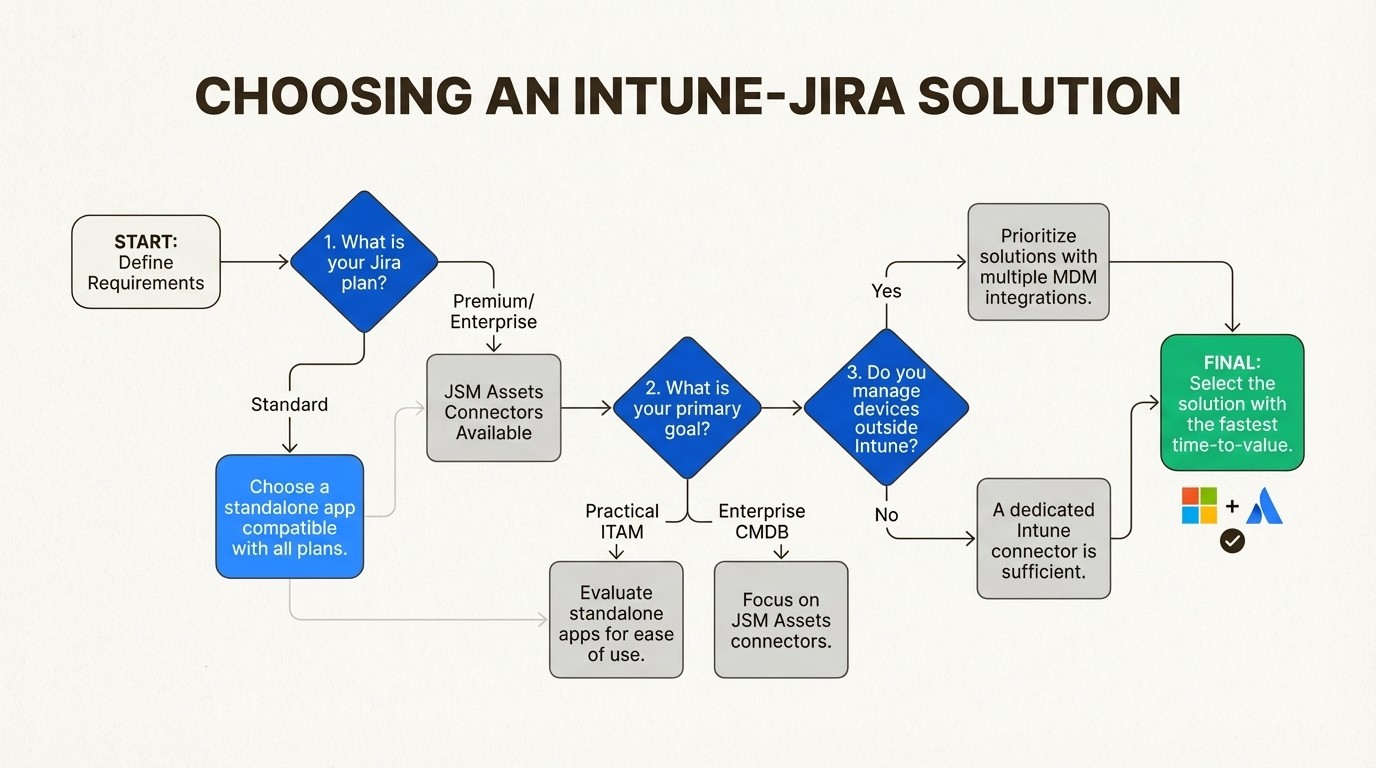
Check your Jira plan first: This is the most important step. If you’re on Jira Standard, any solution that requires JSM Assets will not be compatible unless you plan to upgrade. A standalone app like Asset Management for Jira works with any Jira plan, which can be a more direct and affordable option.
Define your goal (practical ITAM vs. enterprise CMDB): Determine your primary need. Are you looking for a practical tool to link assets to tickets and track licenses? Or are you trying to build a massive, complex CMDB with detailed dependency mapping for your entire company? Pick a tool that matches your team’s actual day-to-day needs.
Look beyond Intune: Is your company all-in on Microsoft, or do you also have Macs managed by Jamf or Kandji? Some solutions, including Asset Management for Jira, can connect to multiple data sources, which can provide a unified view without requiring separate connectors.
Prioritize time-to-value: A tool with a complex setup may delay its benefits. Look for solutions with a quick, intuitive setup. The faster you can get it running, the more likely your team is to actually use it and see the benefits.
For a more hands-on look at how these integrations work, the following video provides a demo of importing device data from Microsoft Intune directly into Jira Service Management.
Summary of Intune asset management solutions for Jira
Connecting Intune with Jira can be highly beneficial for modern IT teams. It helps break down data silos and can empower support agents to resolve issues more efficiently.
Connectors for JSM Assets are suitable for teams invested in building a comprehensive CMDB and who are on JSM Premium or Enterprise plans. The total cost and complexity should be considered as part of the evaluation.
Asset Management for Jira is one option that offers a native integration for all Jira Cloud plans, multiple MDM connections, and a streamlined setup process. It is designed to provide a single source of truth for assets with a pricing model different from enterprise-level CMDB solutions.
To explore how a native Jira app can integrate with Intune, you can start a free 30-day trial.



