Best Software License Management Tools for Jira in 2026
Discover the best software license management tools for Jira in 2026. Our review compares top apps to help you cut costs and ensure compliance.

Colin Reed
IT Expert and Content Writer
Last Updated

Managing software licenses in Jira can be challenging. Teams need to control costs, maintain compliance with vendor agreements, and avoid paying for unused licenses. Tracking these details with spreadsheets and manual processes can be difficult. Without a clear view of license usage, companies may overspend on their IT budget by 20-35%.
Additionally, software audits can result in significant penalties for non-compliance. This article reviews seven software license management tools for Jira, breaking down their features to help you find a suitable solution for automating tracking and improving compliance.
What defines software license management tools for Jira?
Software license management tools for Jira are applications that integrate with your Jira instance to help track, manage, and optimize your company's software licenses. They can be an effective replacement for manual tracking with spreadsheets.
Their primary function is to provide a central, automated location to view software usage, available license counts, and upcoming renewal dates. This removes the need for manual counting or checking with team members about their subscription needs.
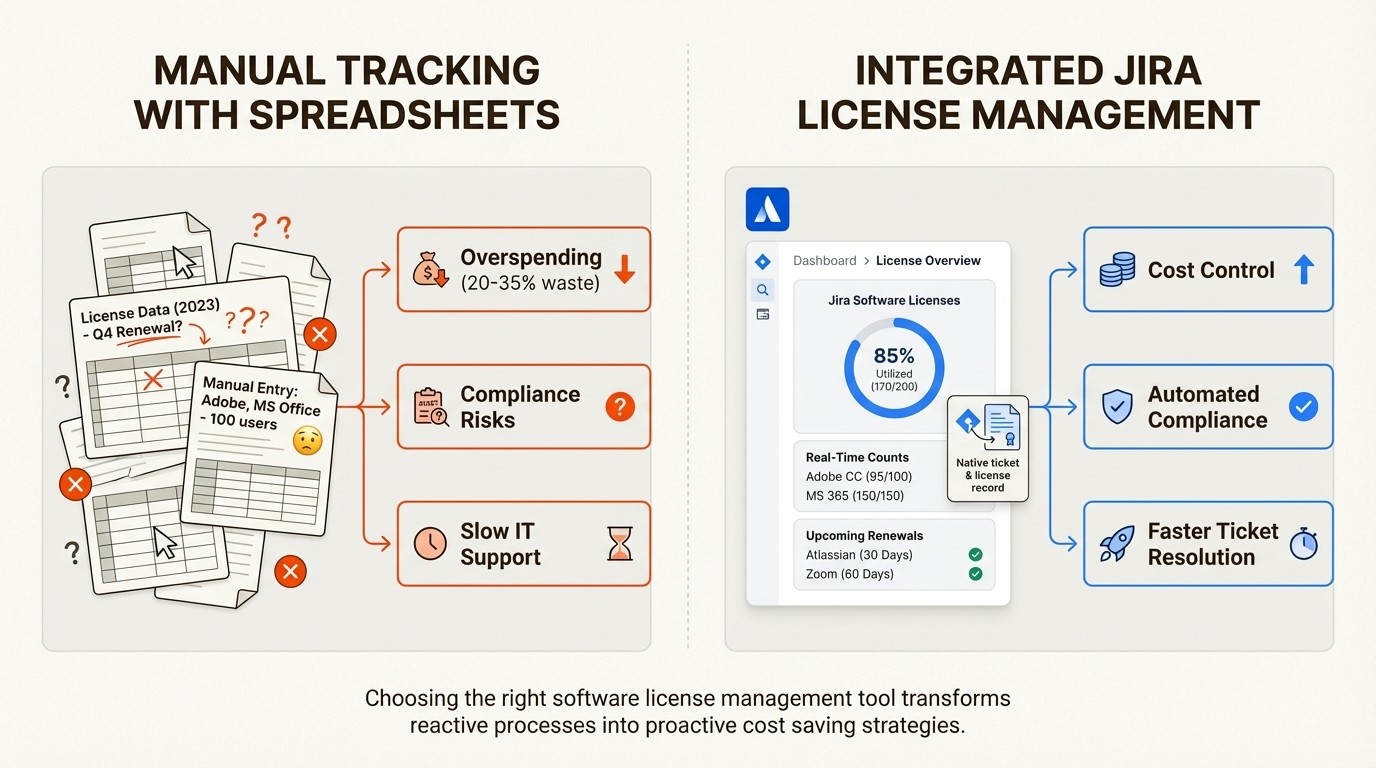
The main advantage comes from their native Jira integration. Because they operate within Jira, these tools allow you to link licenses directly to support tickets, user profiles, and other IT workflows. This provides teams with necessary context within their work environment, leading to faster support and more informed decisions about the software budget.
How we chose these tools
To compile this list, we evaluated each tool based on criteria relevant to teams working in Jira. Here’s the criteria we used:
Native Jira Integration: How well does the tool function inside Jira? Can its data be used in custom fields, automation rules, and JQL searches?
Core License Management Features: Does it effectively handle tasks like tracking license counts, assignments, expiry dates, and overall compliance?
Ease of Use: How quickly can it be set up to show results? Is the interface intuitive, or does it require extensive training?
Reporting & Auditing: Can you easily pull reports to check compliance, analyze costs, or prepare for an audit?
Overall Value: Is the pricing appropriate for the features offered? Is there a clear path to achieving a return on investment?
A comparison of software license management tools for Jira
Here’s a quick look at how our top picks stack up against each other.
Tool | Best For | Key Feature | Pricing Model |
|---|---|---|---|
Asset Management for Jira | Teams needing a simple, native, all-in-one asset and license solution. | Deep integration with Jira issues and automated MDM syncs. | Subscription (per user) |
Assets in JSM Premium | Enterprises invested in the Atlassian ecosystem needing a full CMDB. | Powerful CMDB capabilities and flexible object schemas. | Bundled with JSM Premium/Enterprise |
Zluri | Companies focused on managing SaaS sprawl and optimizing subscriptions. | AI-powered discovery and automated de-provisioning workflows. | Custom Quote |
SolarWinds Service Desk | IT teams wanting an integrated ITSM platform with asset features. | Unified service desk, CMDB, and asset management workflow. | Subscription (per agent) |
4 software license management tools for Jira in 2026
Let's dive into the details of each tool.
1. Asset Management for Jira
Asset Management for Jira is built to track both IT assets and software licenses natively inside Jira. It is designed to be a straightforward tool that helps teams replace spreadsheets with a single source of truth connected directly to their support tickets. It is used by over 500 companies and is known for its quick setup process.
Pros and Cons: Its primary strength is its deep, native Jira integration. All asset and license information is available in custom fields and automation rules, which can improve the speed of IT support. The setup process includes simple CSV imports and automated syncs with MDM tools like Intune, Jamf, and Kandji that keep your data updated. For organizations that need an enterprise-wide CMDB with detailed dependency mapping, Atlassian’s native Assets offers more advanced capabilities.
Pricing:
You can get started with a free 30-day trial.
The Standard Edition is a flat $10/month for up to 10 users.
Pricing is tiered, with the per-user cost decreasing as team size increases. For example, it’s $2.85/user/month for teams of 11-100.
It comes in Standard and Advanced editions to fit different needs.
Why it's on the list: It provides core license tracking, compliance, and reporting features for IT teams looking for a solution focused on asset and license management.
2. Assets in Jira Service Management
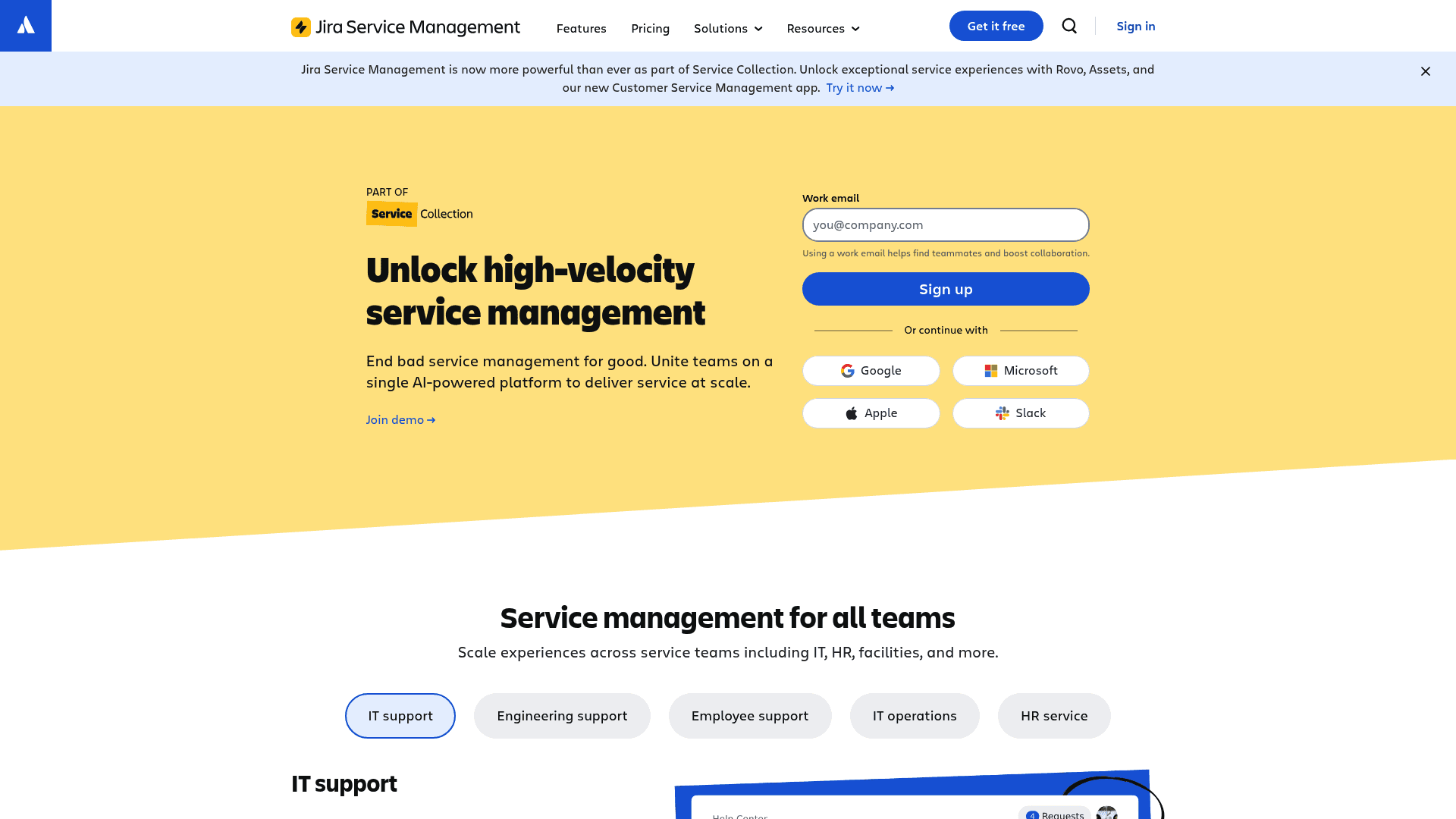
Formerly known as Insight, Assets is Atlassian's native configuration management database (CMDB). It's a feature bundled with the Premium and Enterprise plans of Jira Service Management (JSM), which are part of their larger Service Collection. It is a powerful tool and lets you map out your entire IT infrastructure.
Pros and Cons: The main draw is its flexibility and deep integration within the Atlassian platform. This flexibility may come with a steeper learning curve and could be more than what's required for teams that only need to track software licenses. It is also only available on the higher-tier JSM plans. The consumption-based pricing for objects beyond the included amount is another factor to consider, as it can increase costs for organizations with a large number of assets.
Pricing:
It's included with the Service Collection Premium plan, which starts at $51.42 per agent, per month.
This plan provides 50,000 Assets objects for free. After that, you pay per object, starting at $0.02 per object per month, with discounts for higher volumes.
Why it's on the list: As Atlassian's in-house solution, it offers the deepest integration possible for large organizations that have the budget and the need for a full-fledged CMDB.
3. Zluri

Zluri is different from the other tools on this list. It's a broader SaaS and Identity Platform, not exclusively a Jira app. It does integrate with Jira, but its main focus is on addressing SaaS sprawl. It uses AI to automatically discover all SaaS and AI applications in use, including shadow IT, to provide visibility into spending and usage.
Pros and Cons: Zluri's strength is its automated discovery engine, which can help companies reduce SaaS spending. It is also effective at optimizing subscriptions with automated user management workflows. The downside is that its Jira integration connects two different systems rather than embedding asset data directly into tickets. It is not a native Jira database, so it may not feel as seamless for teams who prefer to work entirely within Jira.
Pricing:
Pricing is available by requesting a custom quote.
Why it's on the list: It offers a high-level approach focused on SaaS optimization and governance, which are critical components of software license management.
4. SolarWinds Service Desk
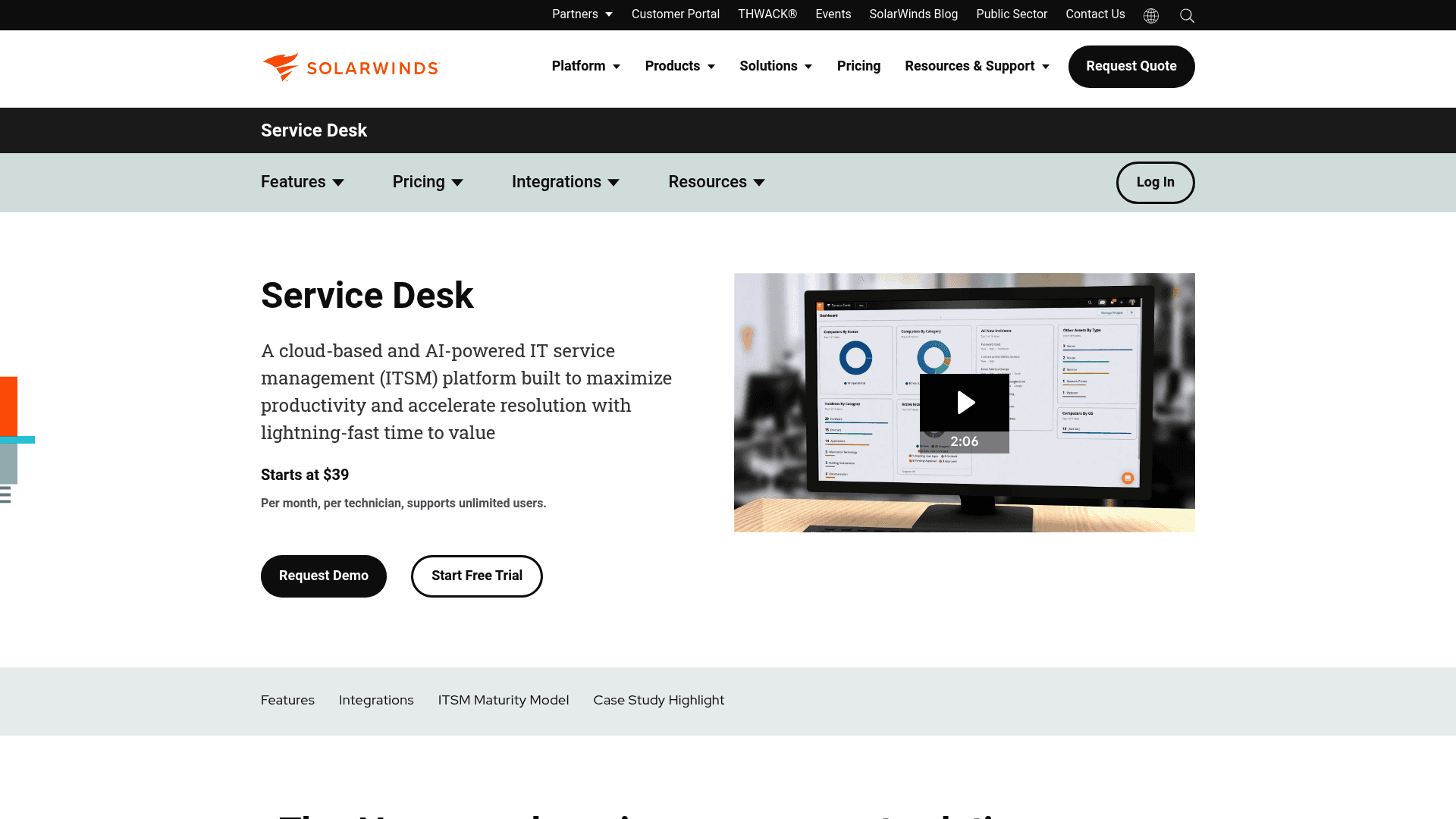
A screenshot of the SolarWinds Service Desk website, an all-in-one platform and one of the Best Software License Management Tools for Jira.
SolarWinds Service Desk is a comprehensive, AI-powered ITSM platform that includes incident management, a CMDB, and software asset management features. It also offers a solid integration with Jira, enabling data to flow between the two platforms.
Pros and Cons: The platform provides a complete view by connecting support tickets directly to asset data, which can provide context and lead to faster resolutions. Its automated asset discovery is also a strong feature. The main trade-off is that it’s an external ITSM solution. While it integrates with Jira, the asset database resides outside of it, which may feel less integrated for teams who prefer to do everything within the Atlassian environment. It is also a larger investment than a simple Marketplace app.
Pricing:
It's a subscription-based service that starts at $39 per technician per month, and it supports unlimited end users.
Why it's on the list: It's a good option for teams who want a powerful, all-in-one ITSM solution that has strong asset and license management features and can connect to their existing Jira Software projects.
How to choose a software license management tool for Jira
Here are a few practical tips to help you pick the right tool for your team.
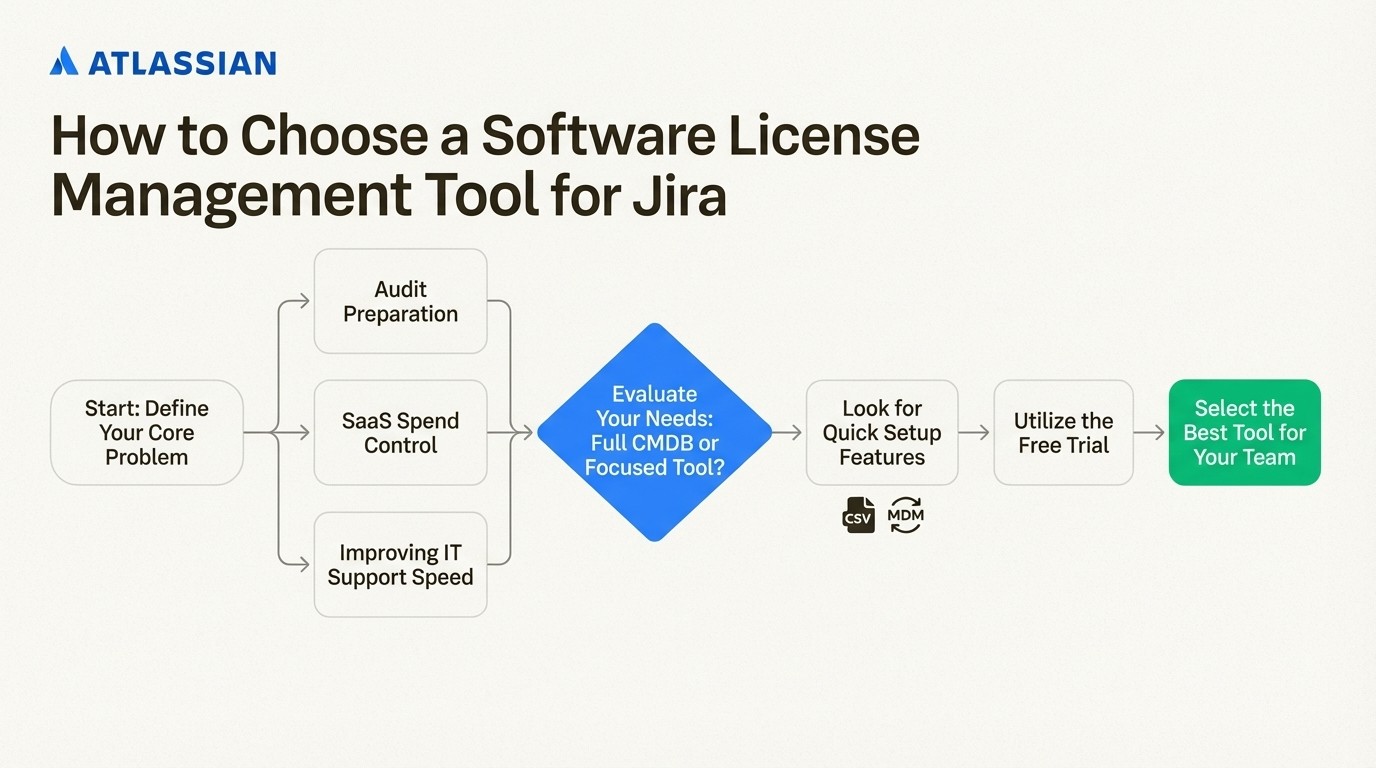
A step-by-step infographic on selecting one of the Best Software License Management Tools for Jira, from defining the problem to using a free trial.
Start with your core problem. What is the main issue you are trying to solve? Is it audit preparation, controlling SaaS spending, or providing your support team with better information? If your main goal is to add asset context to Jira tickets for faster ticket resolution, then a native tool like Asset Management for Jira might be a suitable choice.
Evaluate your needs. A large-scale CMDB is powerful, but a more focused tool might meet your requirements if you only need to track licenses and hardware. Consider if a simpler solution can meet your needs at a lower cost and with less complexity.
Look for a quick setup. A tool that is easy to implement can provide value sooner. A solution that offers a simple CSV import and MDM syncs can be operational quickly, delivering a return on investment within the first month.
Always use the free trial. The best way to determine if a tool will work for your team is to try it. Test the key functions you'll use daily, like assigning a license, linking an asset to a ticket, and running a compliance report.
For a more detailed look at how one of the most powerful native options, Assets in Jira Service Management, works in practice, the following tutorial provides a helpful walkthrough of its core features and configuration.
This tutorial provides a helpful walkthrough of core features and configuration for Assets in Jira Service Management.
Choosing the right software license management tool for Jira
Choosing the right software license management tool can turn a reactive process into a proactive strategy for saving money and time.
The key is finding a solution that fits your specific needs, whether that’s an all-in-one platform, a specialized cost-saving utility, or something in between.
For teams looking for a native way to manage licenses and assets within Jira, a tool like Asset Management for Jira is one option to consider. You can explore its features by starting a free 30-day trial to see how it can help manage costs and IT support.



